Help Center Store
Add a product to your store
Add a product by hand: its code, name, category, description, pictures, price (and a sale price), weight and stock, plus a longer description, content only buyers receive, and the switches for shipping and visibility.
Watch it done: a short silent video with captions · 2:59. The steps below show the same thing picture by picture.
Before you start
- Log in as the site owner.
- Open ADMIN › eCommerce and click the Products tab.
Start a new product
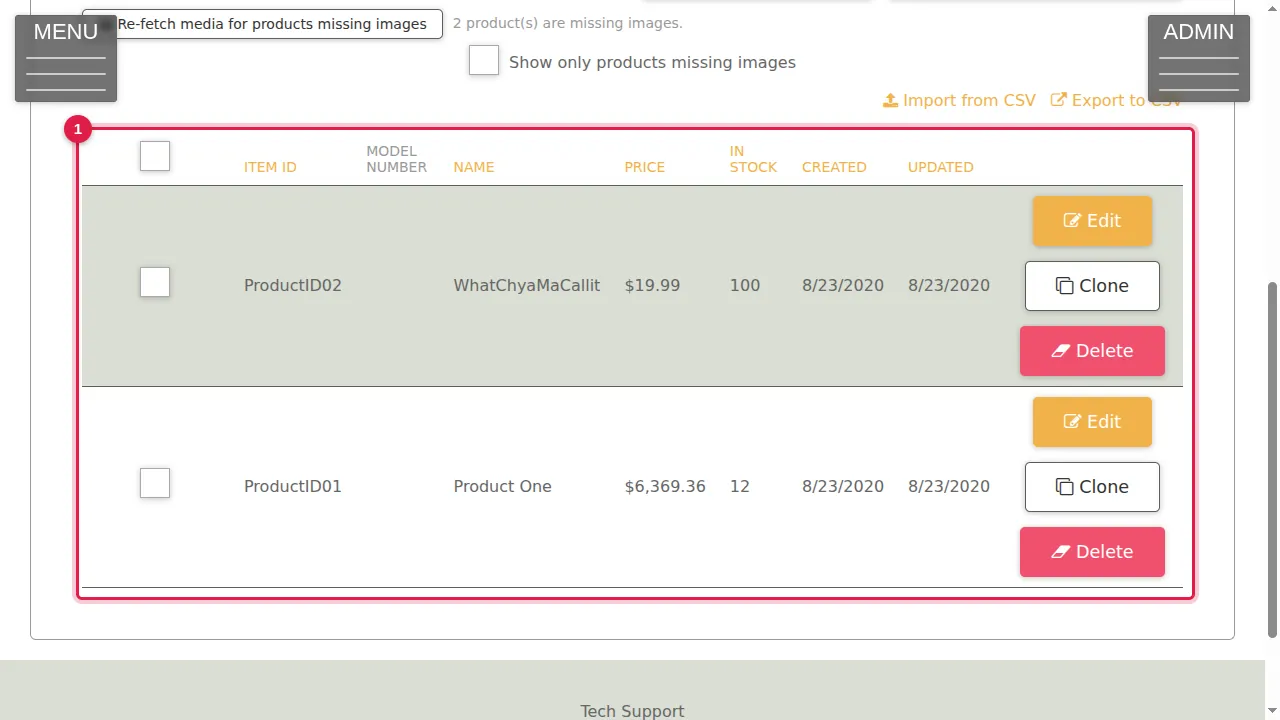
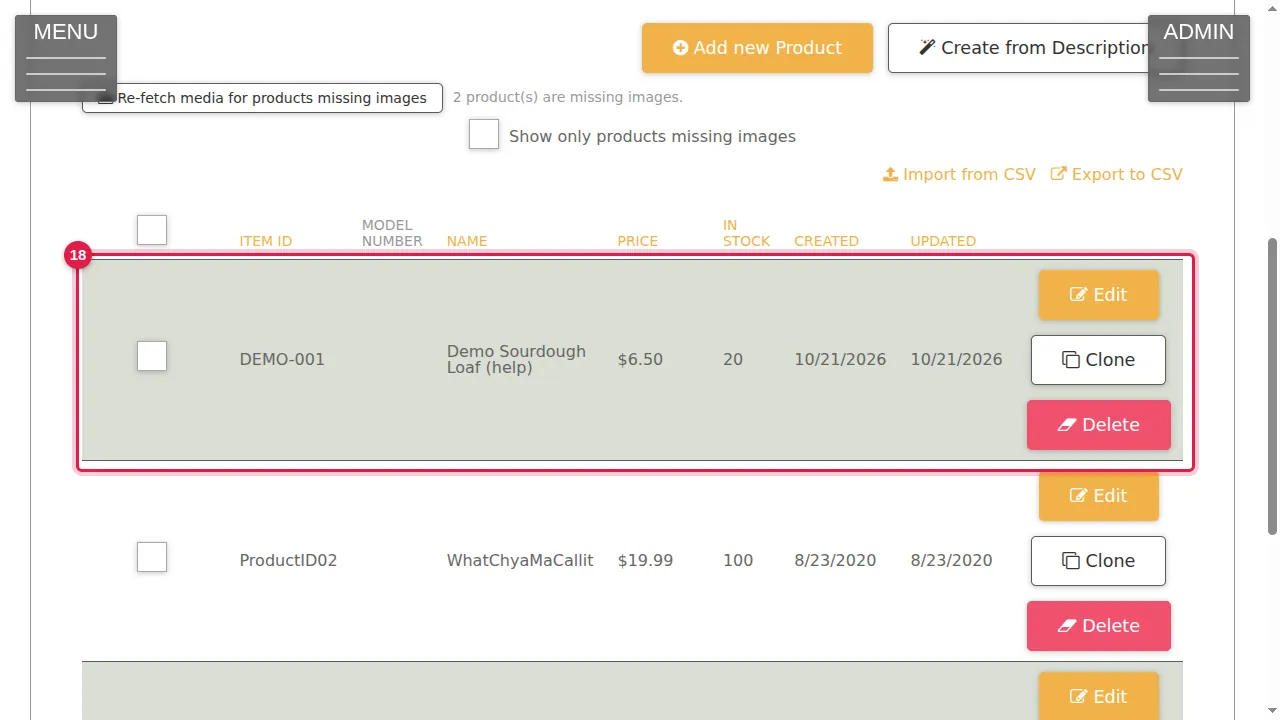
Step 1. The Products tab lists your products with their Item ID, model number, name, price and stock.
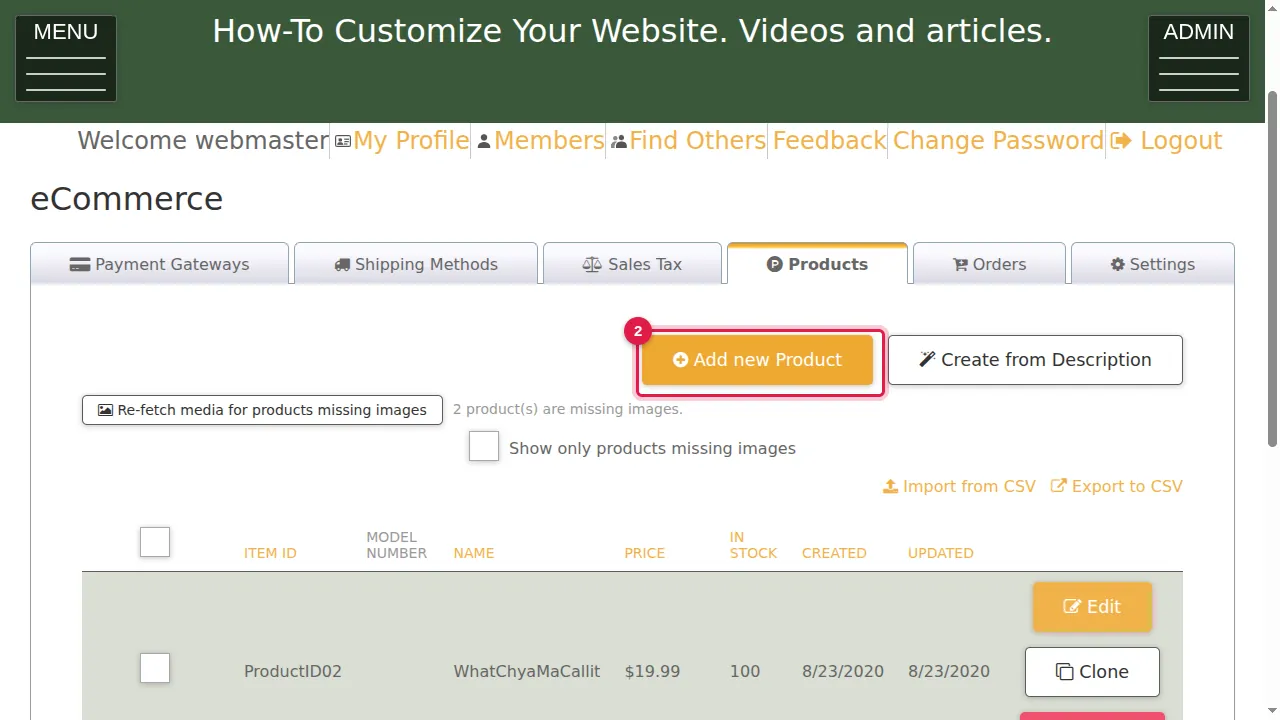
Step 2. Click Add new Product.
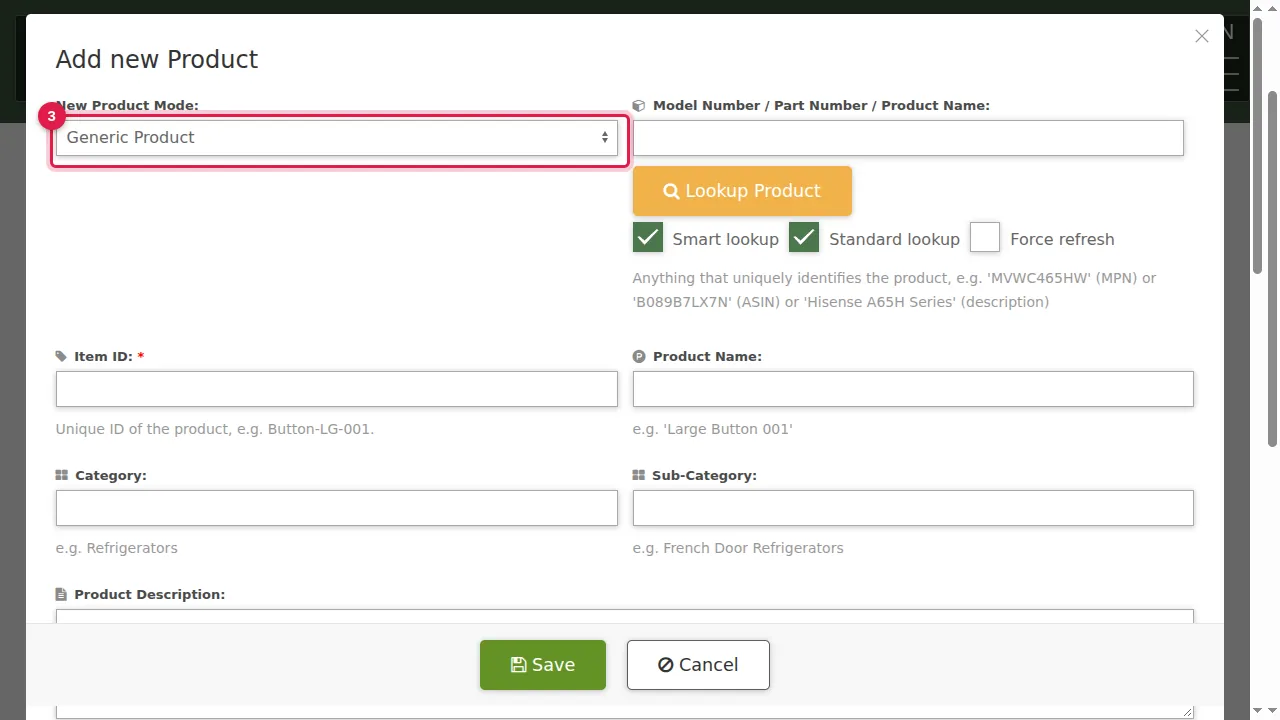
Step 3. New Product Mode: Generic Product, or Digital Audio Album for music.
Name and description
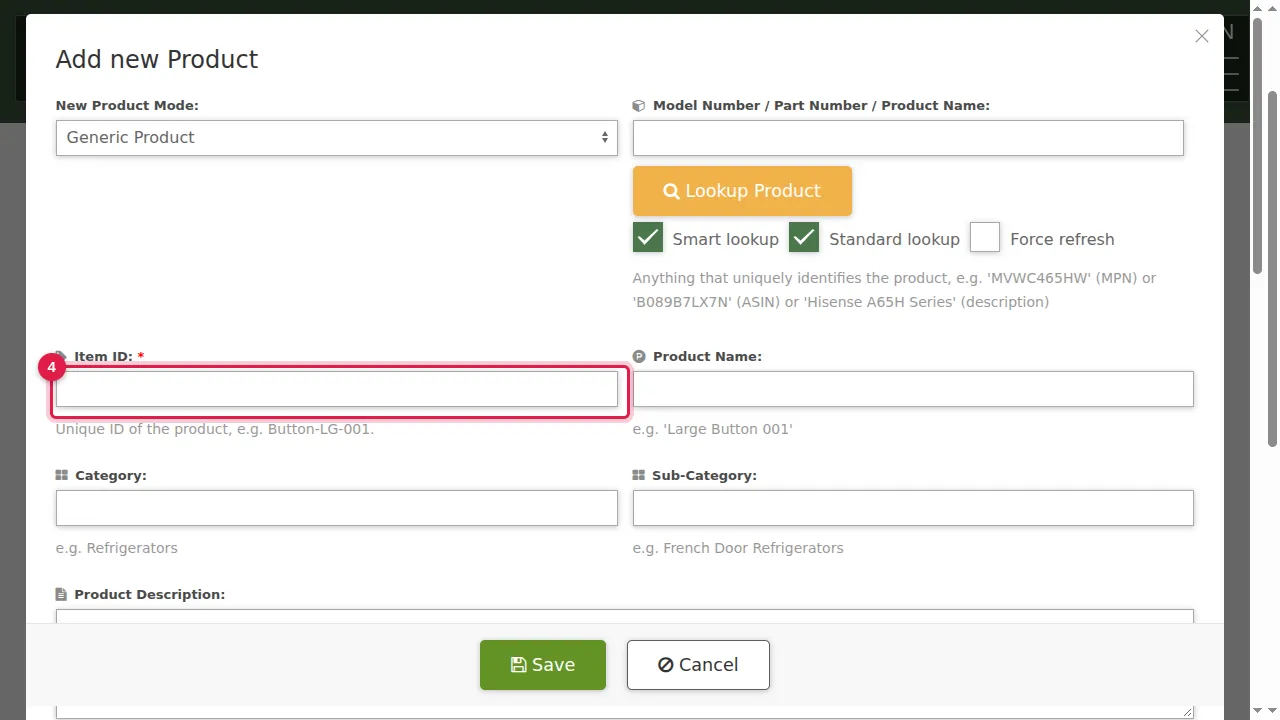
Step 4. Item ID: your own unique code for the product, for example BREAD-001. It is required.
Step 5. Product Name.
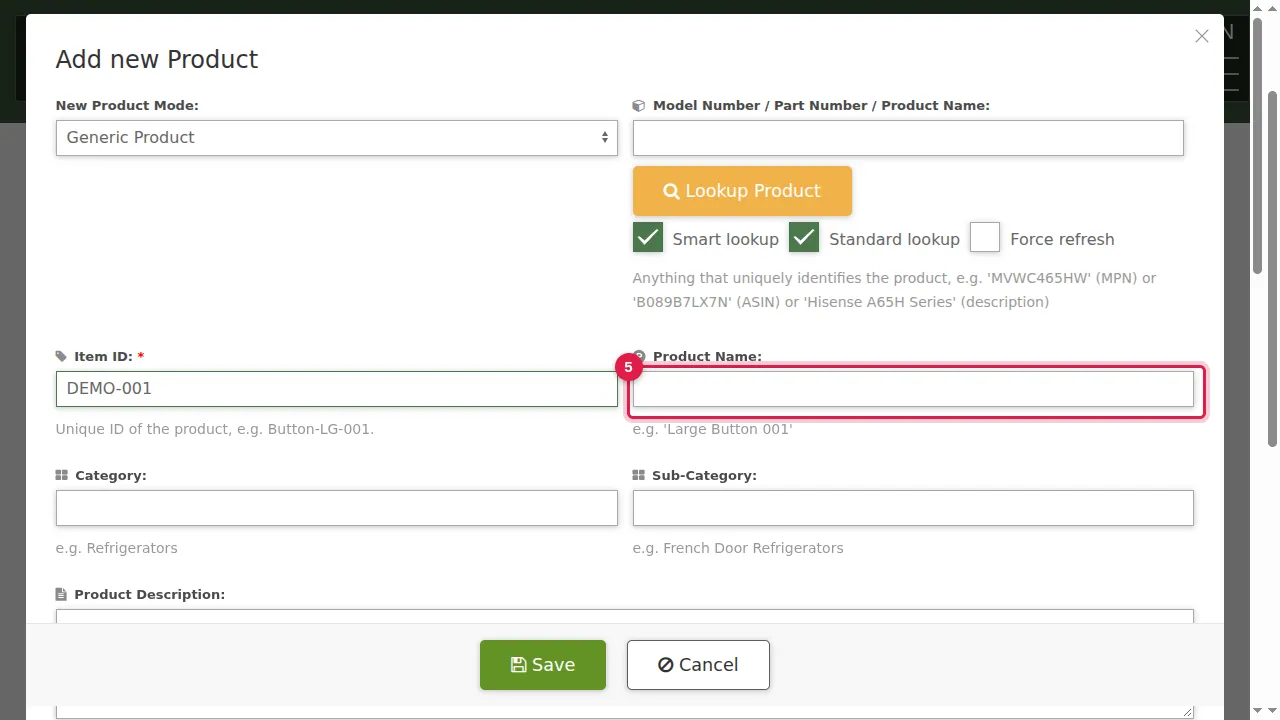
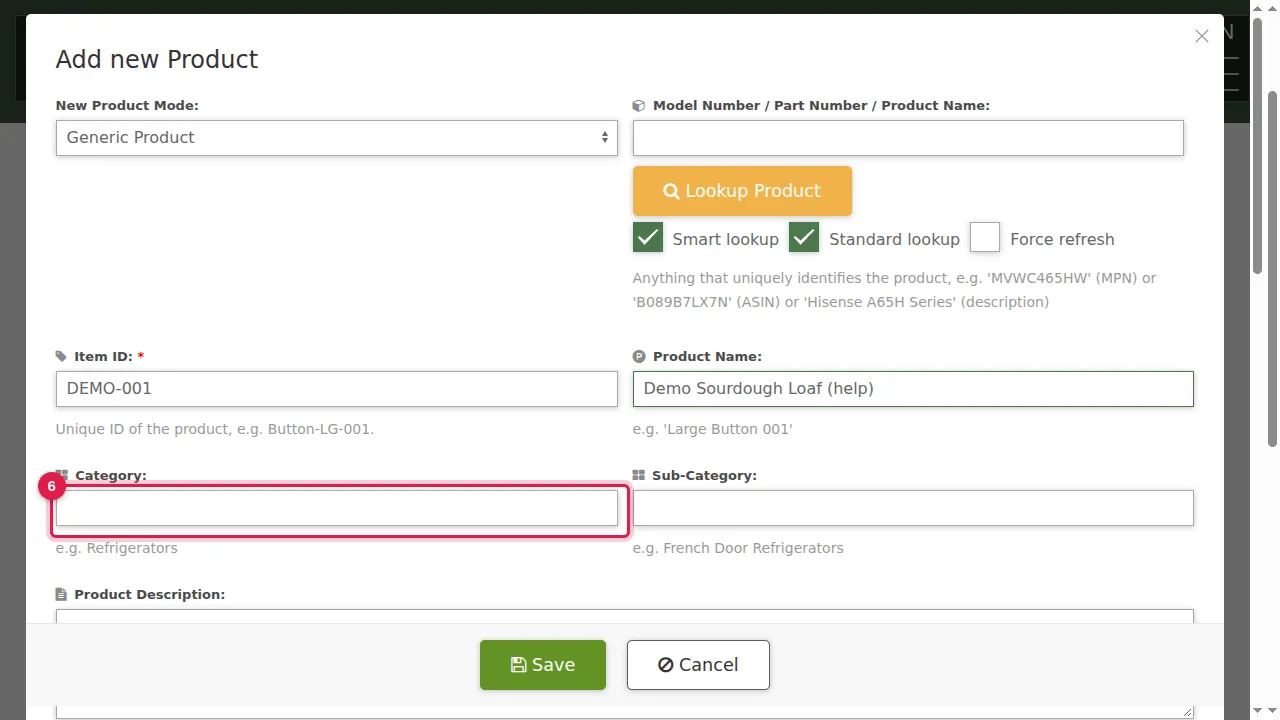
Step 6. Category and Sub-Category group your products; visitors can filter the store by category.
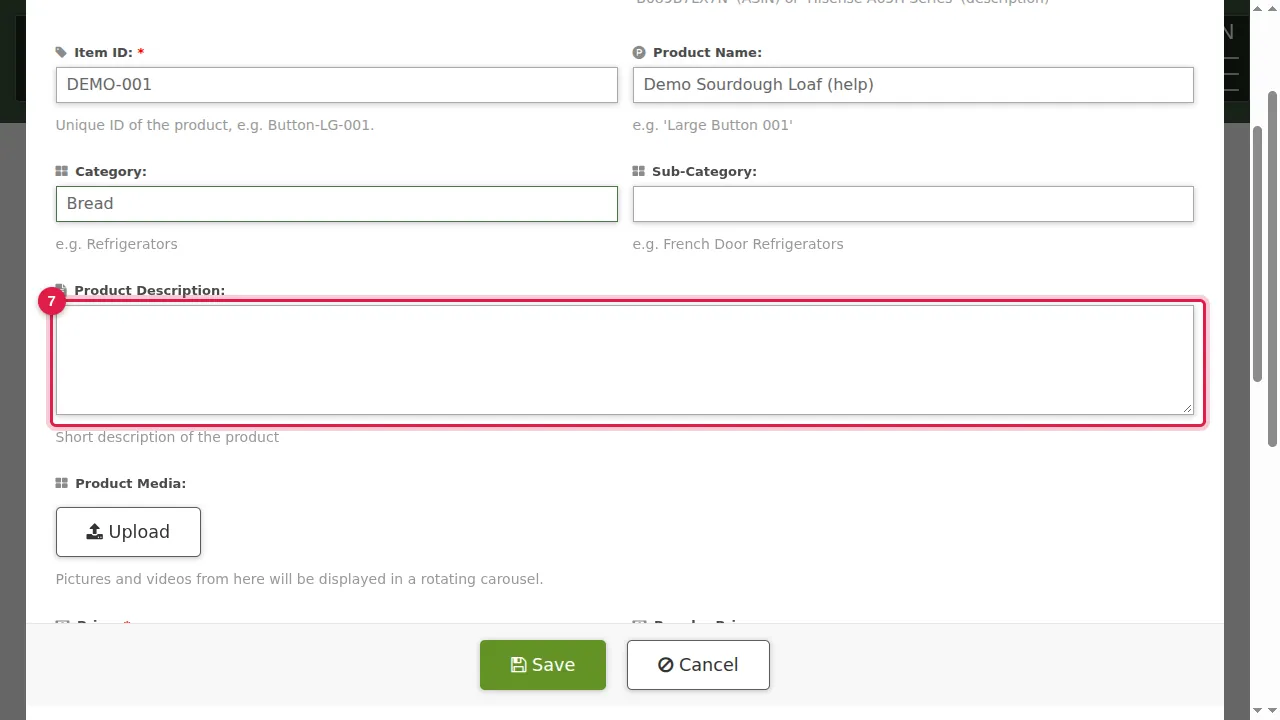
Step 7. Product Description: a short description.
Pictures
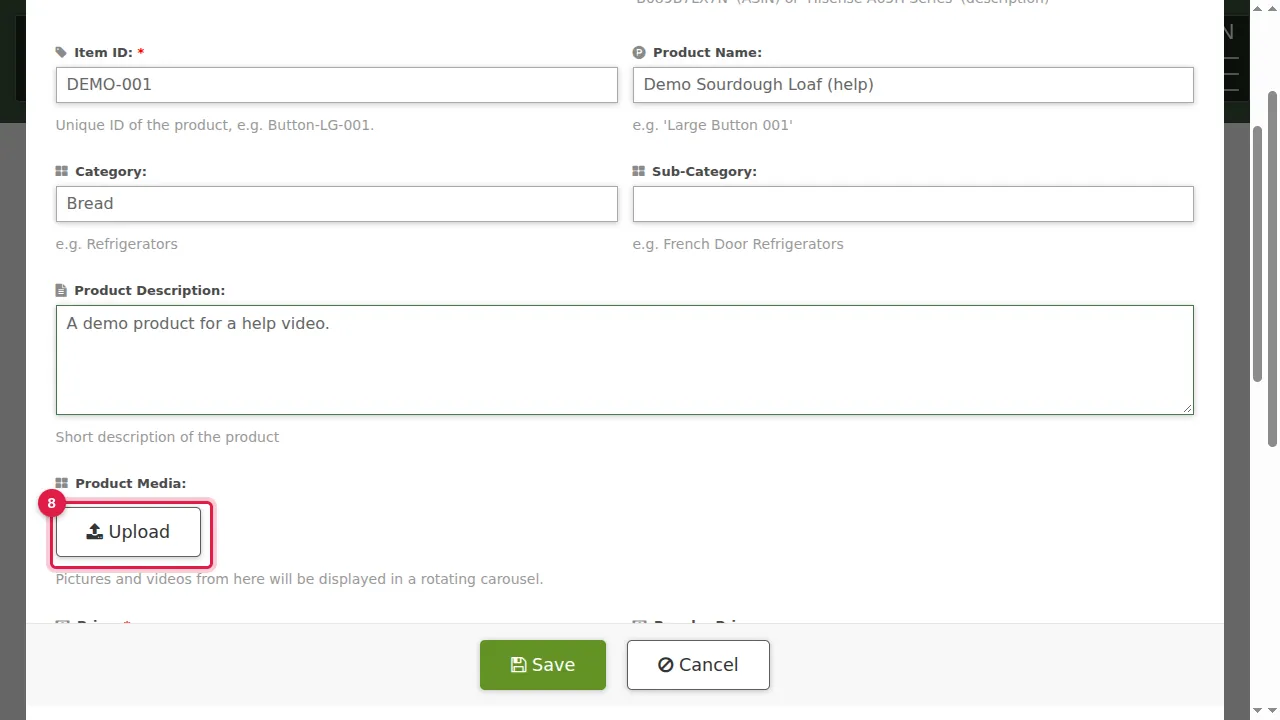
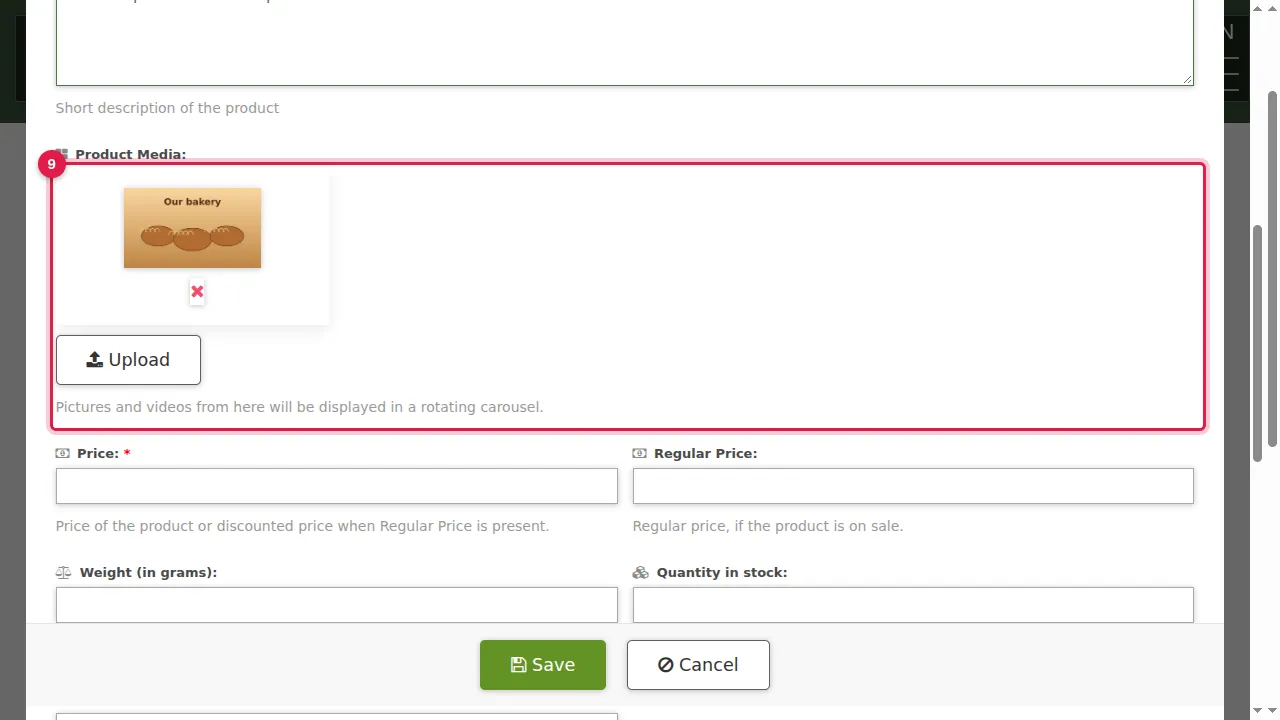
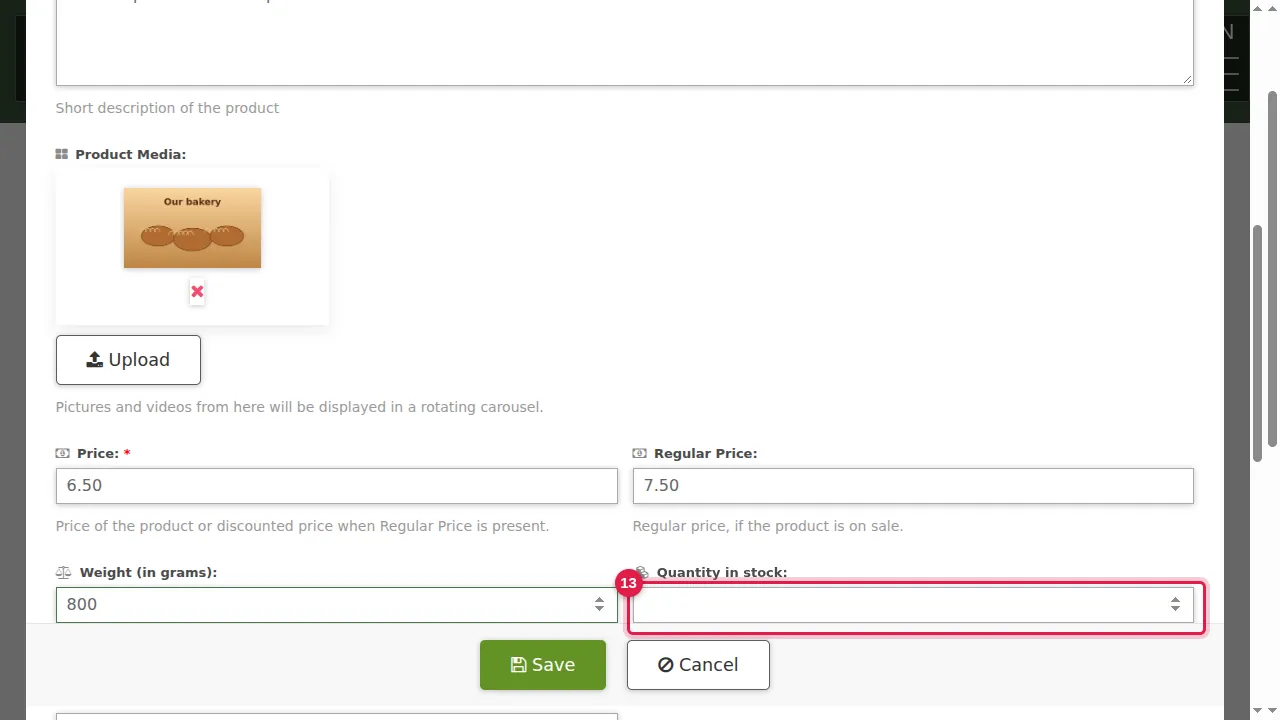
Step 8. Product Media: click Upload and choose pictures or videos from your computer.
Step 9. They are added here (the red × removes one) and show in a rotating carousel on the product.
Price, weight and stock
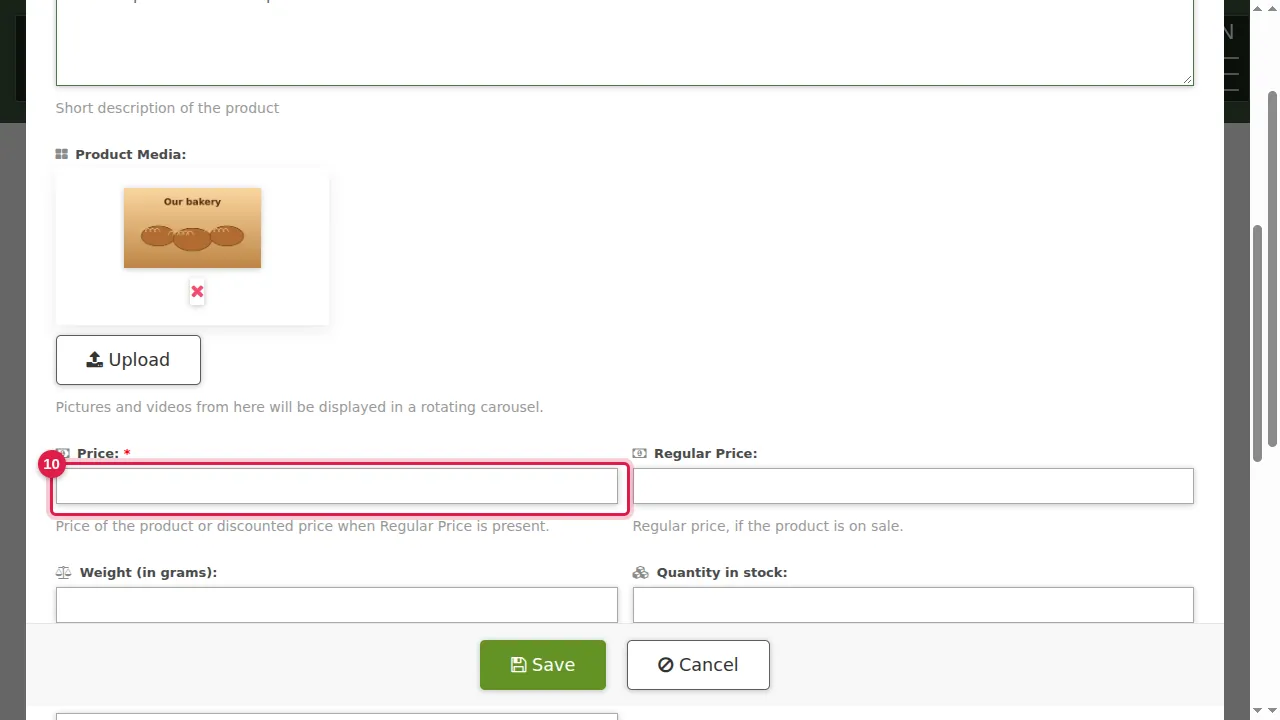
Step 10. Price: what customers pay.
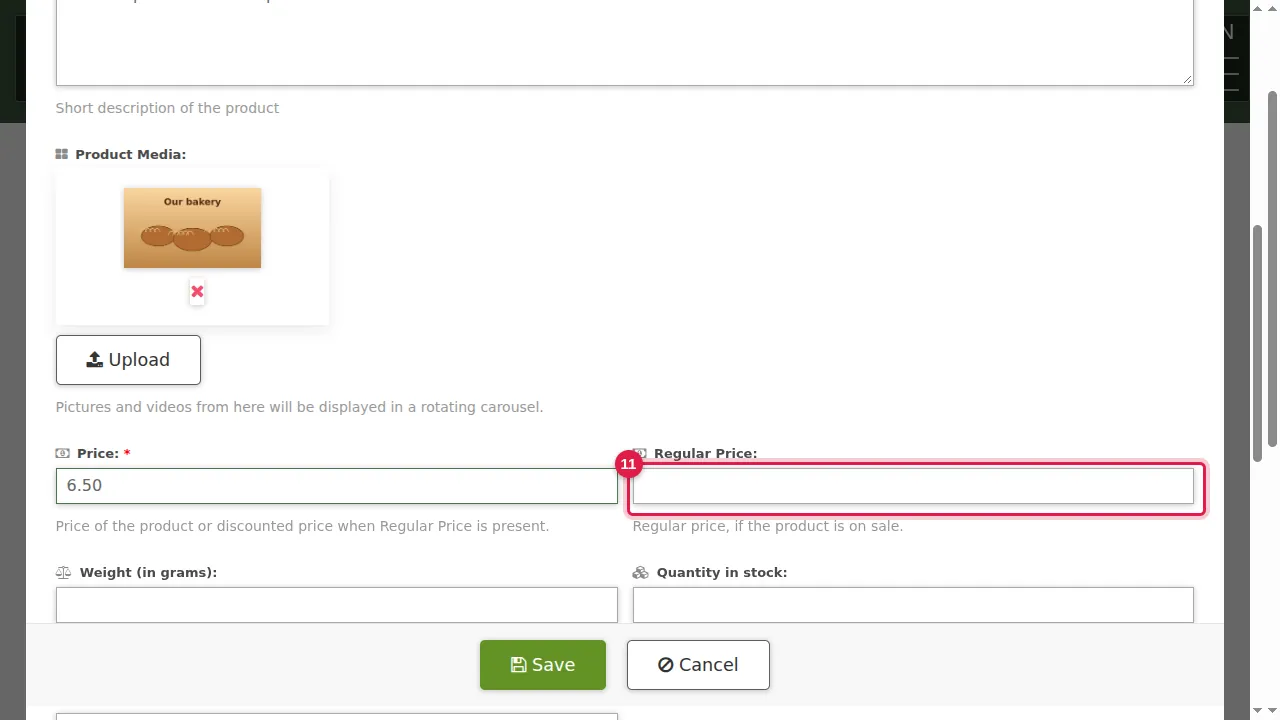
Step 11. Regular Price: fill it in only when the product is on sale. The store then shows the regular price crossed out and a SALE label.
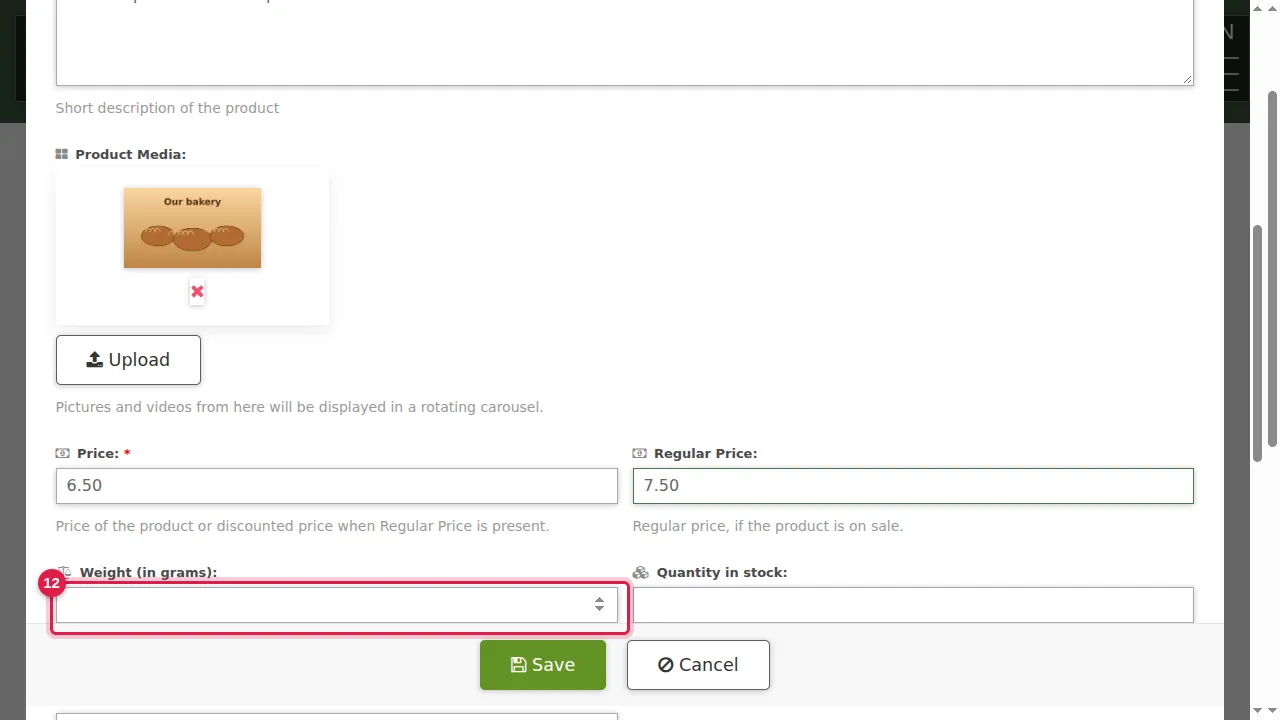
Step 12. Weight in grams, used when shipping is based on weight.
Step 13. Quantity in stock, if you want to track it. Brand is below it.
More information and options
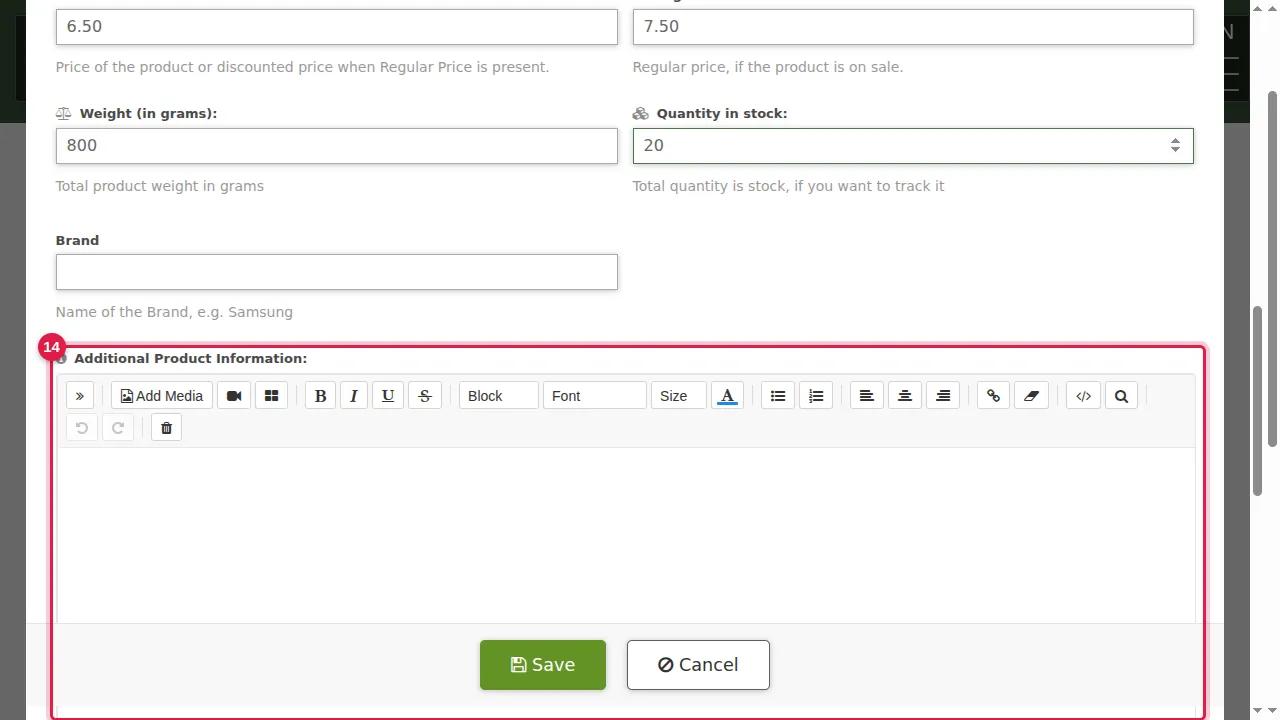
Step 14. Additional Product Information: a longer text in the editor, for example specifications or a product video.
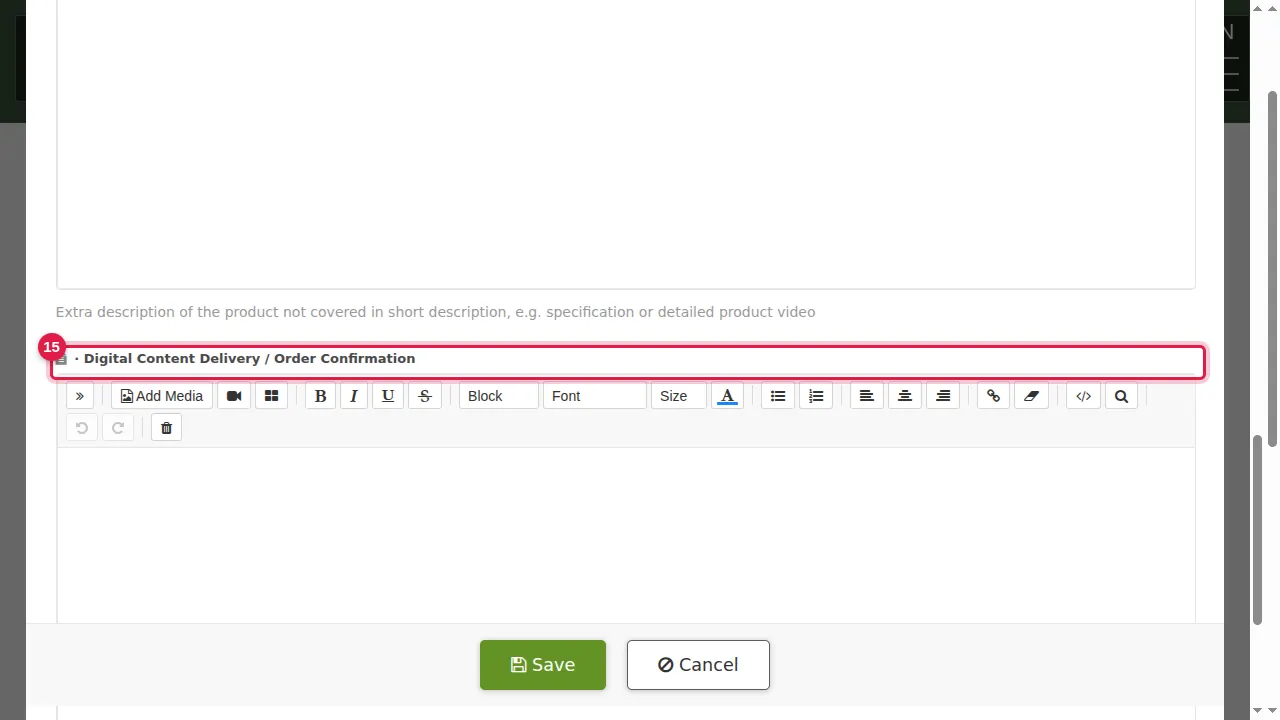
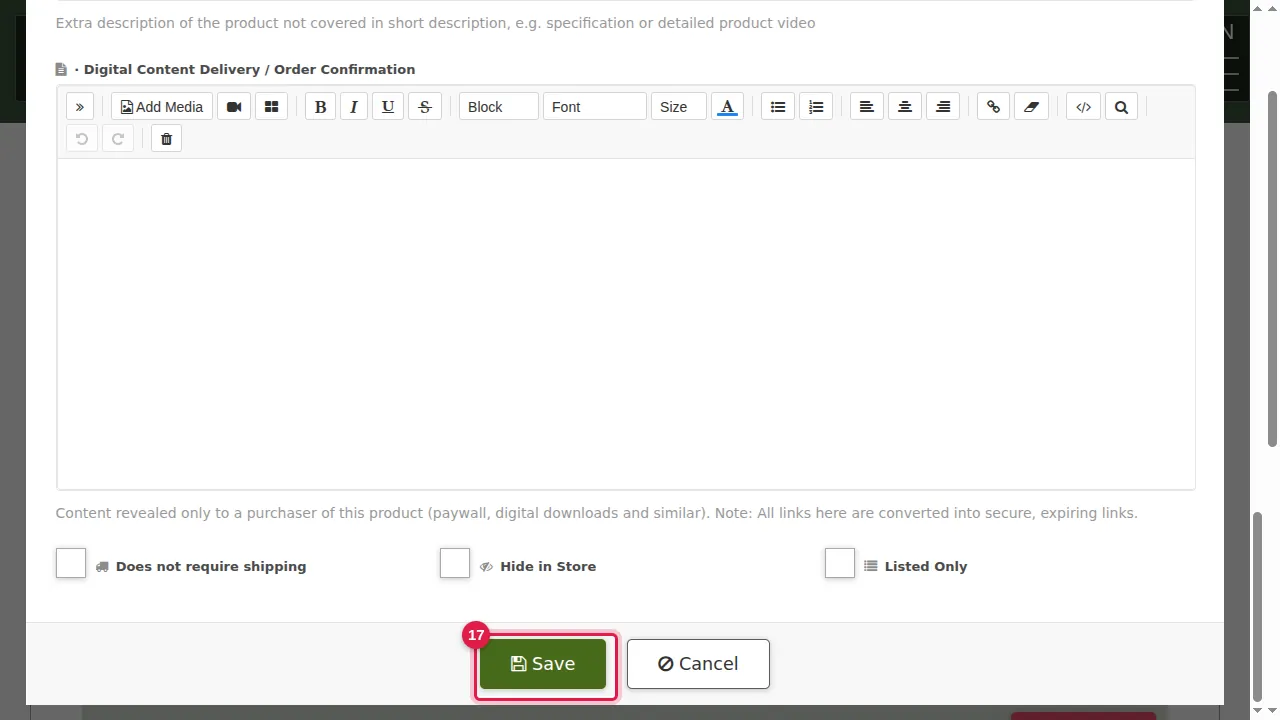
Step 15. Digital Content Delivery / Order Confirmation: content only a buyer receives, such as a download link. Its links are turned into secure, expiring links.
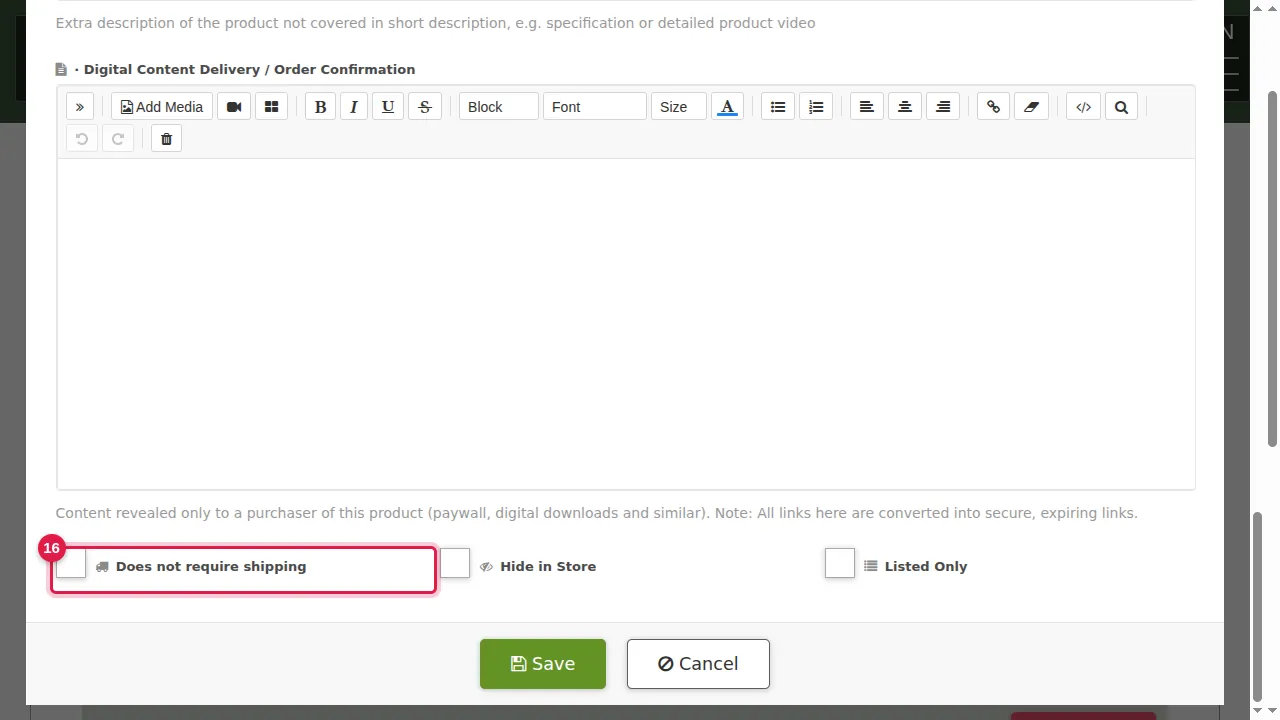
Step 16. Does not require shipping (for services and downloads), Hide in Store, and Listed Only.
Save and look
Step 17. Click Save.
Step 18. The product is in the list, with Edit, Clone and Delete.
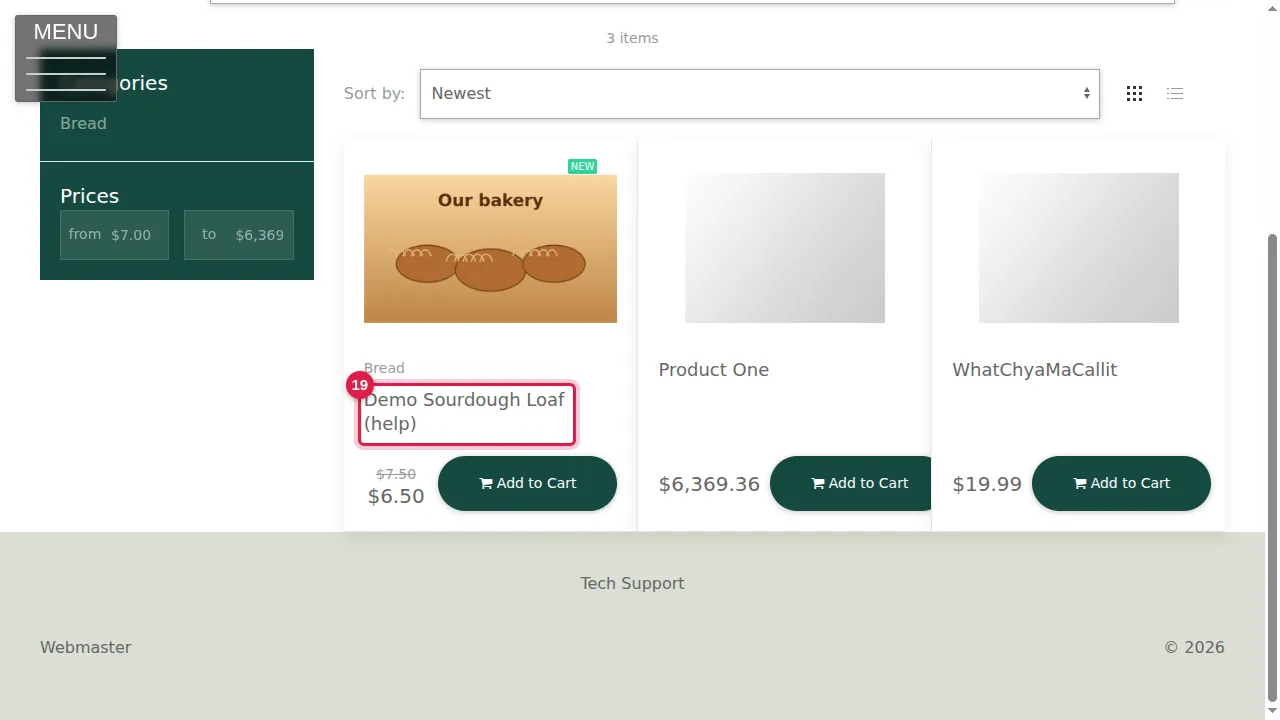
Step 19. Your visitors see it in your store, with its picture, the sale price and Add to Cart.
Check it worked
Open your store in a private window: the product is there with the right price and picture.
Good to know
- Selling many similar products? Clone one and change only what differs.
Related help
Shown on the 2026 version of the SoNET Web Engine. Last checked 21 October 2026. Something different on your screen? Tell us through the Contact page.