Help Center Look & Design
Spacing: margins, gutters and page width
The Template Kit's Spacing tab sets the margins, the gaps between columns, how wide page content gets and the space around each section, for the whole site.
Watch it done: a short silent video with captions · 0:41. The steps below show the same thing picture by picture.
Before you start
- Log in as the site owner.
- Open ADMIN › Template Kit.
The spacing settings
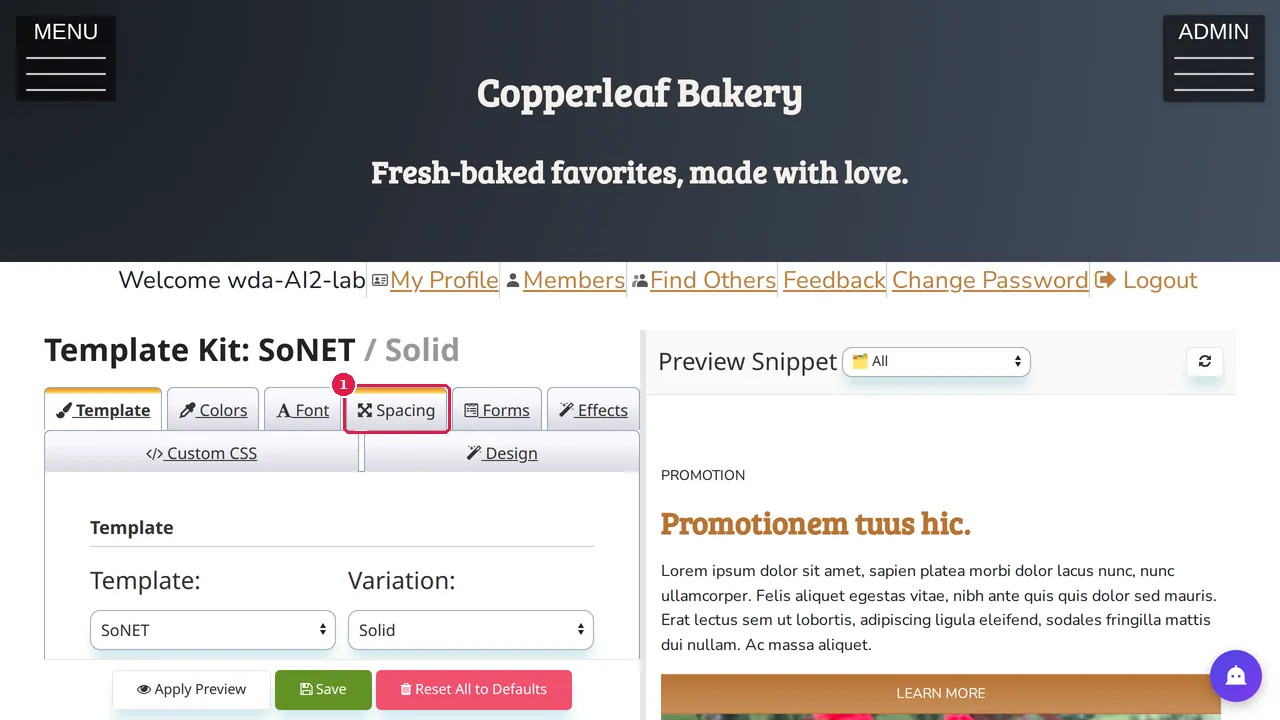
Step 1. In the Template Kit, open the Spacing tab. It is there when your template has spacing settings; some templates do not show it.
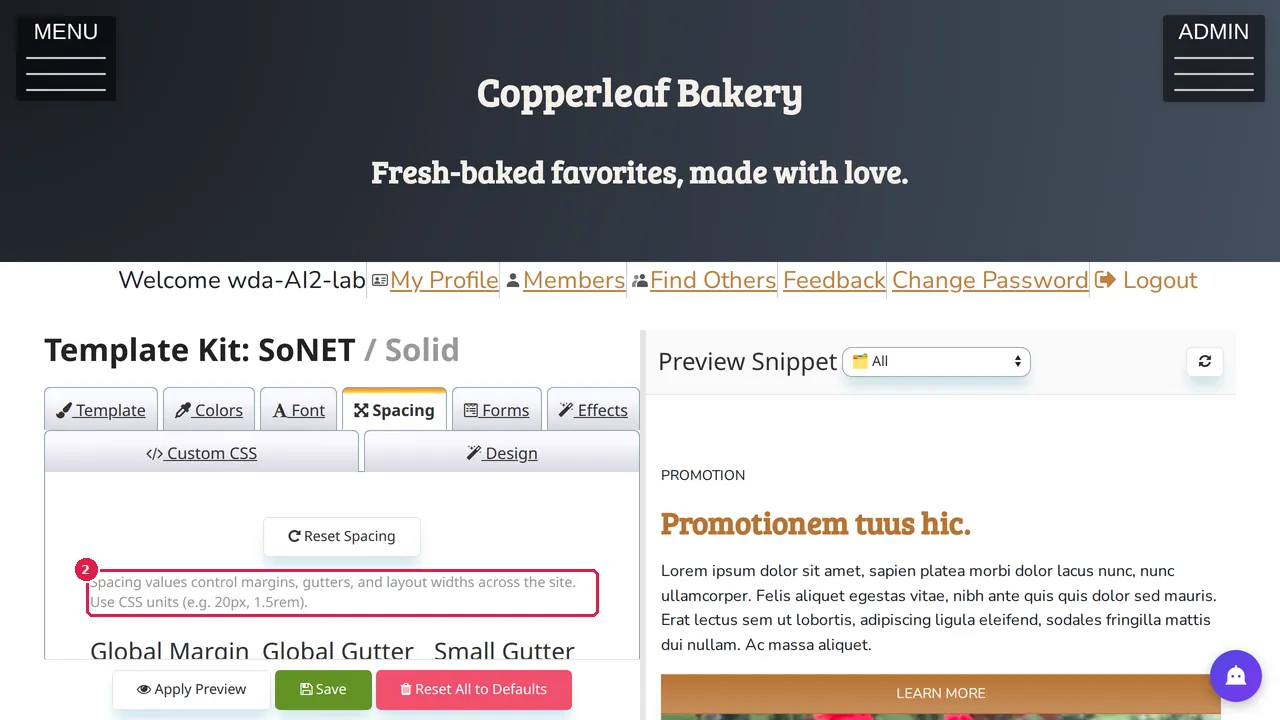
Step 2. Spacing values control margins, gutters and layout widths across the whole site. Type them in CSS units, for example 20px or 1.5rem.
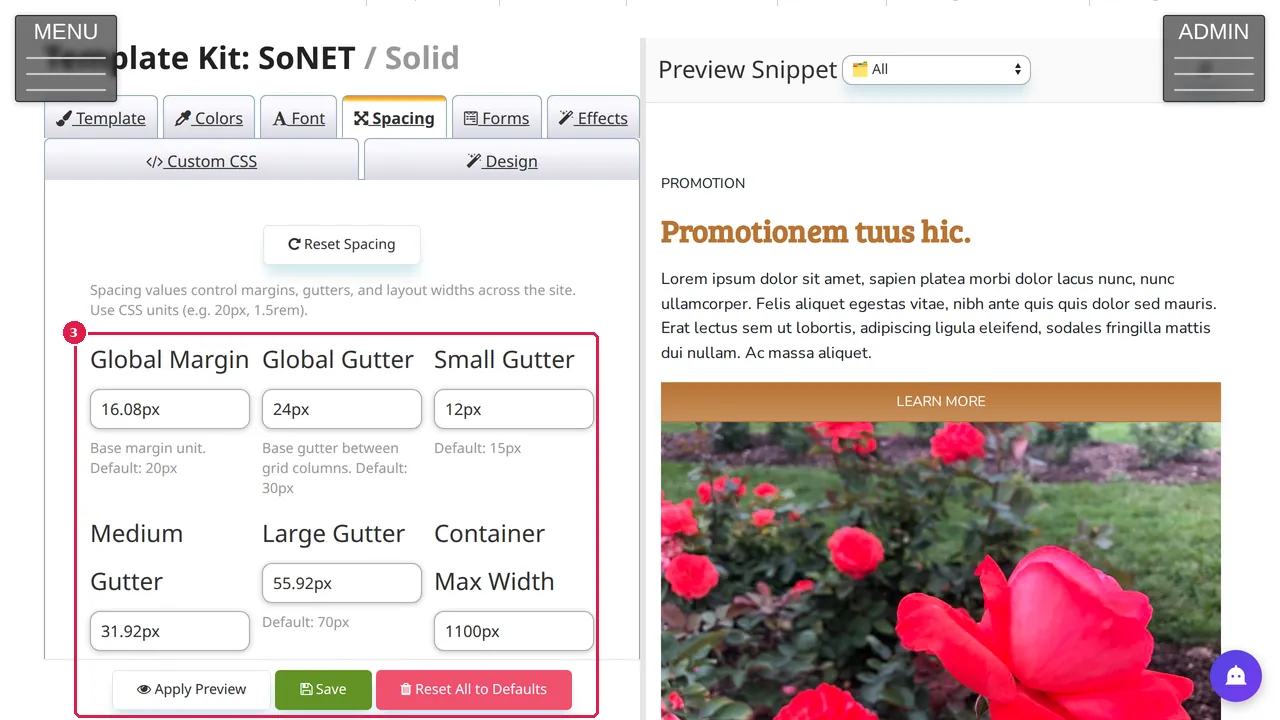
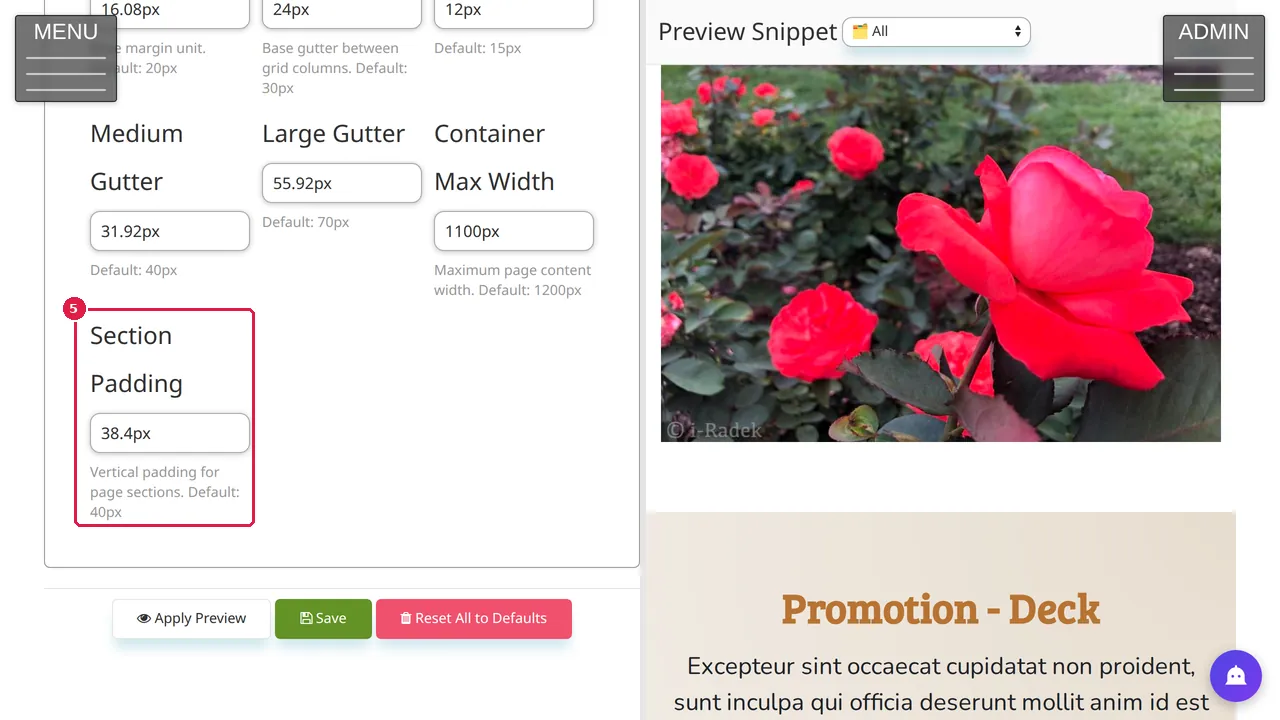
Step 3. Global Margin is the base margin; Global Gutter is the gap between columns, with Small, Medium and Large gutters beside it. Under each field you see its default.
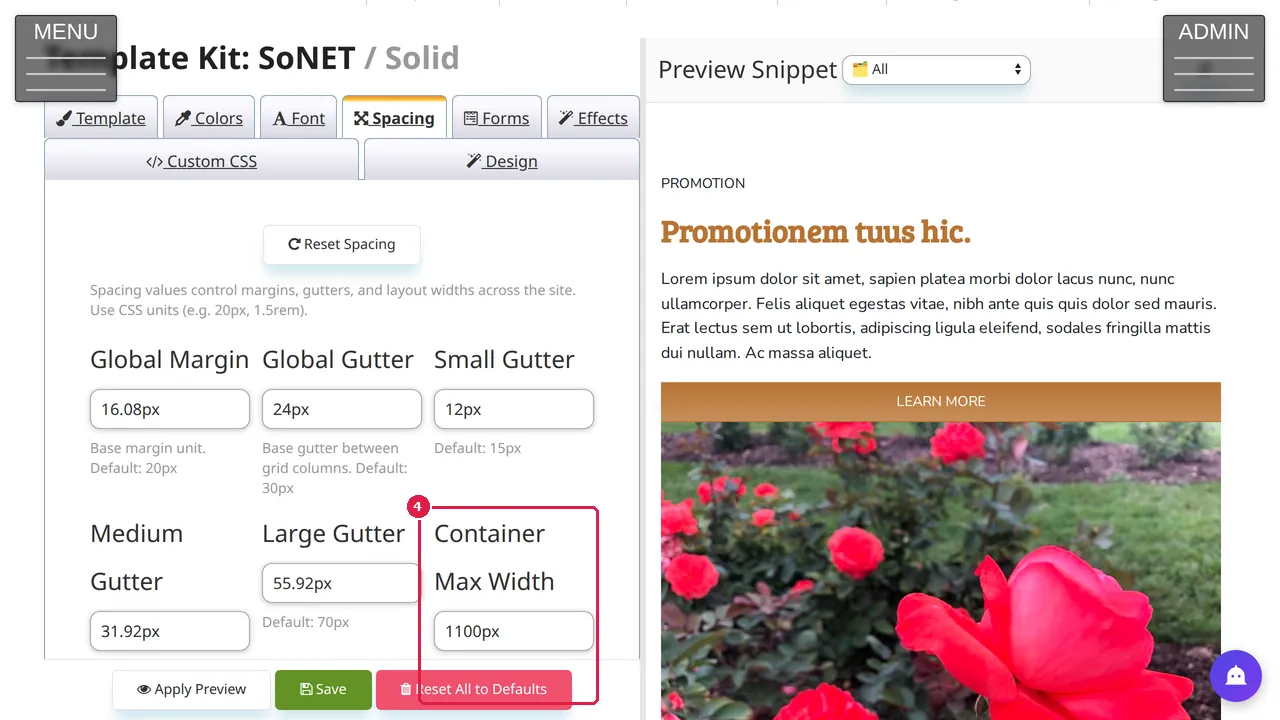
Step 4. Container Max Width: the widest your page content gets (default 1200px).
Step 5. Section Padding: the space above and below each page section (default 40px).
Try and keep a change
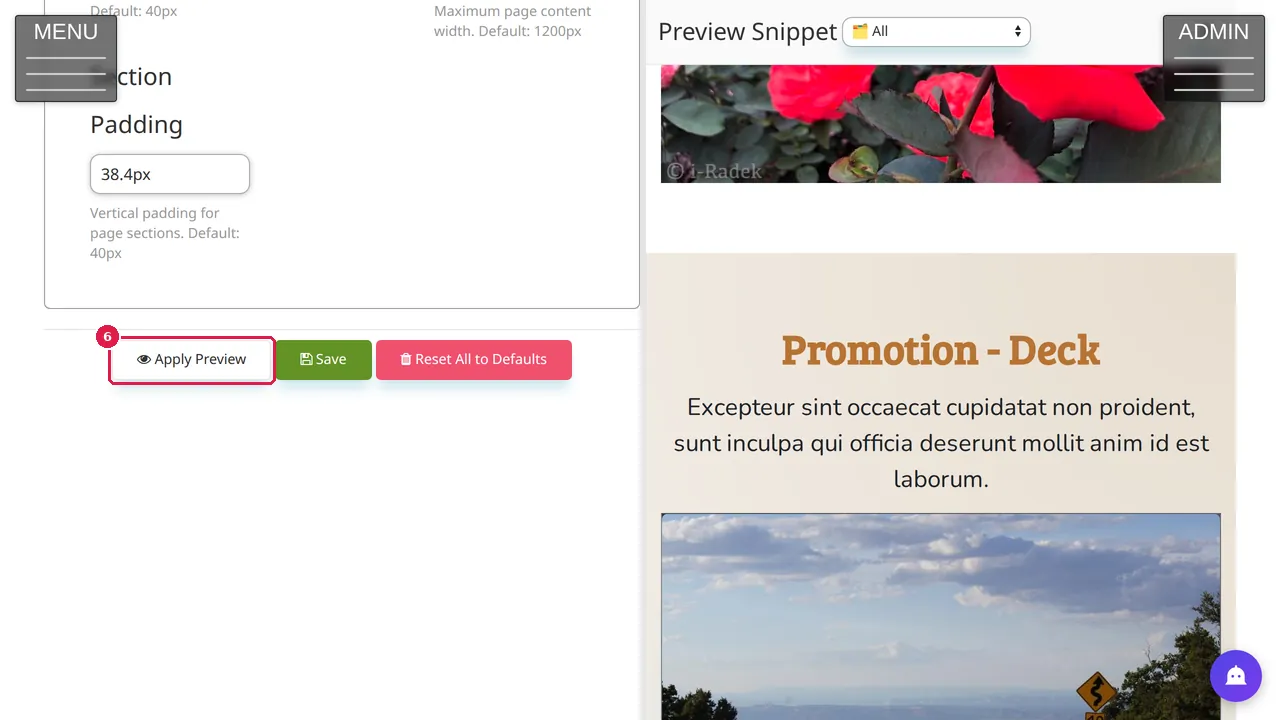
Step 6. Change a value and click Apply Preview to see it on the right, then Save to keep it. Reset Spacing puts the template's own values back. (Nothing was changed in this demonstration.)
Check it worked
After saving, open a few pages on your phone and on a computer: text must not touch the edges, and sections must not run into each other.
Good to know
- Change one value at a time and look at the preview before you save.
Related help
Shown on the 2026 version of the SoNET Web Engine. Last checked 11 November 2026. Something different on your screen? Tell us through the Contact page.