Help Center Store
Show products on any page
Show some of your products on any page with the Product Gallery widget: choose a category or keyword, how many products, how many columns, the order, and whether to show the description, price and Add to Cart.
Watch it done: a short silent video with captions · 1:34. The steps below show the same thing picture by picture.
Before you start
- Log in as the site owner.
- Have products in your store (see Add a product).
- Open the page that should show them.
Add the widget
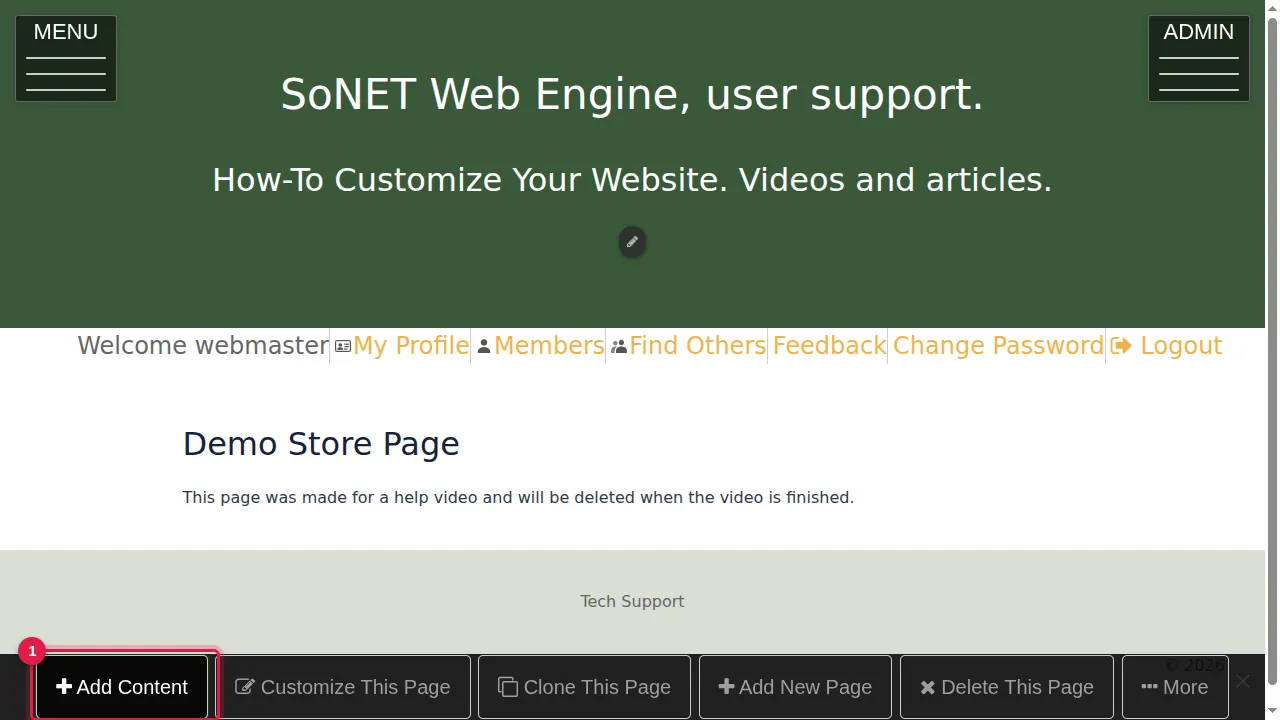
Step 1. On the page, click Add Content in the bar at the bottom.
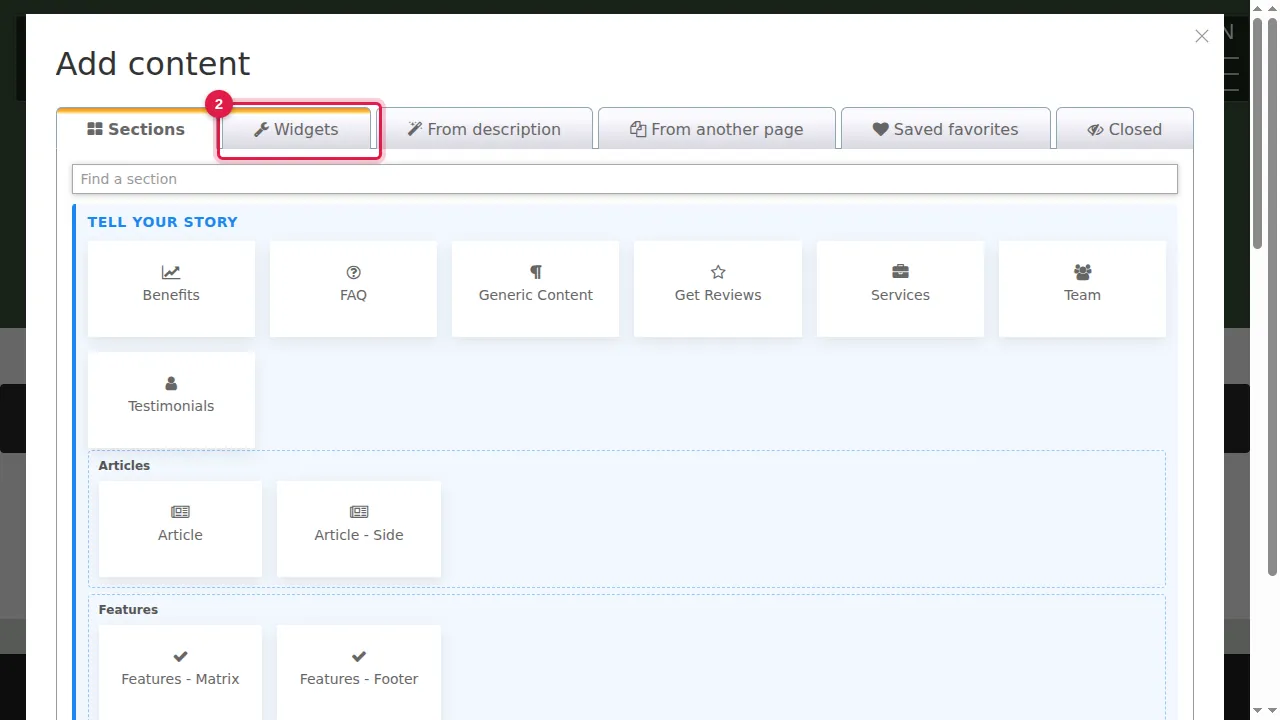
Step 2. Open the Widgets tab.
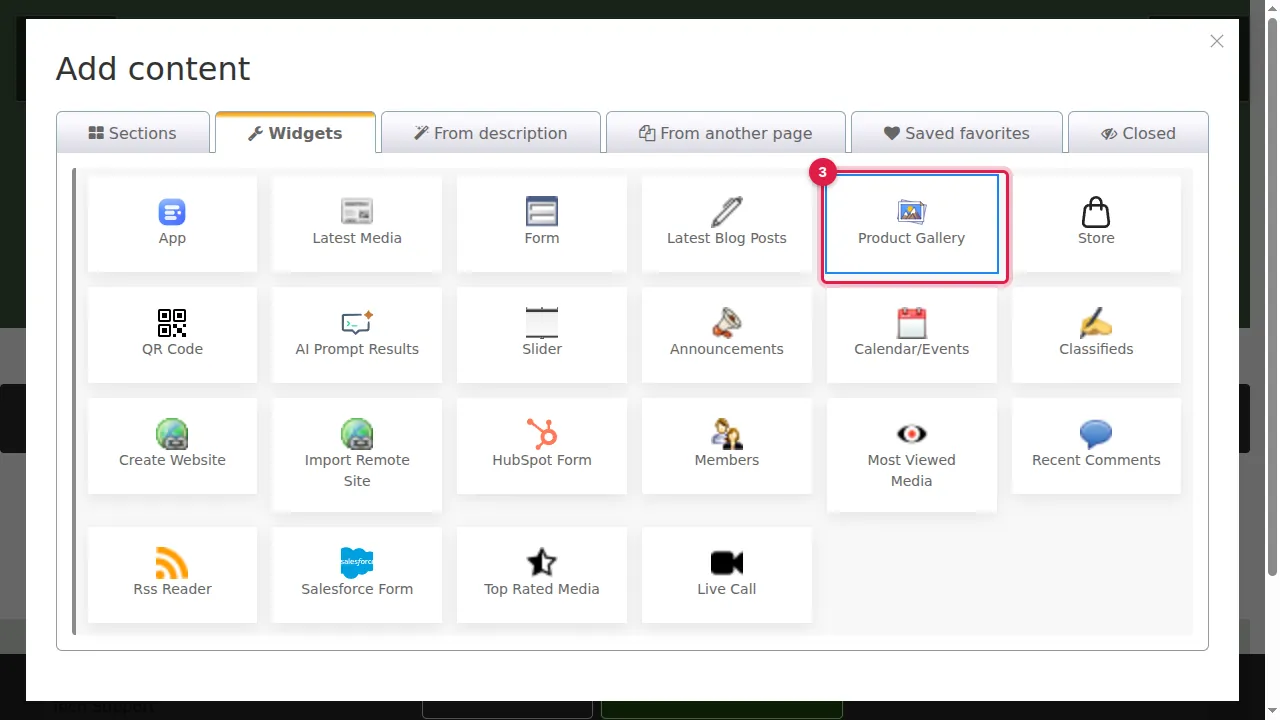
Step 3. Click Product Gallery. (The Store widget next to it is another way to bring your store onto a page.)
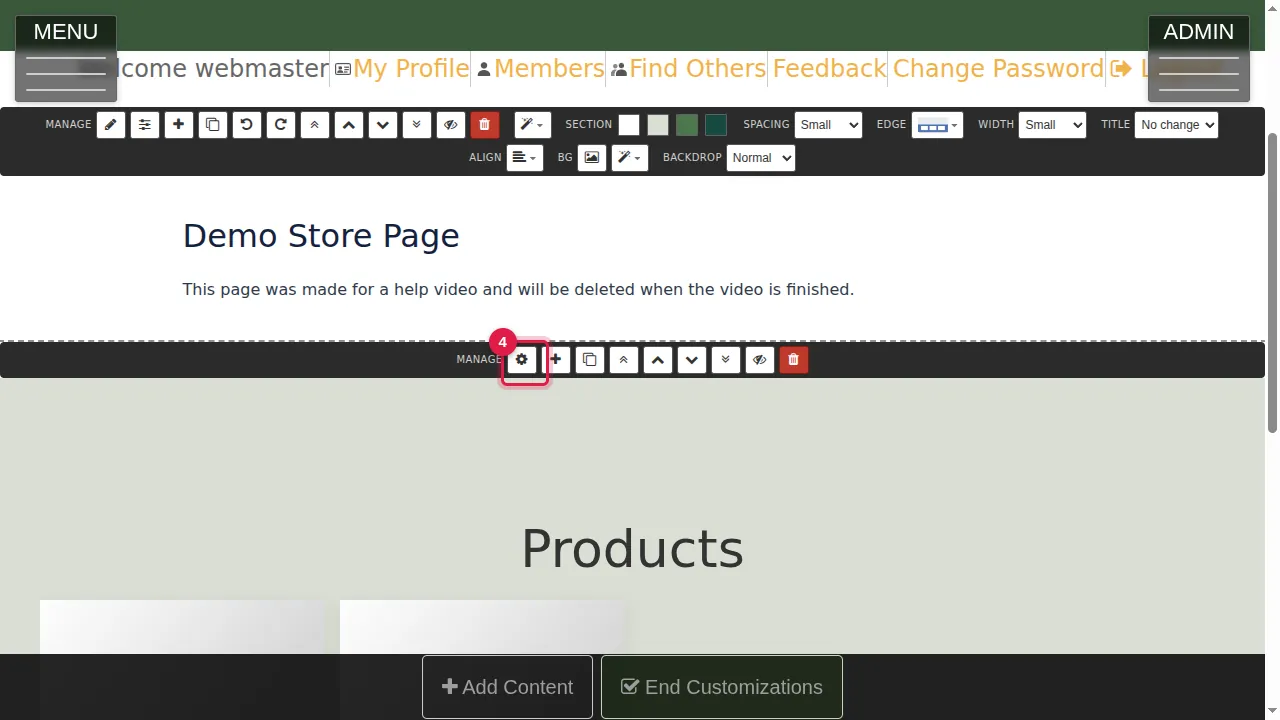
Step 4. The gallery is added at the bottom of the page. Click its gear to set it up.
Its settings
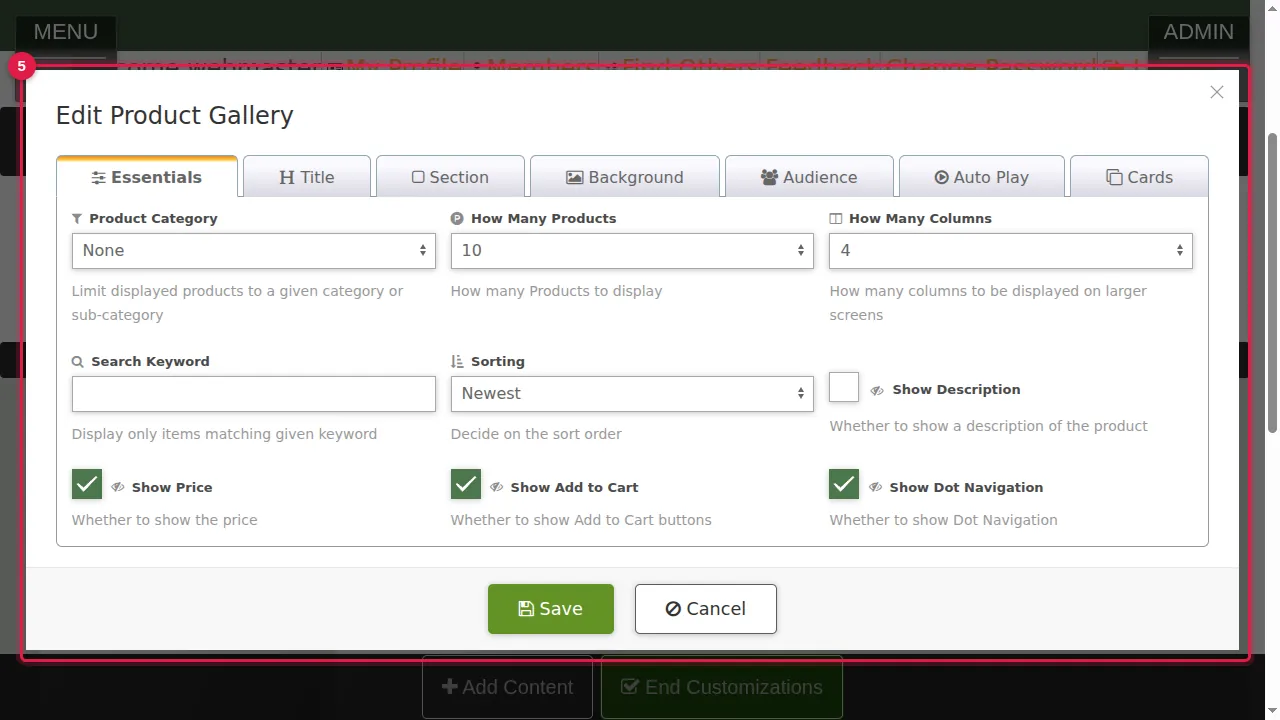
Step 5. Essentials: Product Category limits it to one category or sub-category; How Many Products and How Many Columns set its size; Search Keyword shows only matching products; Sorting sets the order (here Newest); and switches for Show Description, Show Price, Show Add to Cart and Show Dot Navigation. More tabs: Title, Section, Background, Audience, Auto Play and Cards.
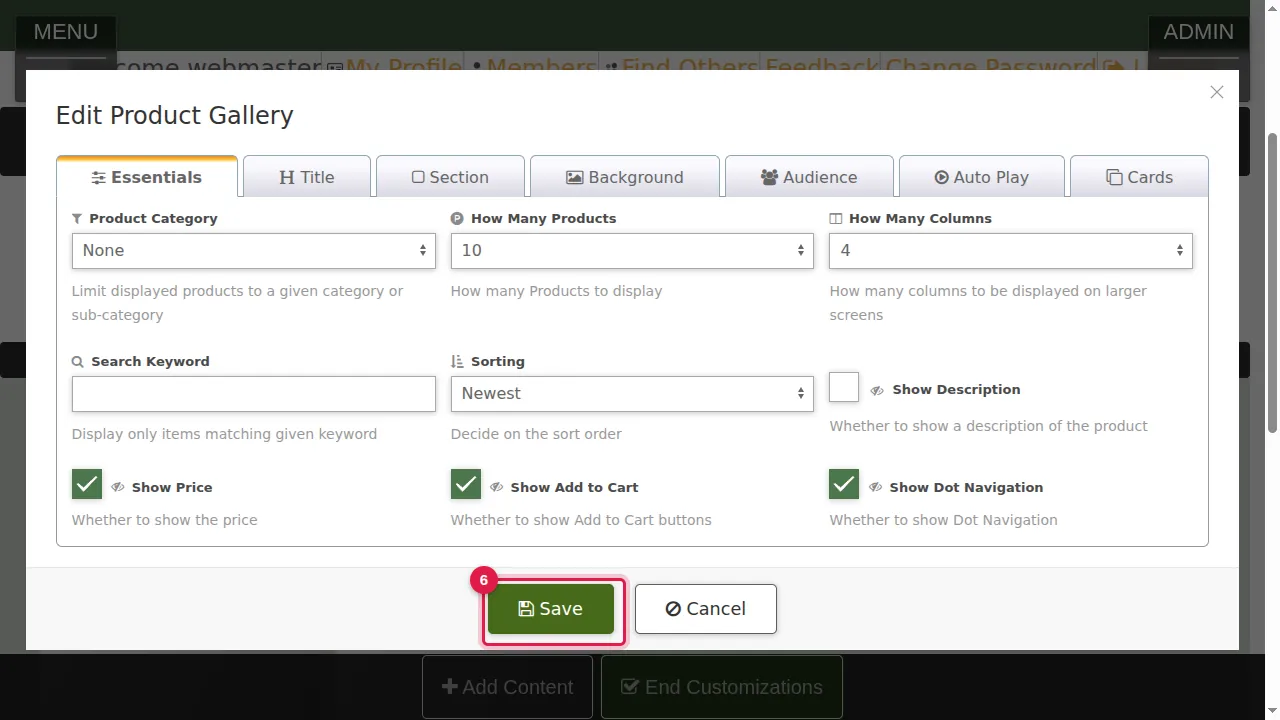
Step 6. Click Save.
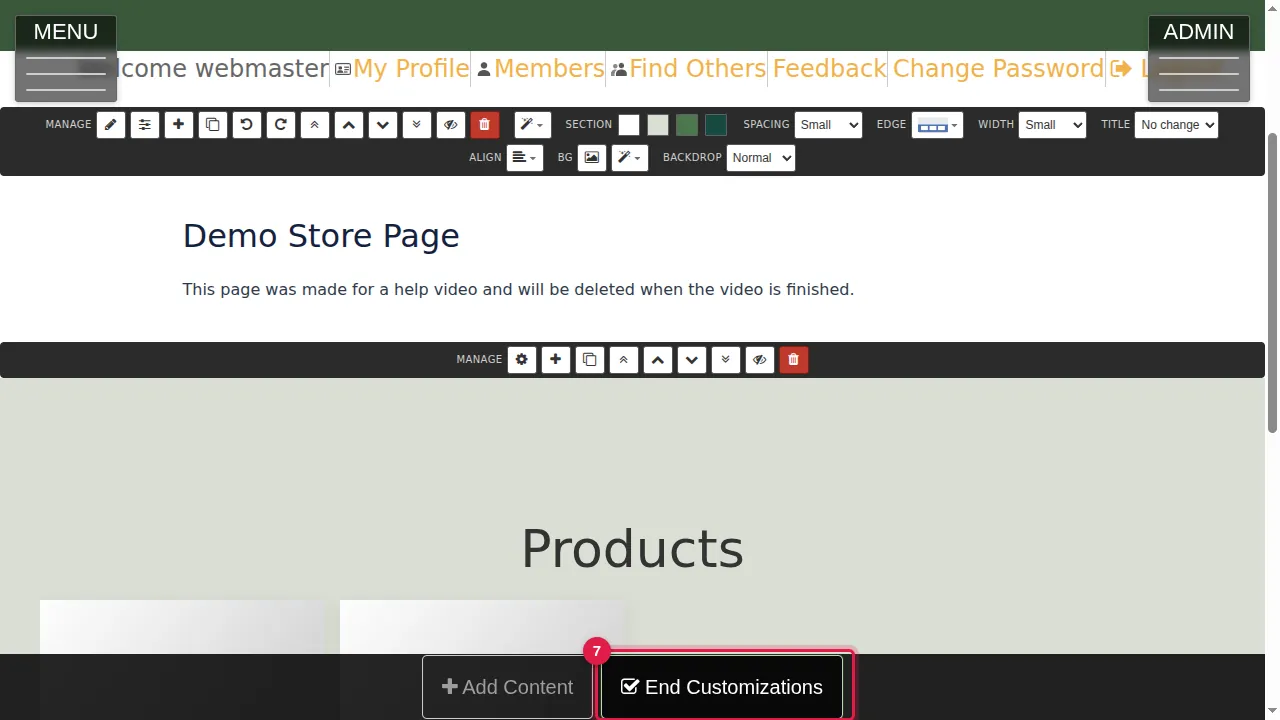
Step 7. Click End Customizations.
What visitors see
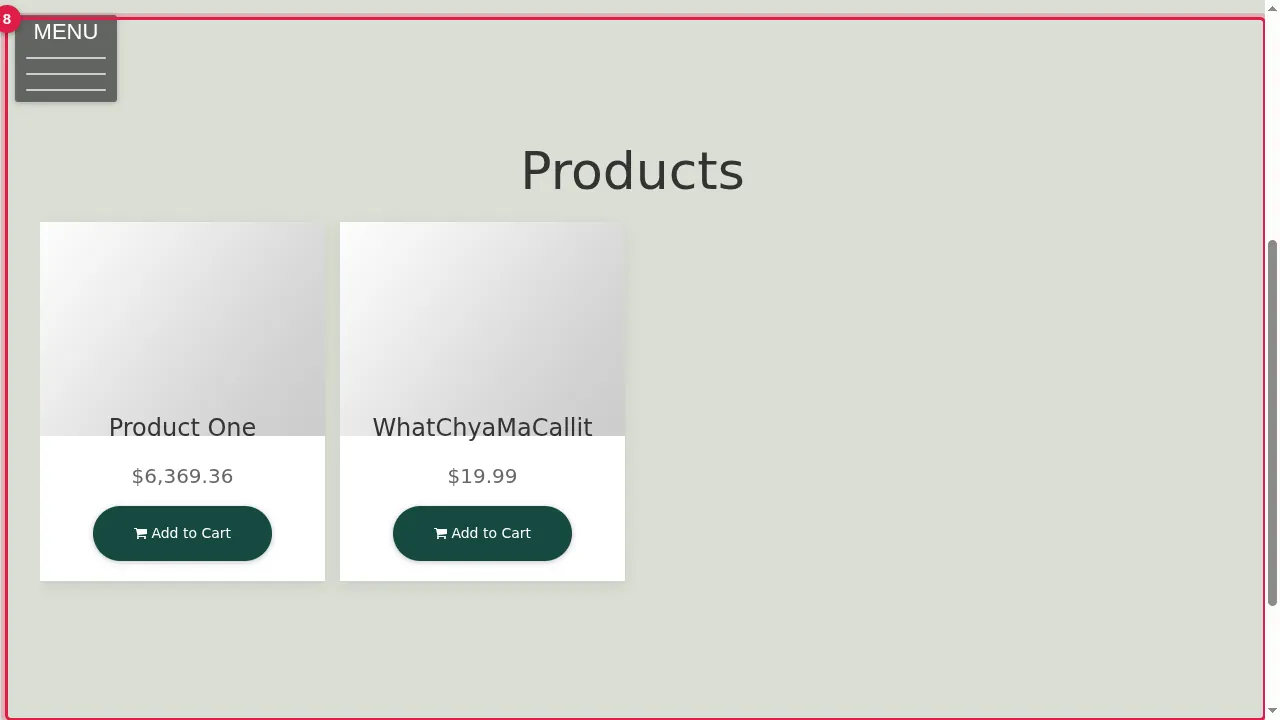
Step 8. Visitors see your products on the page under the heading Products, with their price and Add to Cart.
Check it worked
Open the page in a private window and click Add to Cart once to see that it reaches your cart.
Related help
Shown on the 2026 version of the SoNET Web Engine. Last checked 21 October 2026. Something different on your screen? Tell us through the Contact page.