Help Center Getting Started
Create a new website and work through the setup checklist
On the Onboarding page you can create a new SoNET website in one step, then use the setup checklist to tell the support team how your first tasks went.
Watch it done: a short silent video with captions · 1:22. The steps below show the same thing picture by picture.
Before you start
- Have an e-mail address ready. You do not need to be logged in.
Create your website
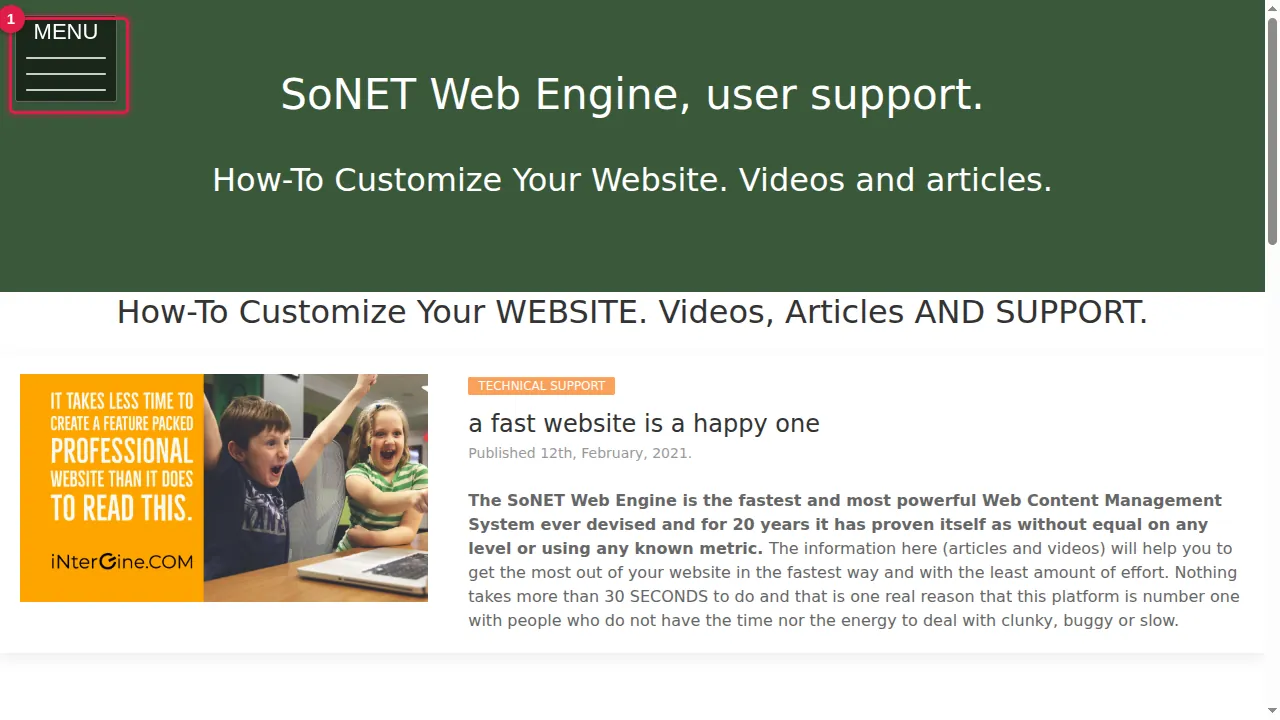
Step 1. Open the MENU at the top left.
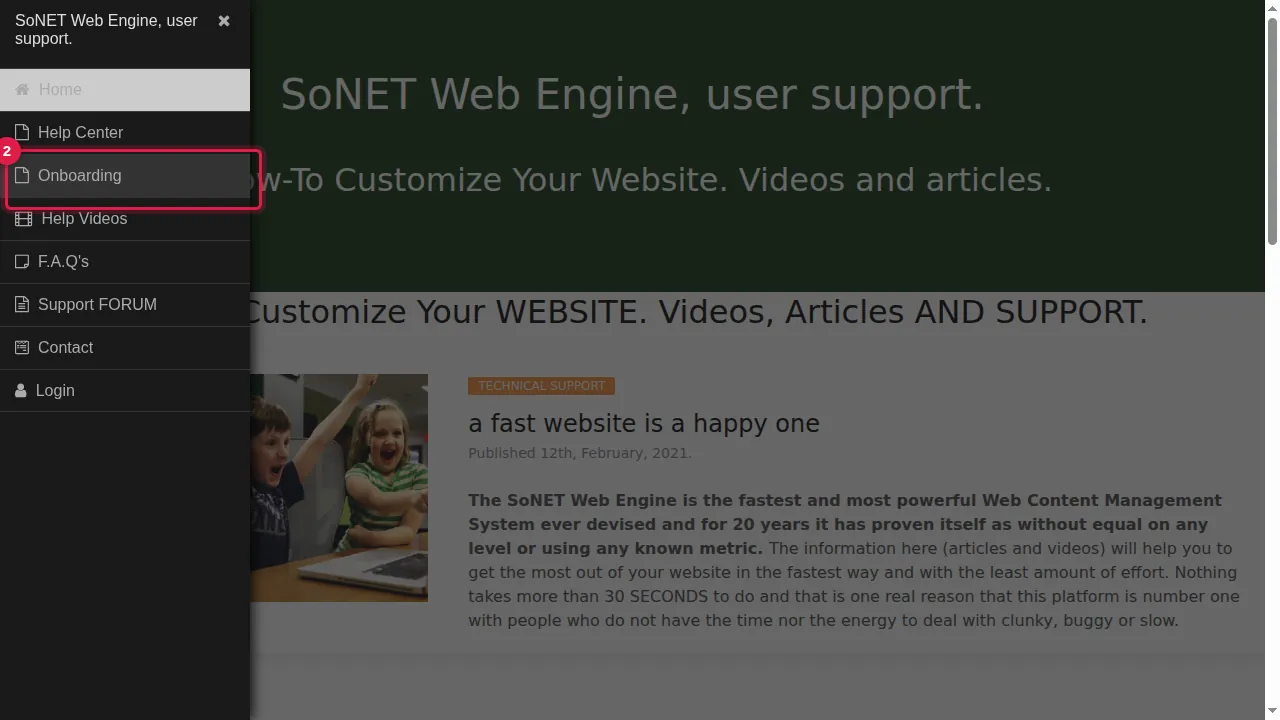
Step 2. Click Onboarding.
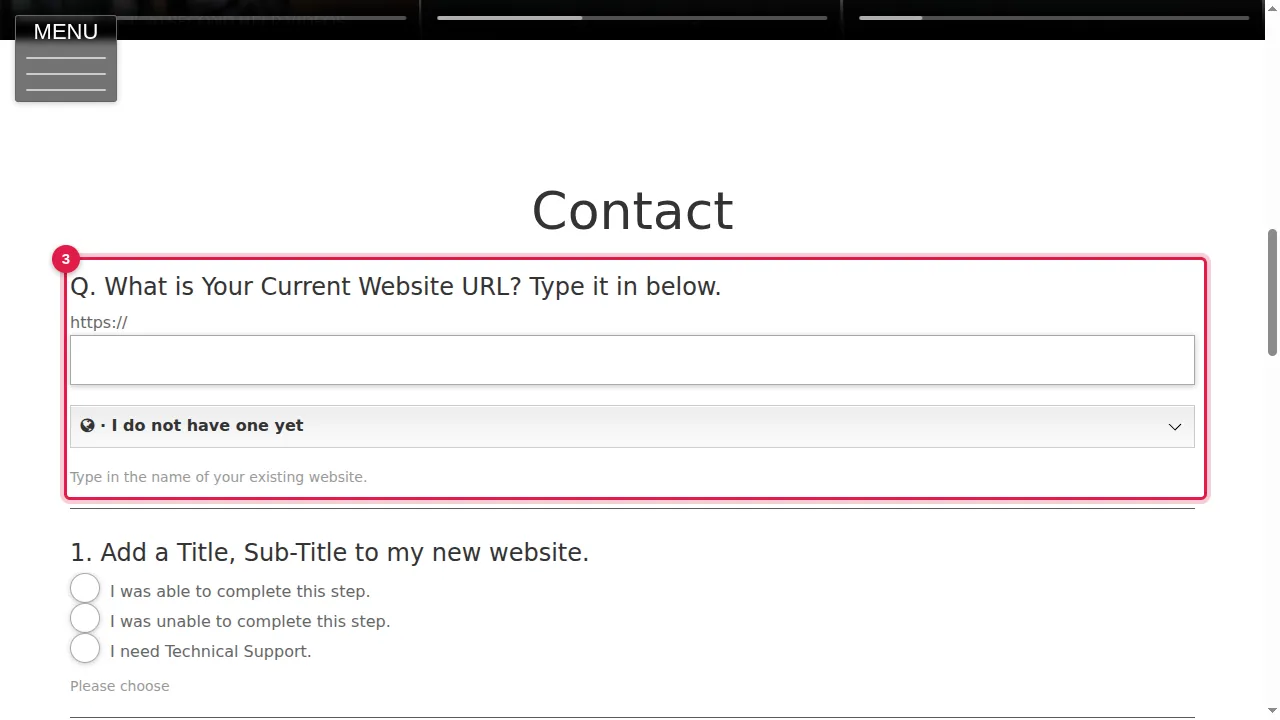
Step 3. Scroll down to the form. Its first question asks for the address of your current website.
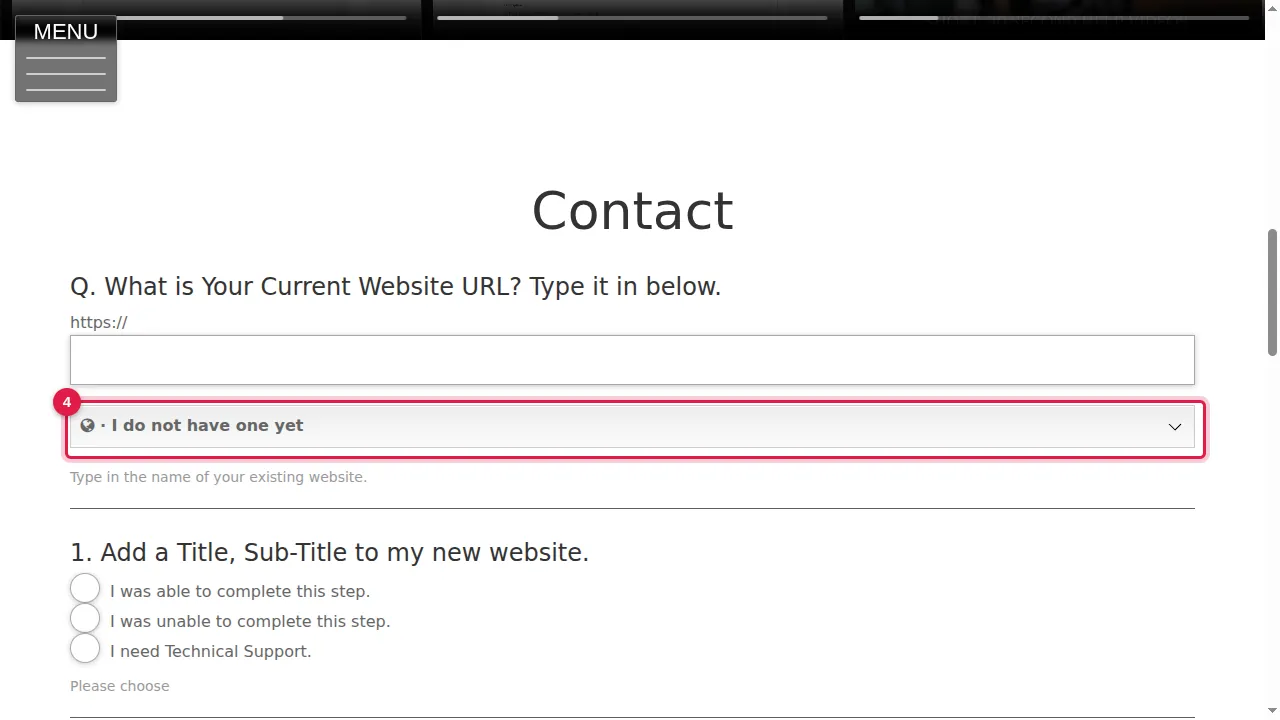
Step 4. If you do not have a website yet, click "I do not have one yet".
Step 5. Type a name for your new website.
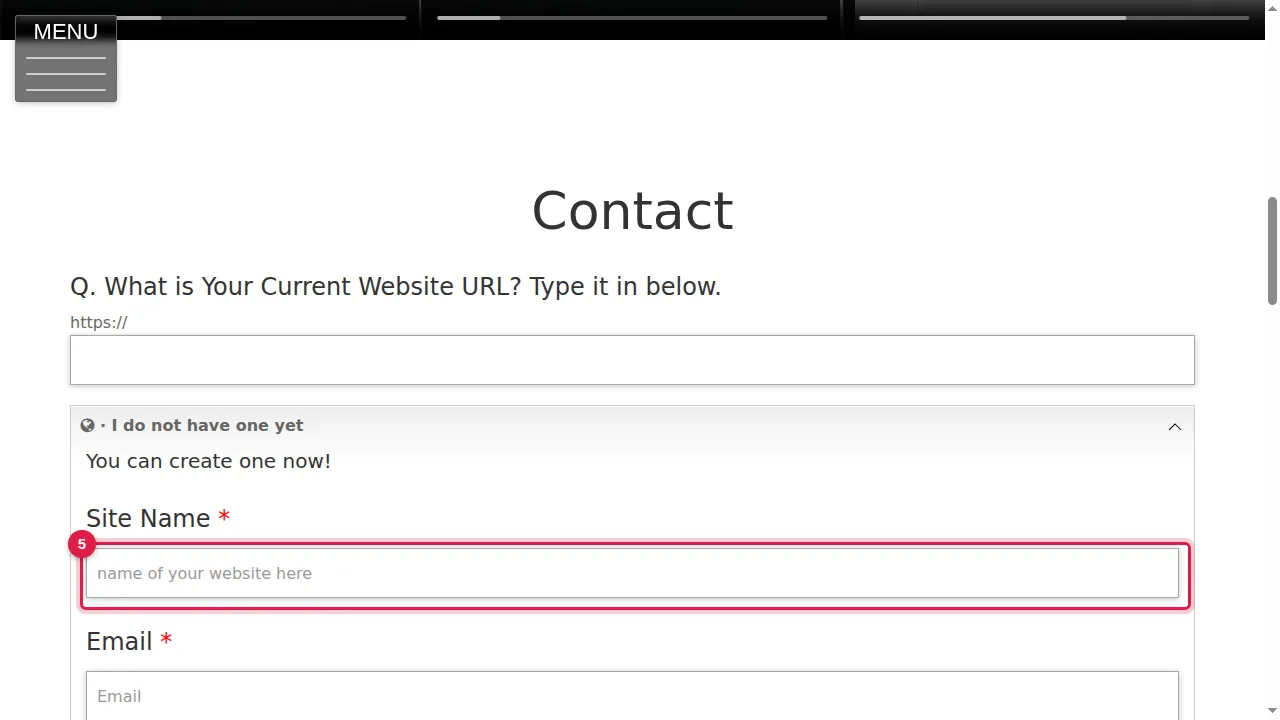
Step 6. Type your e-mail address.
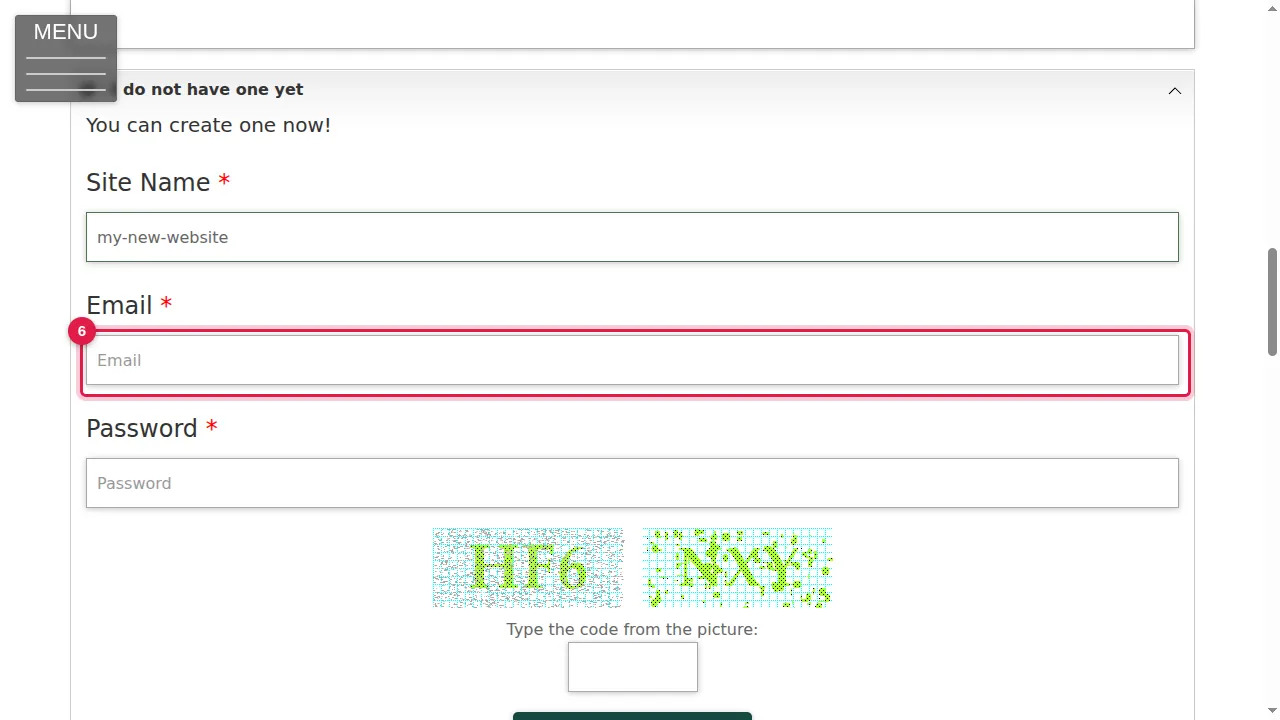
Step 7. Choose a password for your new website.
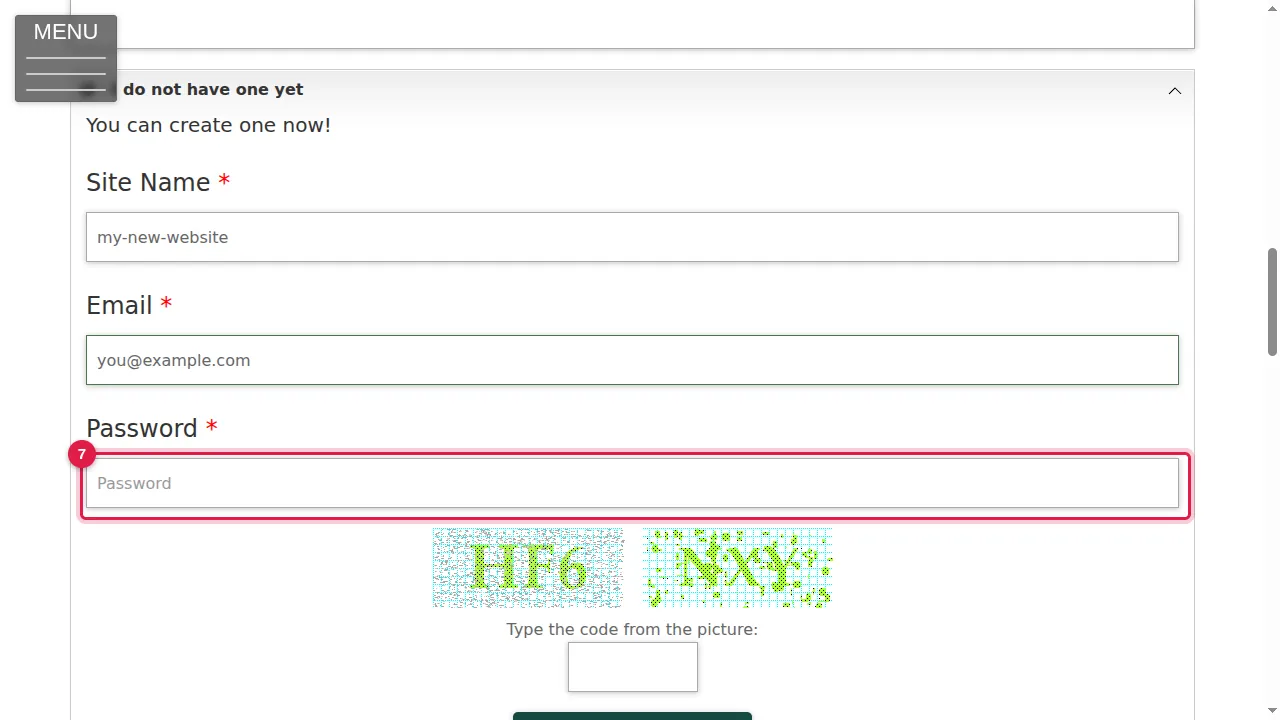
Step 8. Type the code you see in the picture.
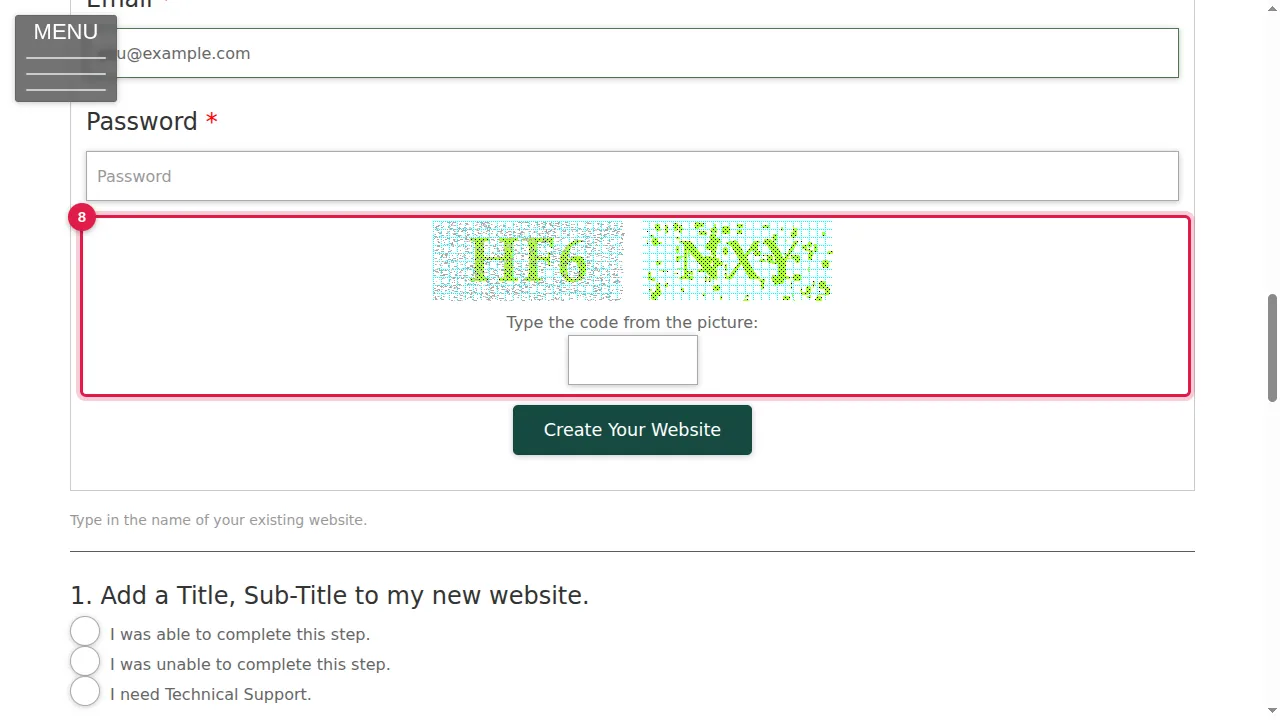
Step 9. Click Create Your Website. When it is ready, the form says "Congrats! You've got new website.", with a link to start customizing it, and puts the new website's address into the first question for you. (In this video the button is not clicked, so no website is created.)
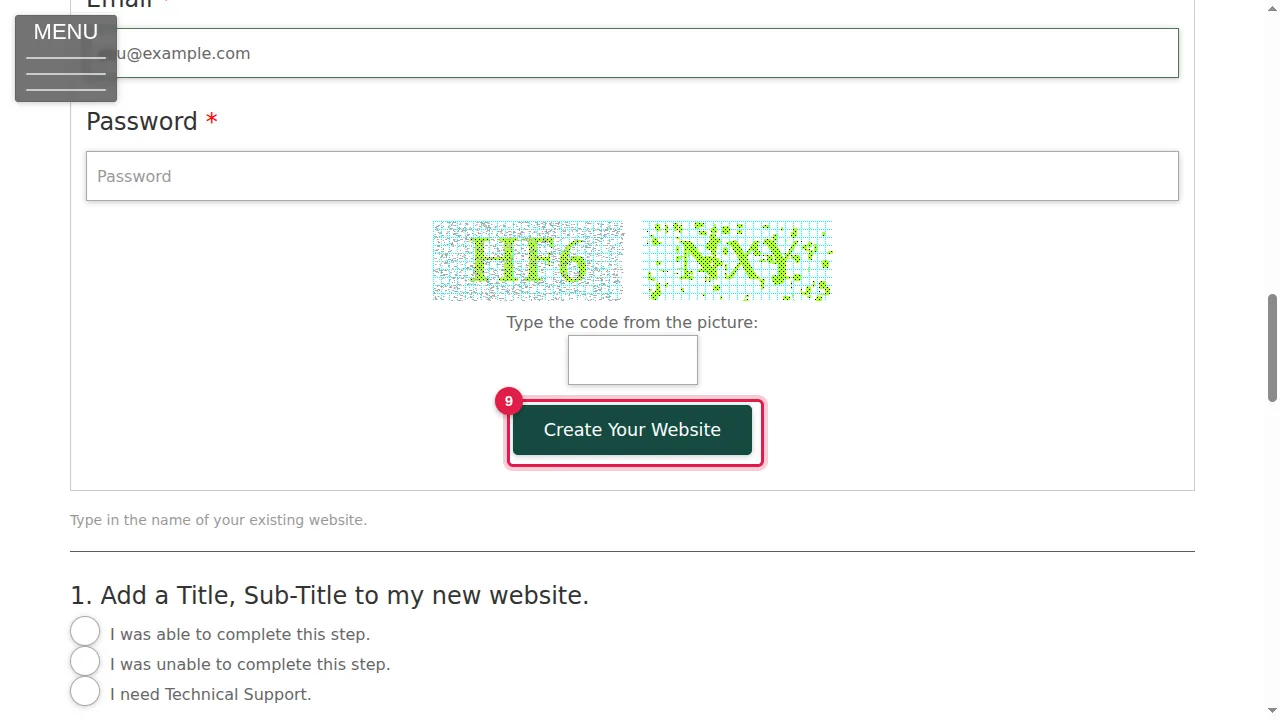
The setup checklist
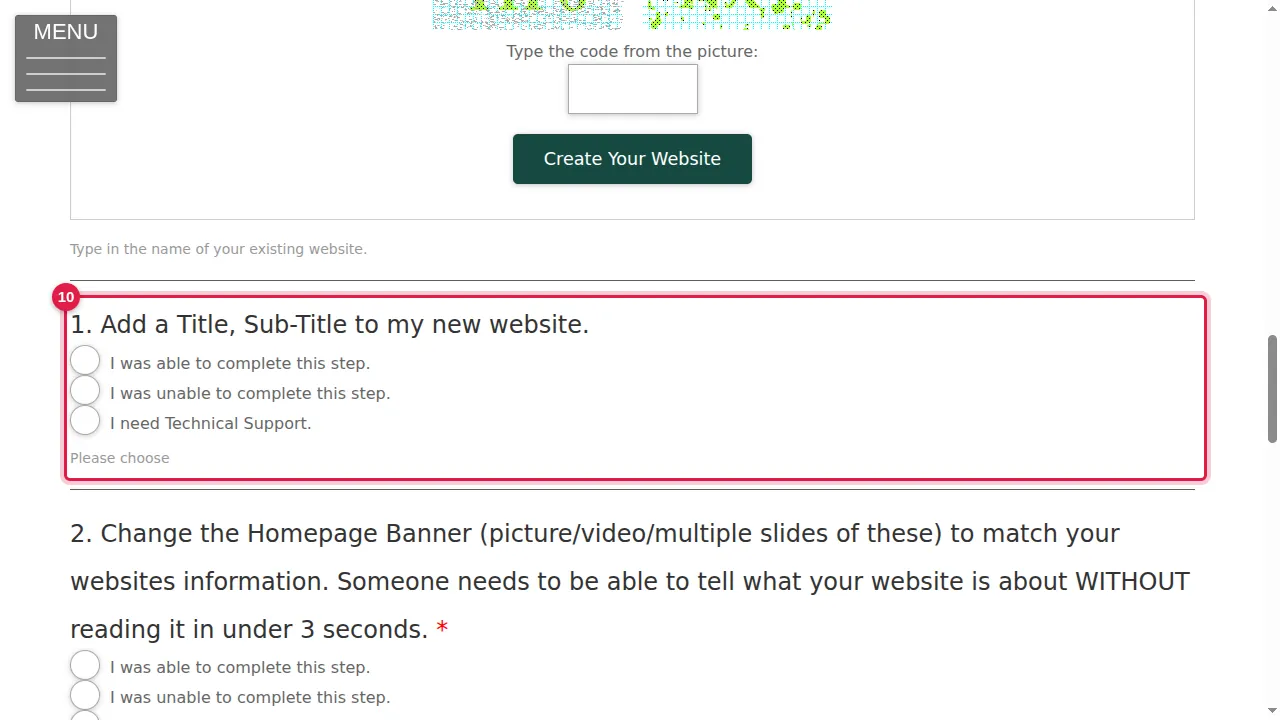
Step 10. Below are the five setup tasks: add a title and subtitle, change the home page banner, add at least 300 words to your home page, fill in the SEO settings and set up your app (PWA). After each one, choose "I was able to complete this step", "I was unable to complete this step" or "I need Technical Support".
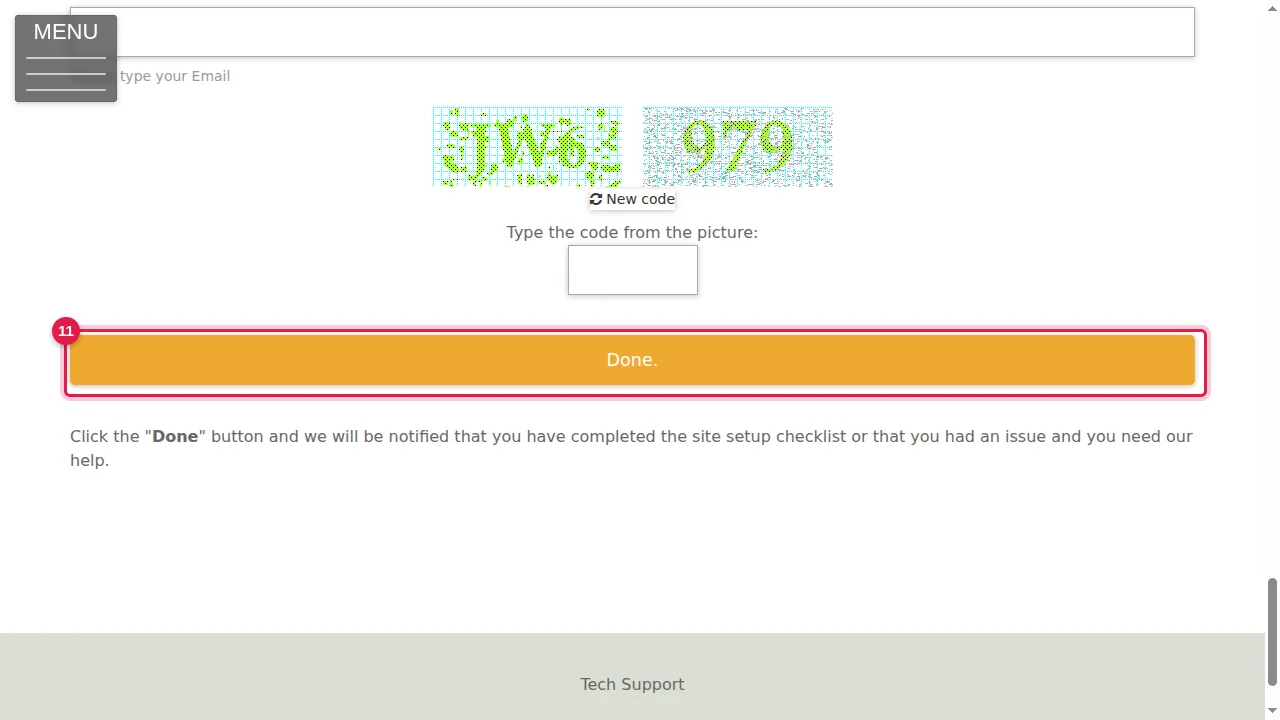
Step 11. Type your e-mail address and the picture code, then click Done. The support team is told which tasks you finished and where you need help.
Check it worked
After Create Your Website, the form shows the "Congrats!" message and your new website's address. After Done, the form shows its confirmation message.
Good to know
- The Help Center shows how to do these setup tasks step by step; articles are added as each part of the website is documented.
Related help
- Change your site's title and subtitle (setup task 1)
- Log in, find your way around, change your password
Shown on the 2026 version of the SoNET Web Engine. Last checked 20 October 2026. Something different on your screen? Tell us through the Contact page.