Help Center Look & Design
Change your site's font and text size
On the Template Kit's Font tab you choose the font of your site's text from more than 1,600 fonts, and the size of the text.
Watch it done: a short silent video with captions · 1:21. The steps below show the same thing picture by picture.
Before you start
- Log in and open ADMIN › Template Kit.
Find a font
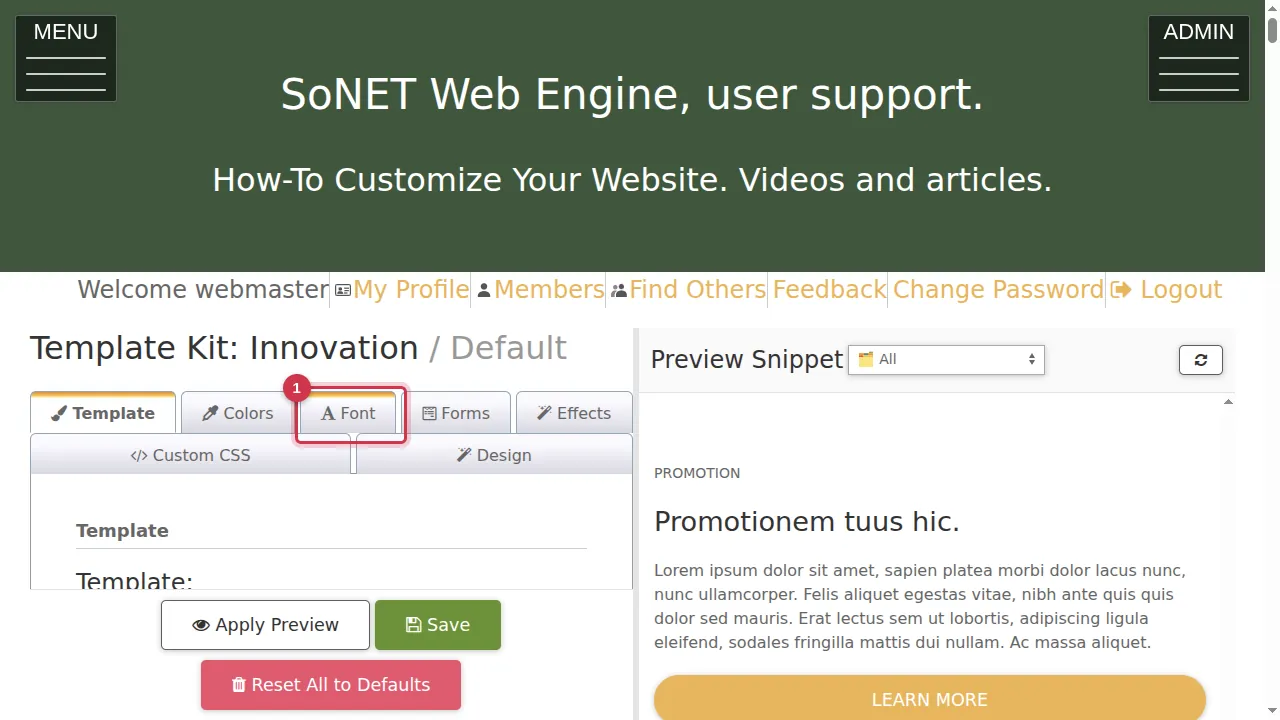
Step 1. In the Template Kit, open the Font tab.
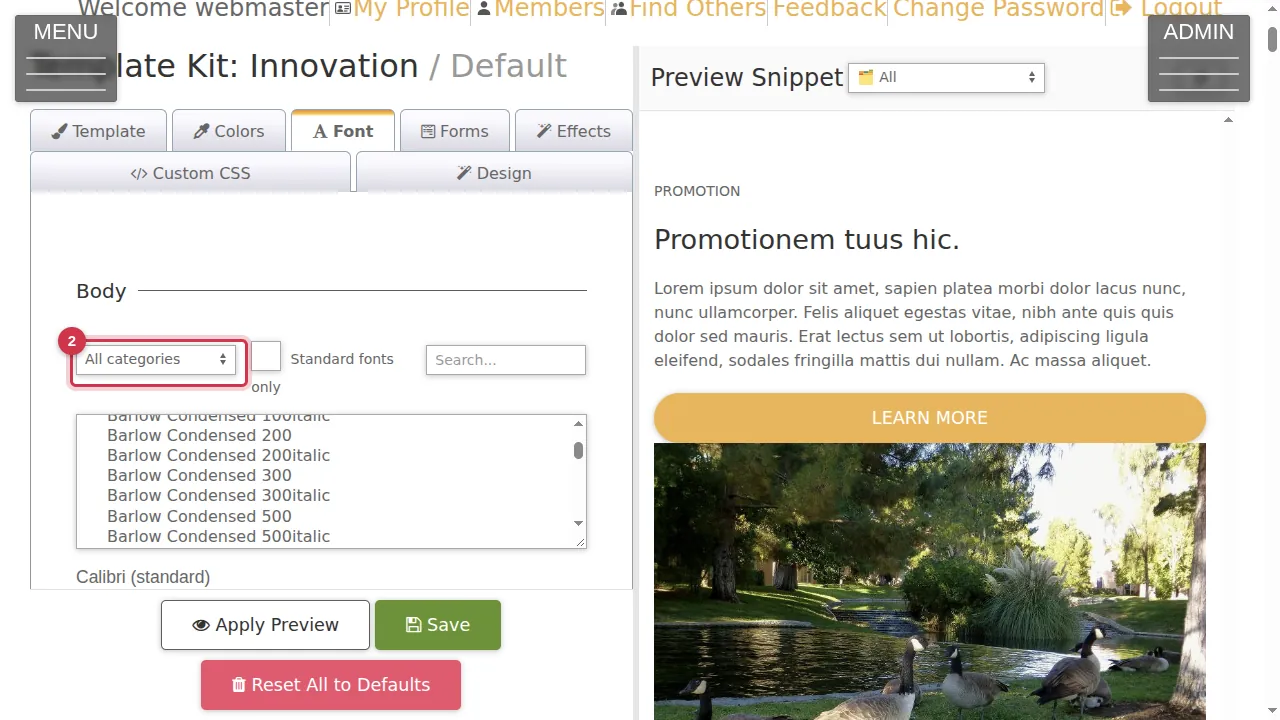
Step 2. Narrow the list by kind of font: display, handwriting, monospace, sans-serif or serif. Tick "Standard fonts only" to see only the fonts every computer has.
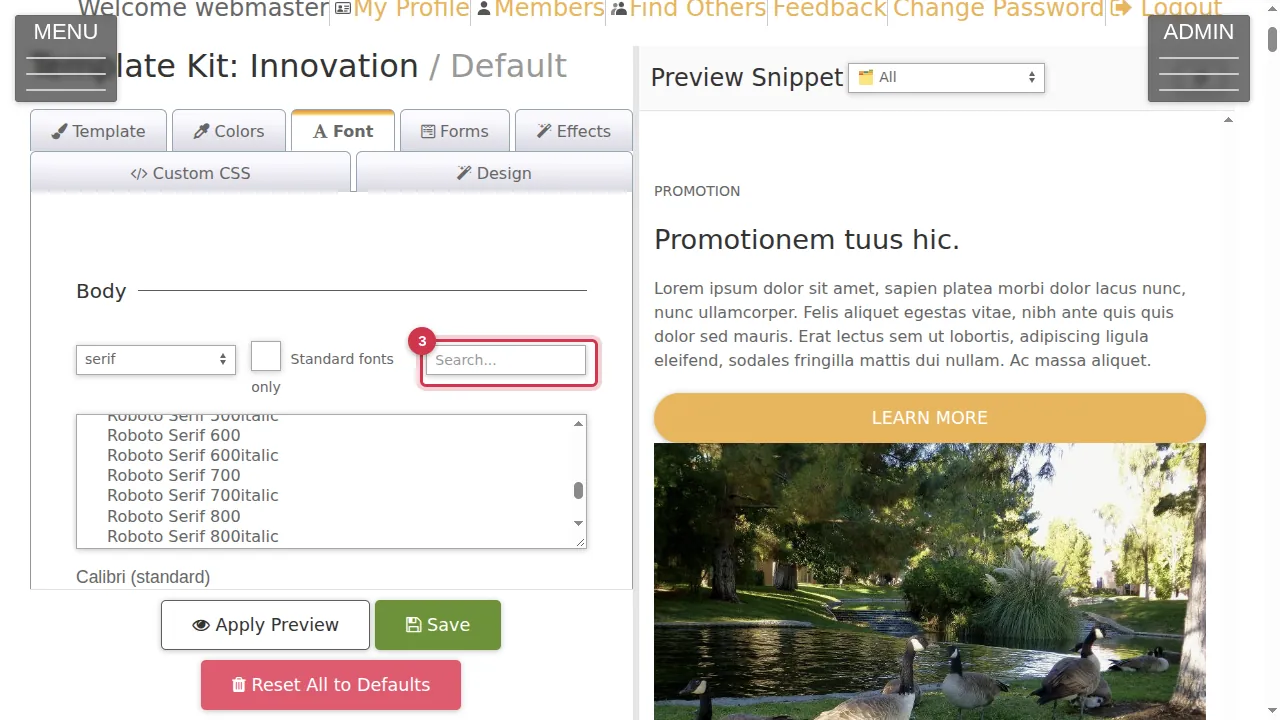
Step 3. Or type part of a font's name in the search box.
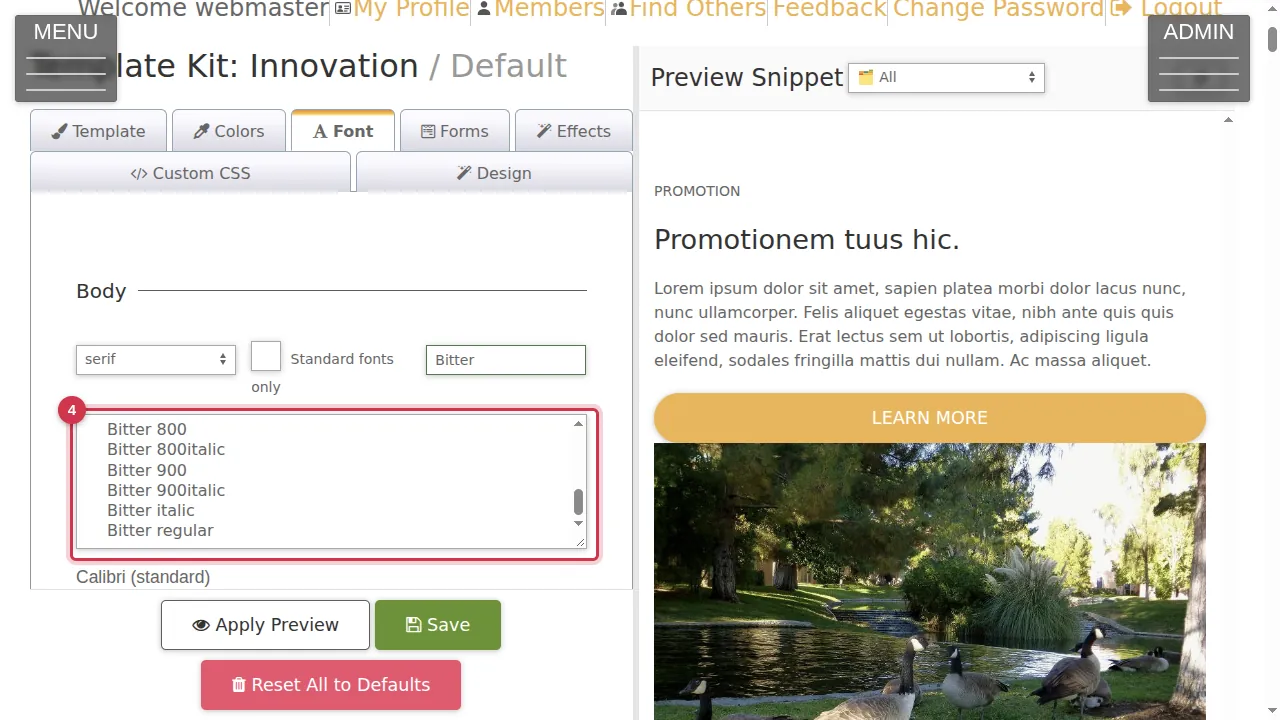
Step 4. Click the font you want. Its name appears under the list.
Size and preview
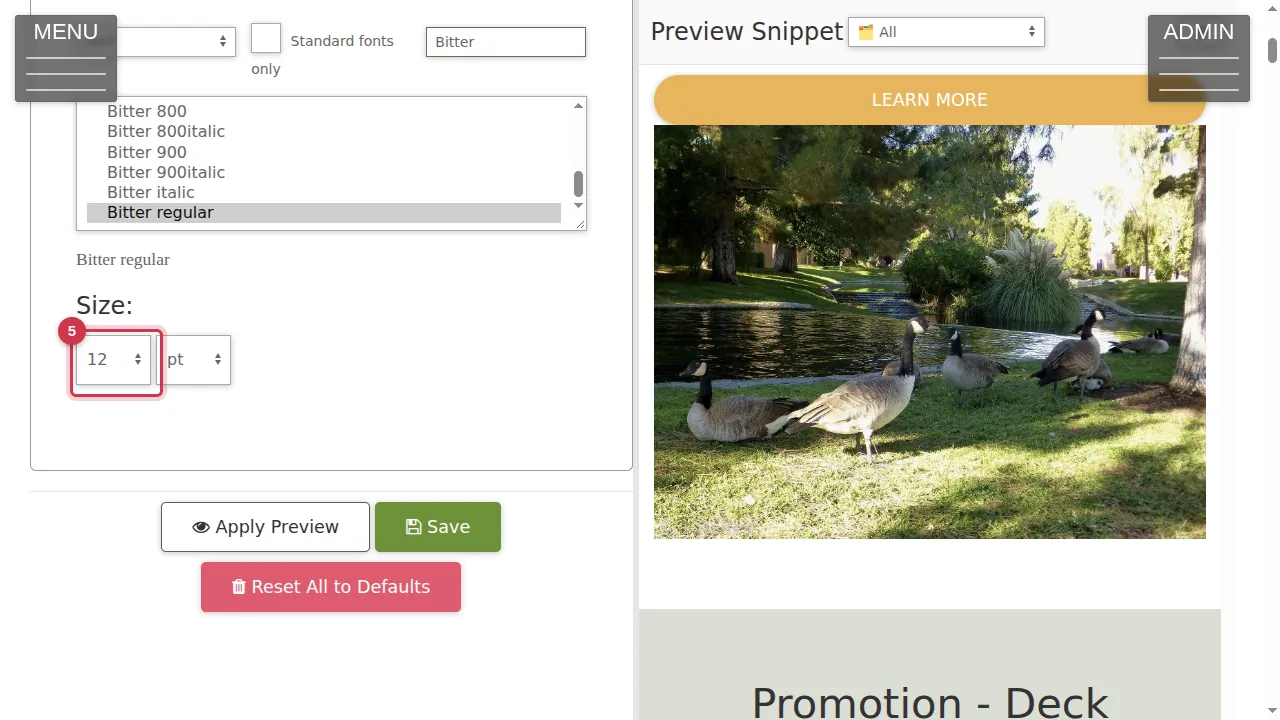
Step 5. Choose the text size, and its unit: pt (points) or px (pixels).
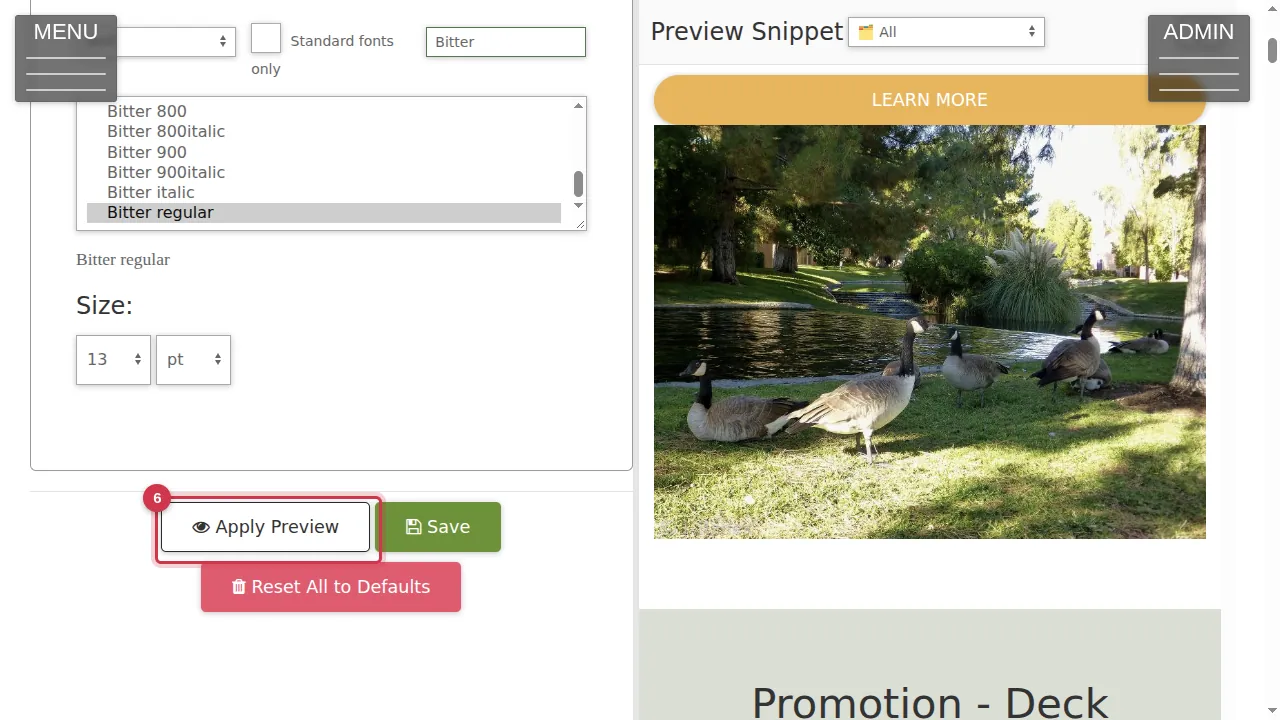
Step 6. Click Apply Preview.
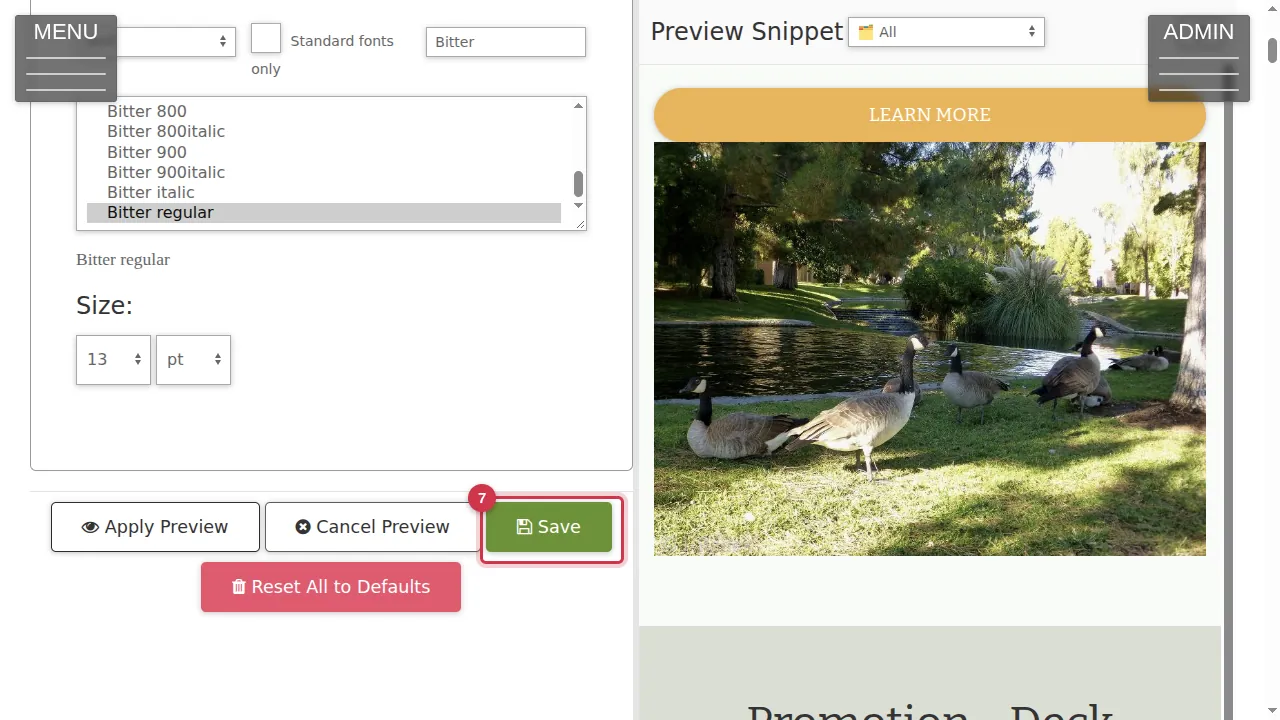
Step 7. The preview on the right uses the new font. Save makes it live (not clicked in this video).
Save or leave
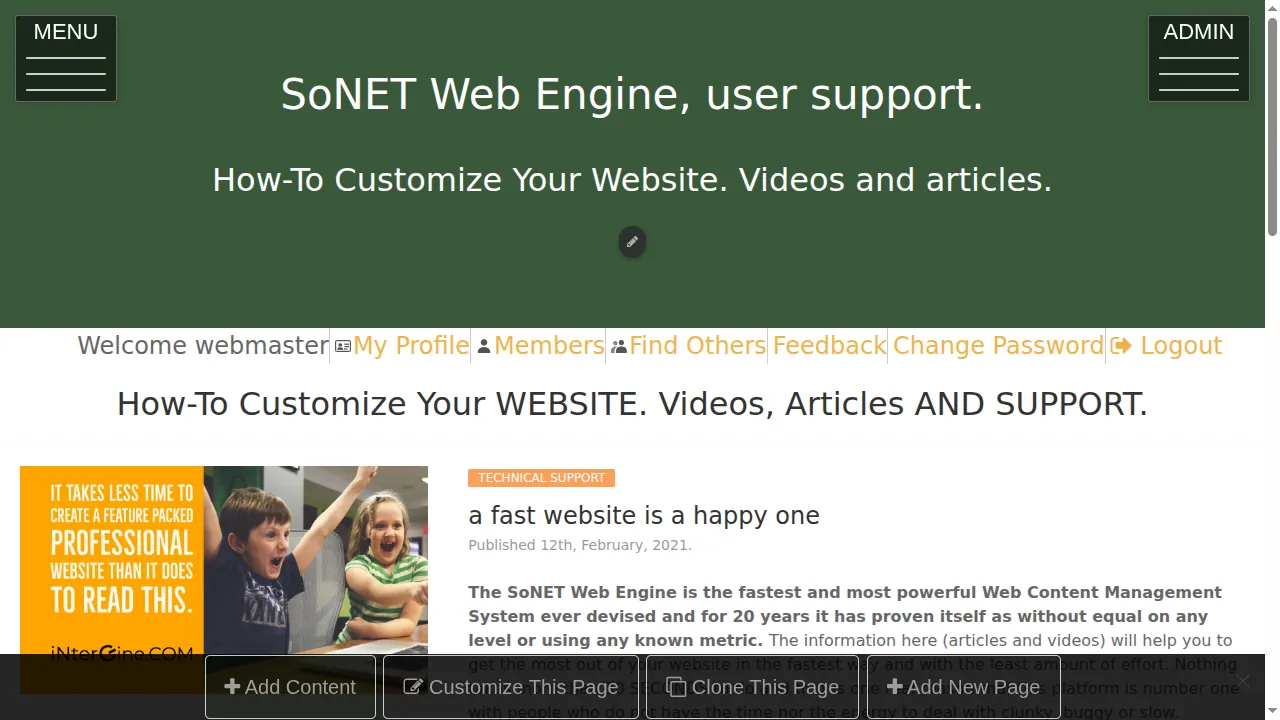
Step 8. Leave without saving and your site keeps its current font.
Check it worked
After saving, open a page with a lot of text as a visitor, on a computer and on a phone.
Good to know
- Use the section editor's Font and Size lists to change the font of just a few words.
Related help
Shown on the 2026 version of the SoNET Web Engine. Last checked 21 October 2026. Something different on your screen? Tell us through the Contact page.