Help Center SEO & Search
Meta tags: how search engines describe your site
Give search engines your site's title, description and keywords, set how they may index it, and add extra meta tags (such as the tags used when your pages are shared on social media).
Watch it done: a short silent video with captions · 1:18. The steps below show the same thing picture by picture.
Before you start
- Log in as the site owner.
- Open ADMIN › SEO. It opens on the Meta Tags tab.
Title, description, keywords
Step 1. SEO has eight tabs. Meta Tags is the first.
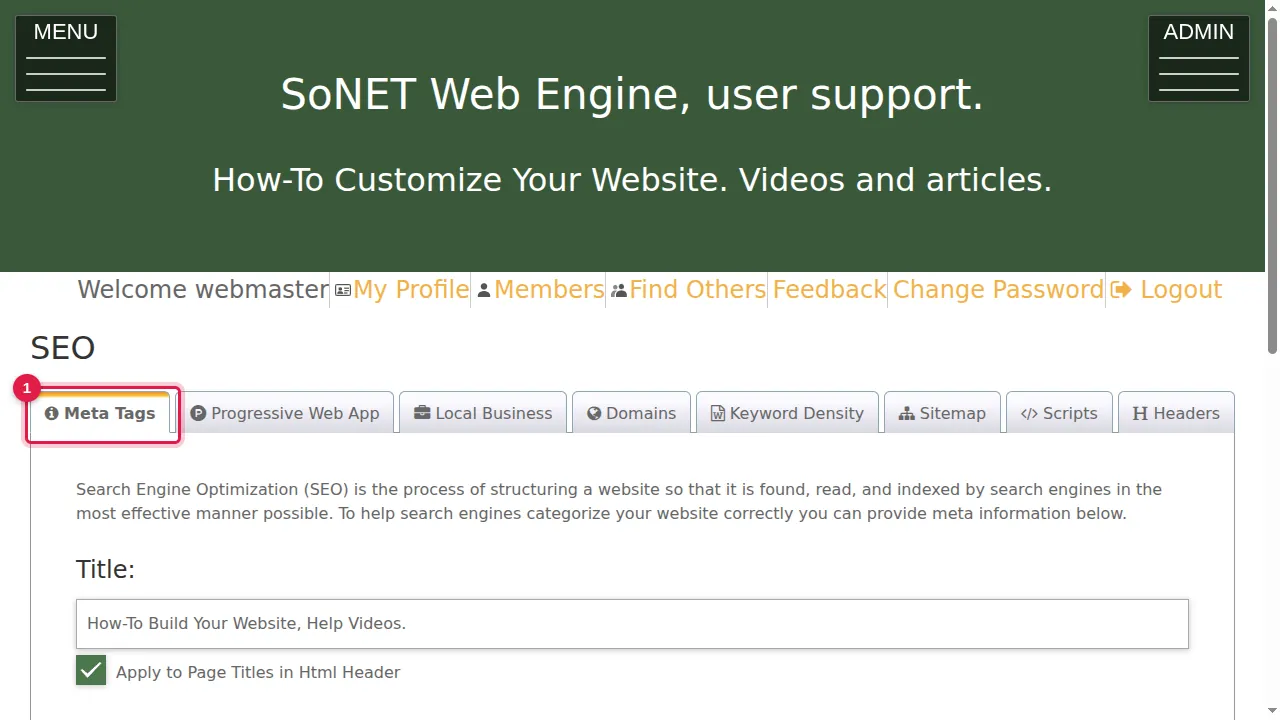
Step 2. Title: a short, one-line summary of your site. Tick Apply to Page Titles in Html Header to add it to the title of every page.
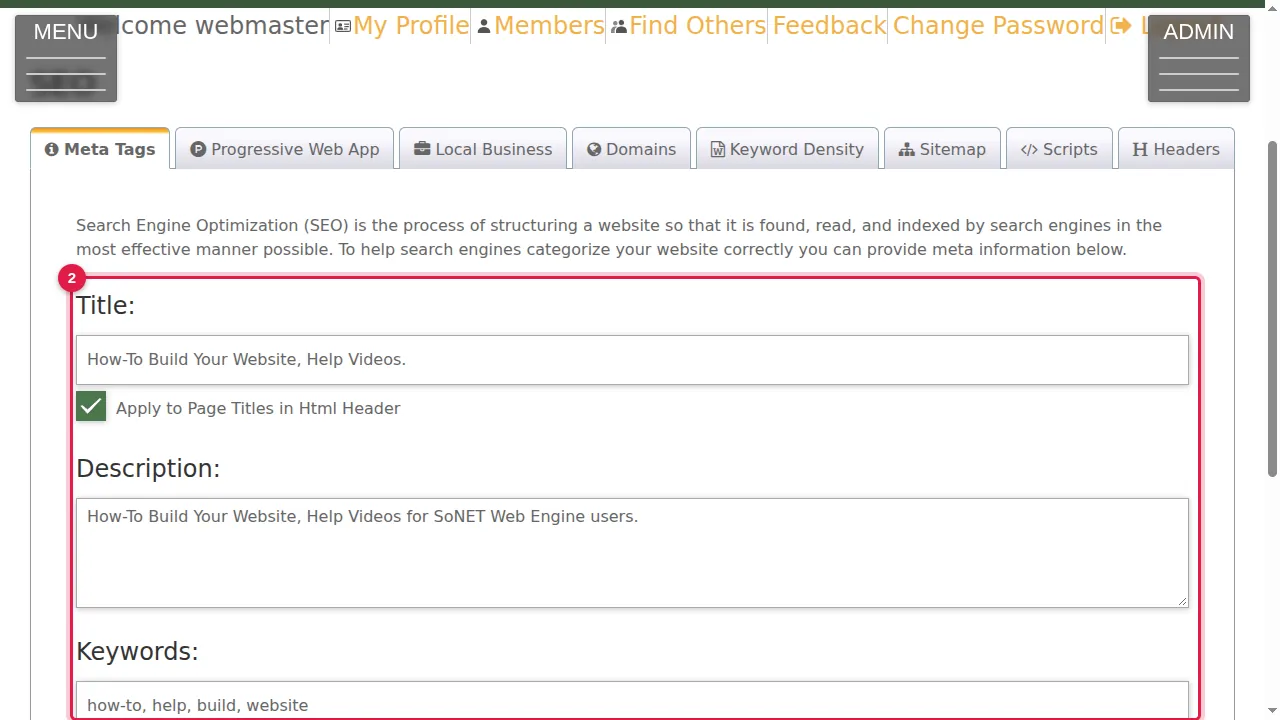
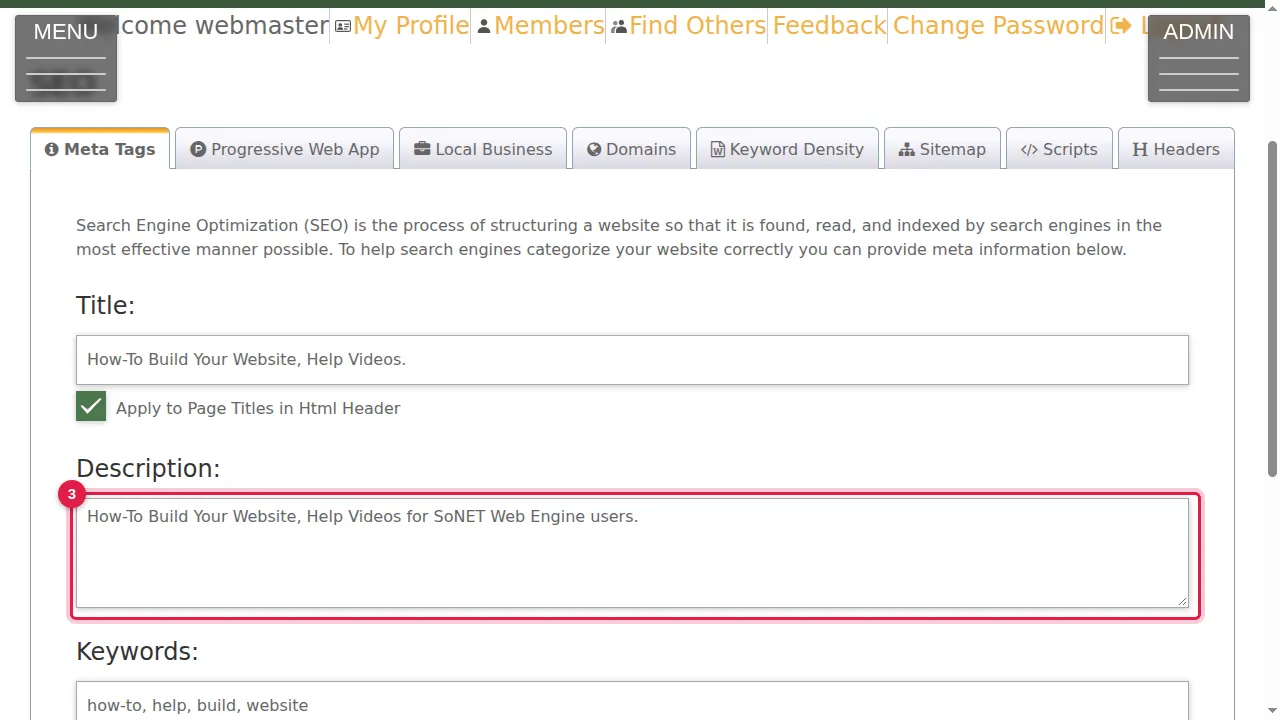
Step 3. Description: a short explanation of your site. Search engines often show it under your link.
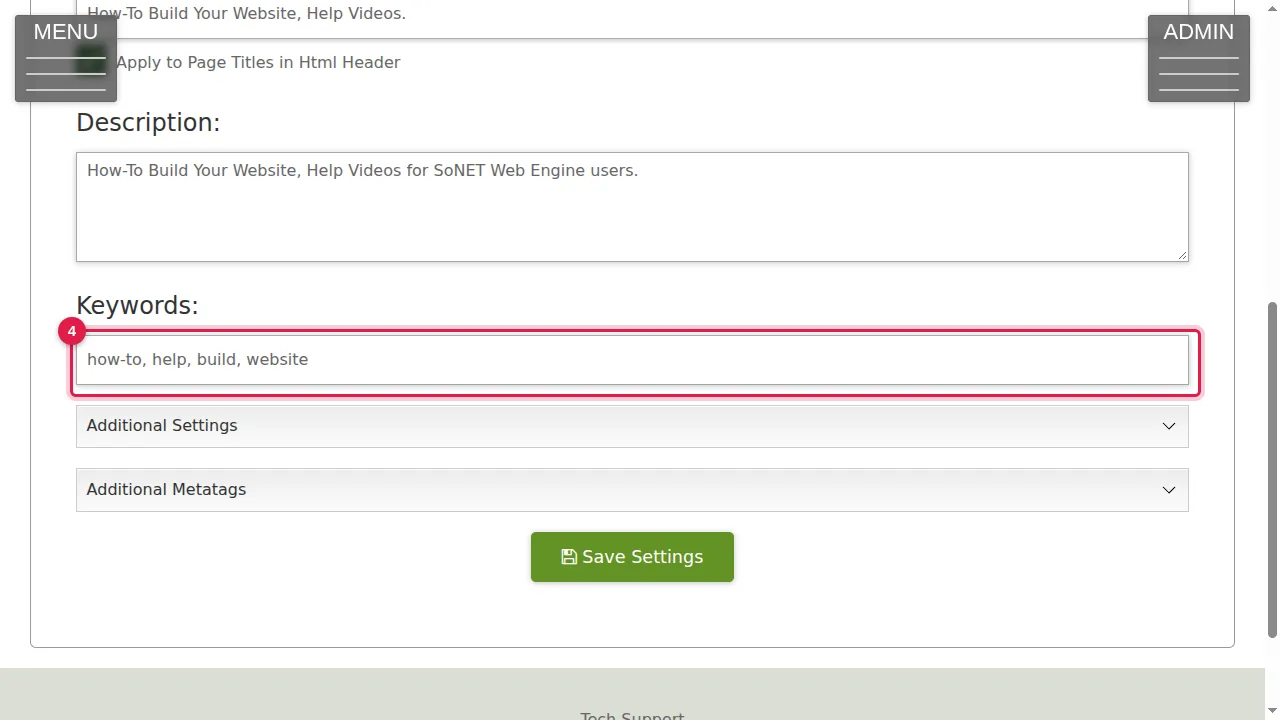
Step 4. Keywords: words and phrases people might search for, separated by commas.
Additional settings
Step 5. Click Additional Settings to open more options.
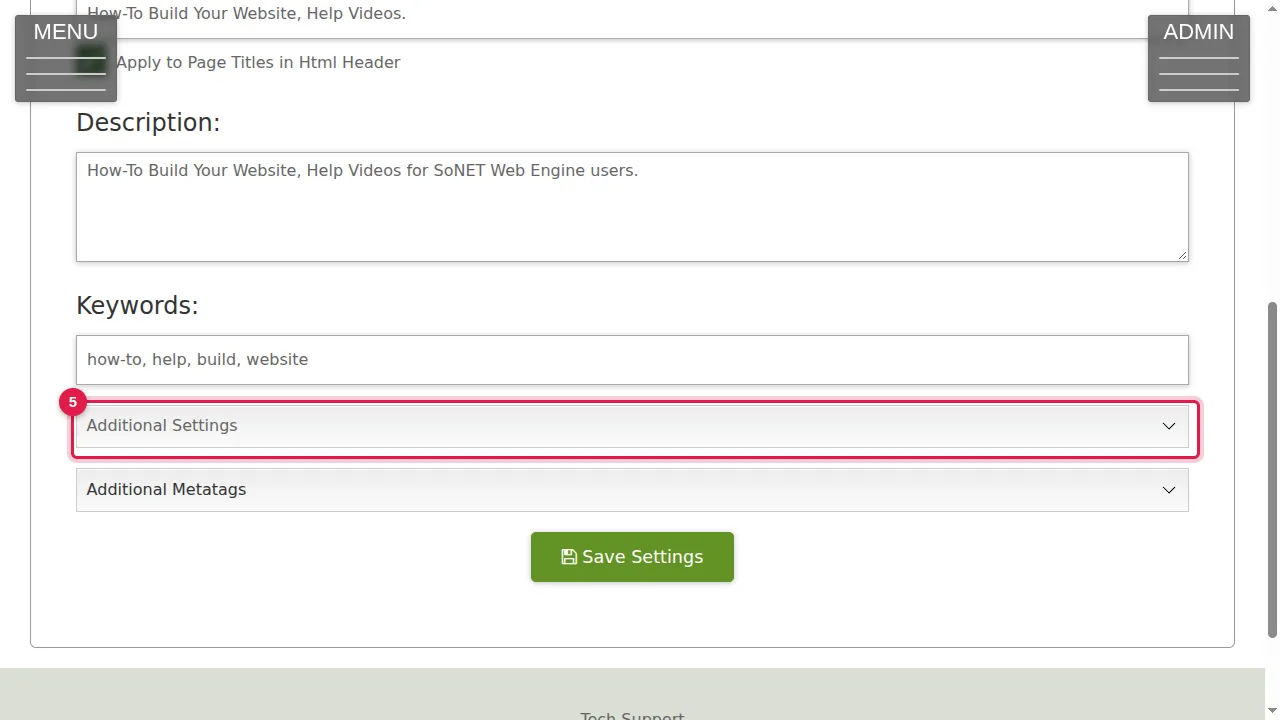
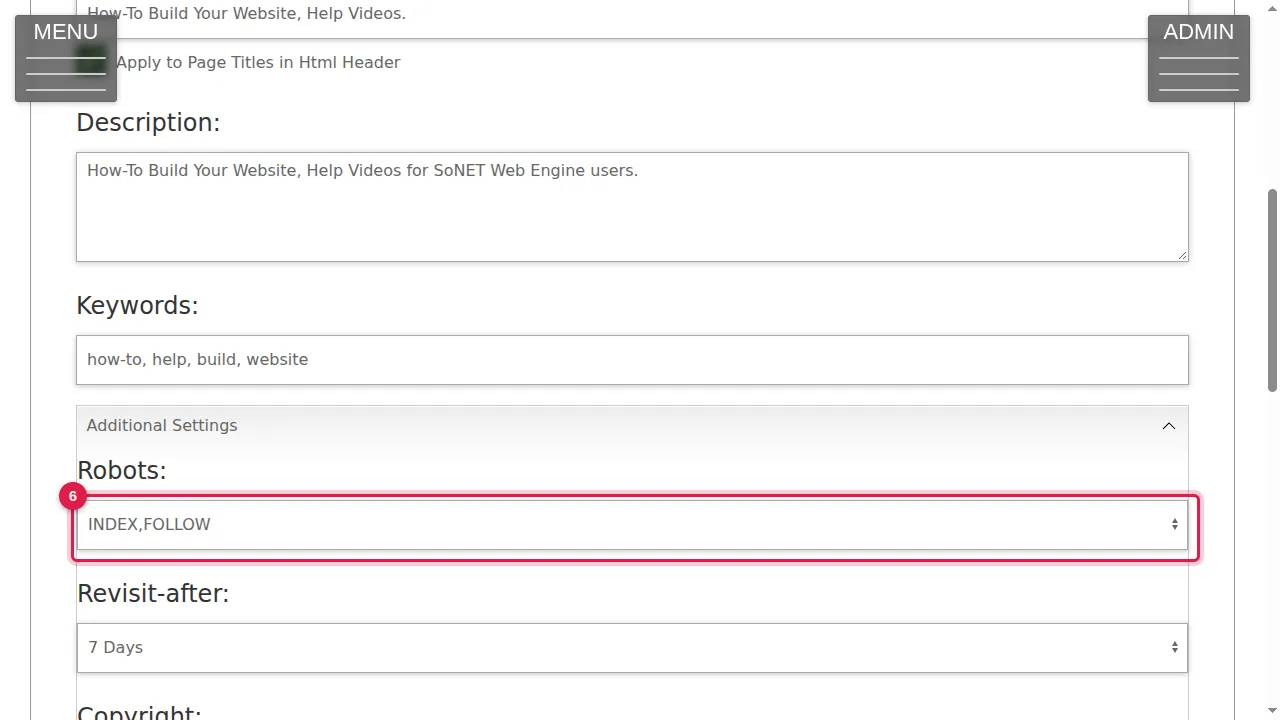
Step 6. Robots: INDEX,FOLLOW lets search engines list your pages and follow their links; the NOINDEX and NOFOLLOW choices ask them not to.
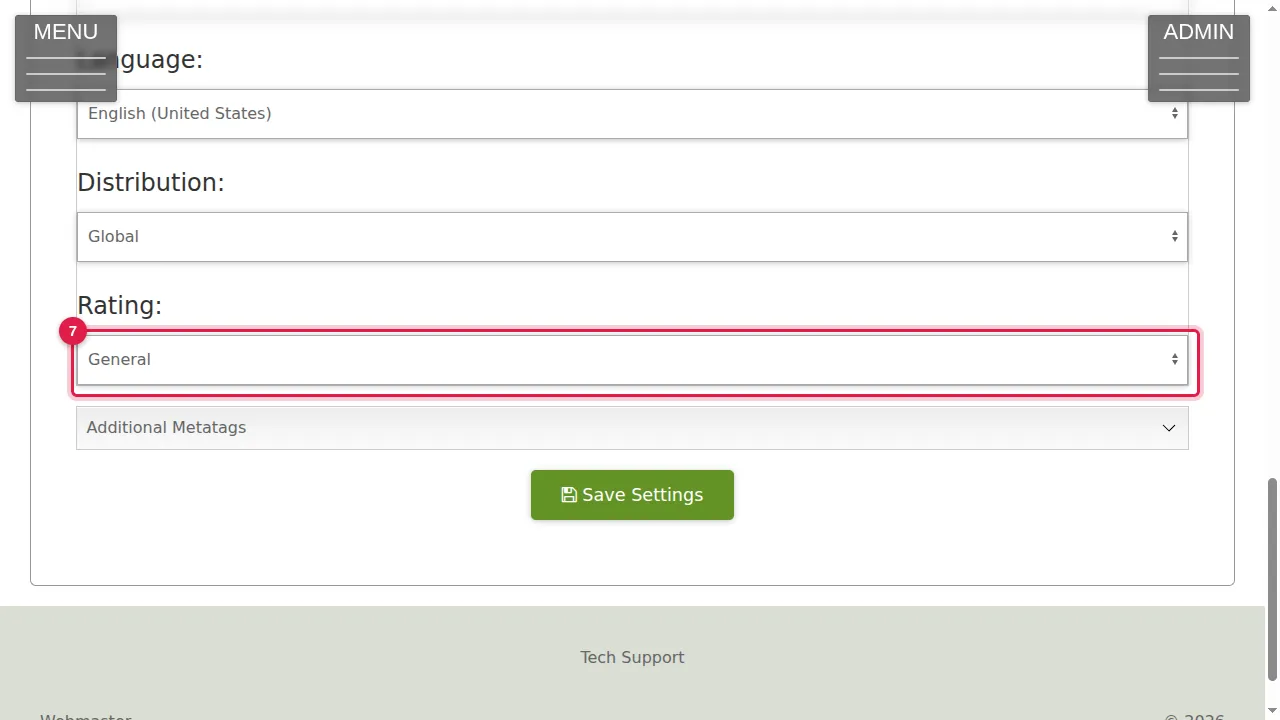
Step 7. Below it: Revisit-after, Copyright, Author, Email, Language, Distribution and Rating.
Additional meta tags
Step 8. Click Additional Metatags.
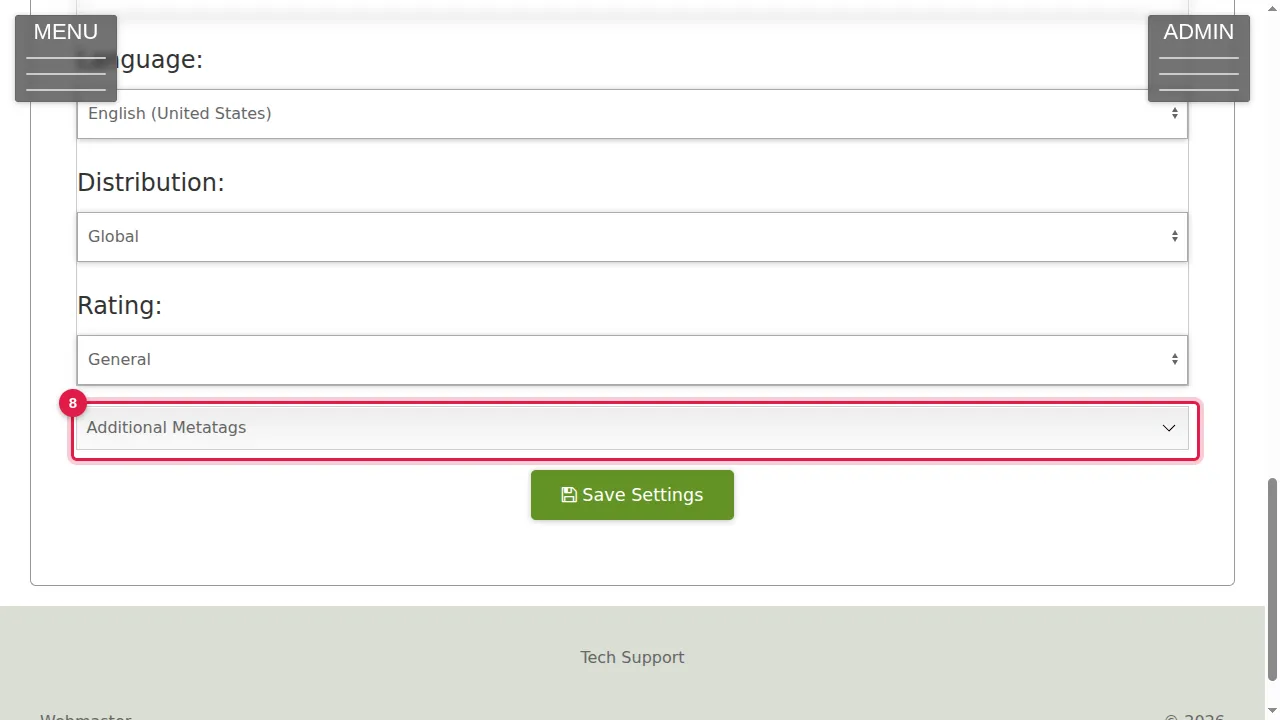
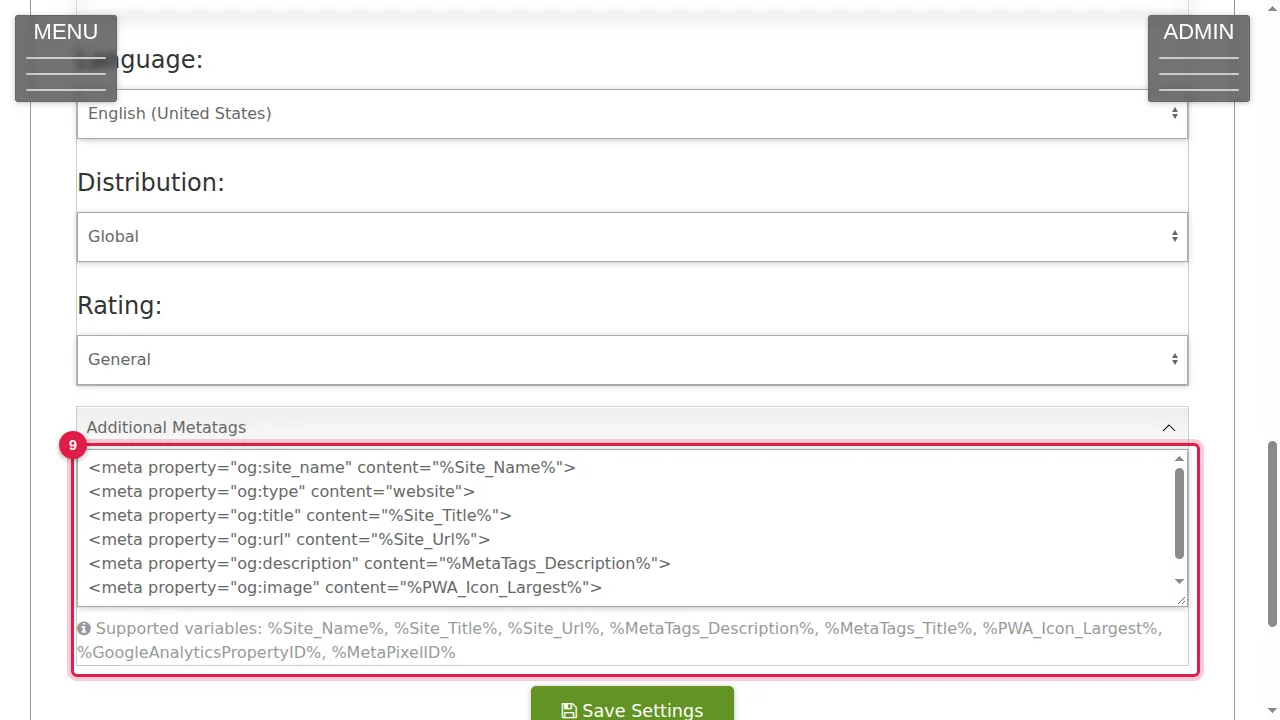
Step 9. Add any other meta tags here, one per line. This site already has the tags used when a page is shared on social media (og:site_name, og:title, og:image…). Words between % signs, such as %Site_Name% or %Site_Title%, are filled in for you; the list of supported ones is under the box.
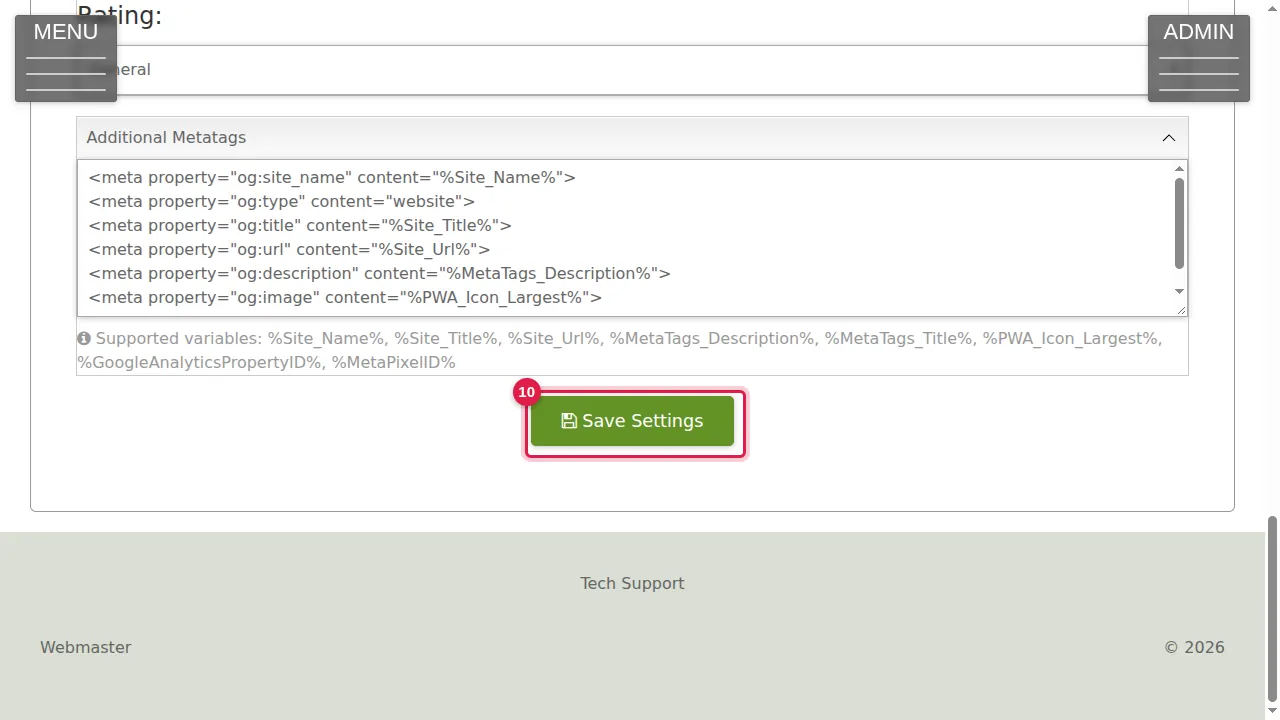
Step 10. Click Save Settings to keep your changes. (In this demonstration nothing was changed.)
Check it worked
After saving, open your home page and look at its title in the browser tab.
Good to know
- Write the description for people, not for robots: it is what they read before they click.
Related help
Shown on the 2026 version of the SoNET Web Engine. Last checked 21 October 2026. Something different on your screen? Tell us through the Contact page.