Help Center SEO & Search
Local Business details for search engines
Tell search engines about your business: its name, description, type, phone and address, with a few pictures. Your site turns this into structured data that search engines understand.
Watch it done: a short silent video with captions · 0:46. The steps below show the same thing picture by picture.
Before you start
- Log in as the site owner.
- Open ADMIN › SEO.
Your business
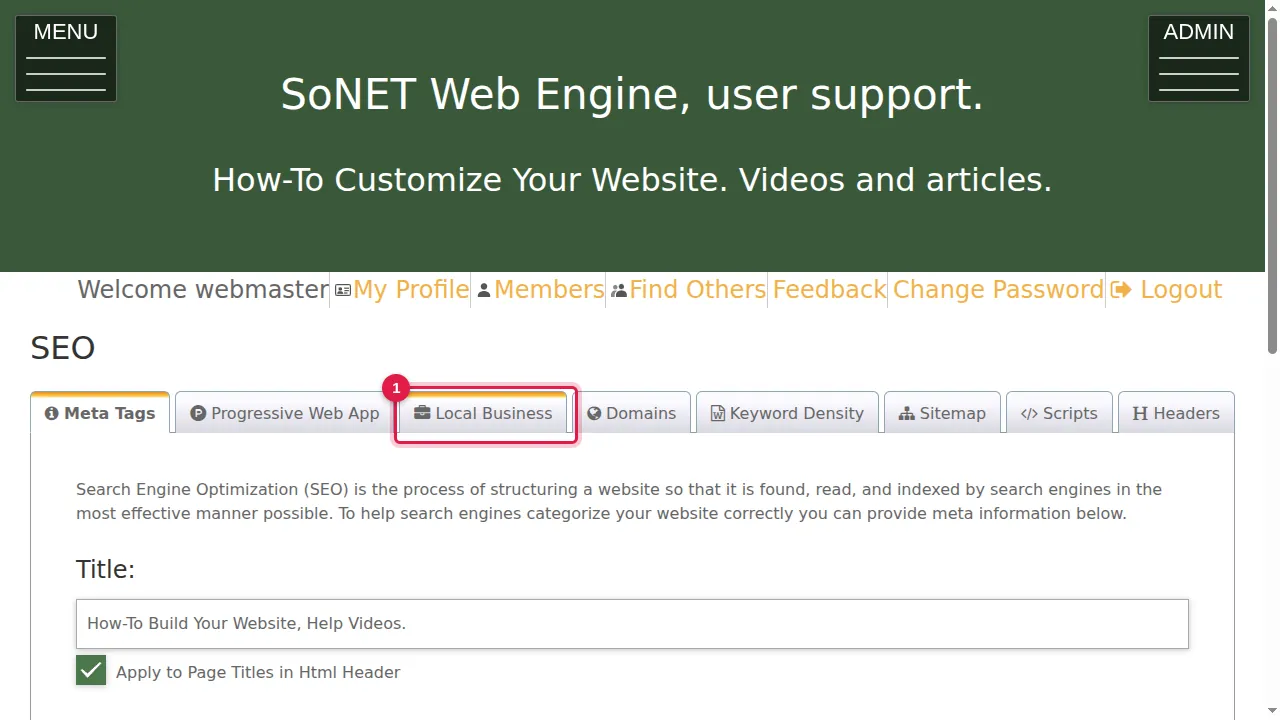
Step 1. Click the Local Business tab. As it says, your site automatically creates structured data for Products, Media and Local Business, which helps search engines understand your pages; here you adjust the Local Business part.
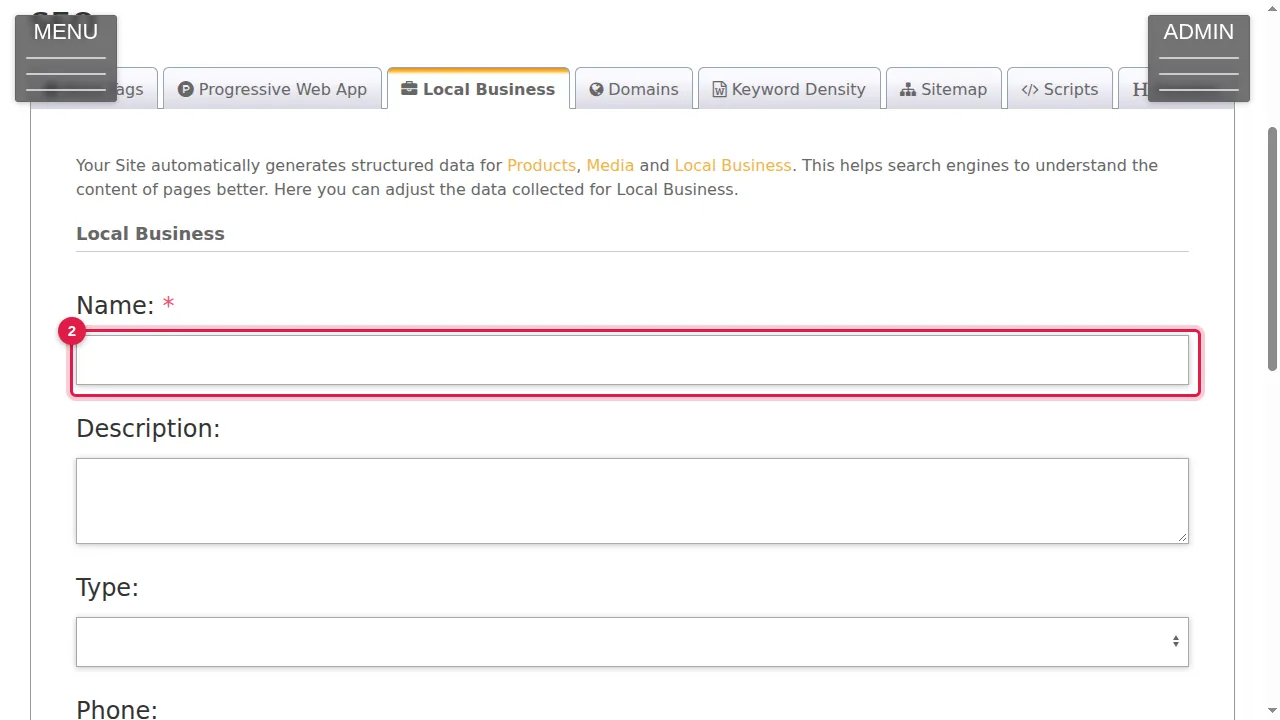
Step 2. Name (required) and Description: your business's name and a few words about it.
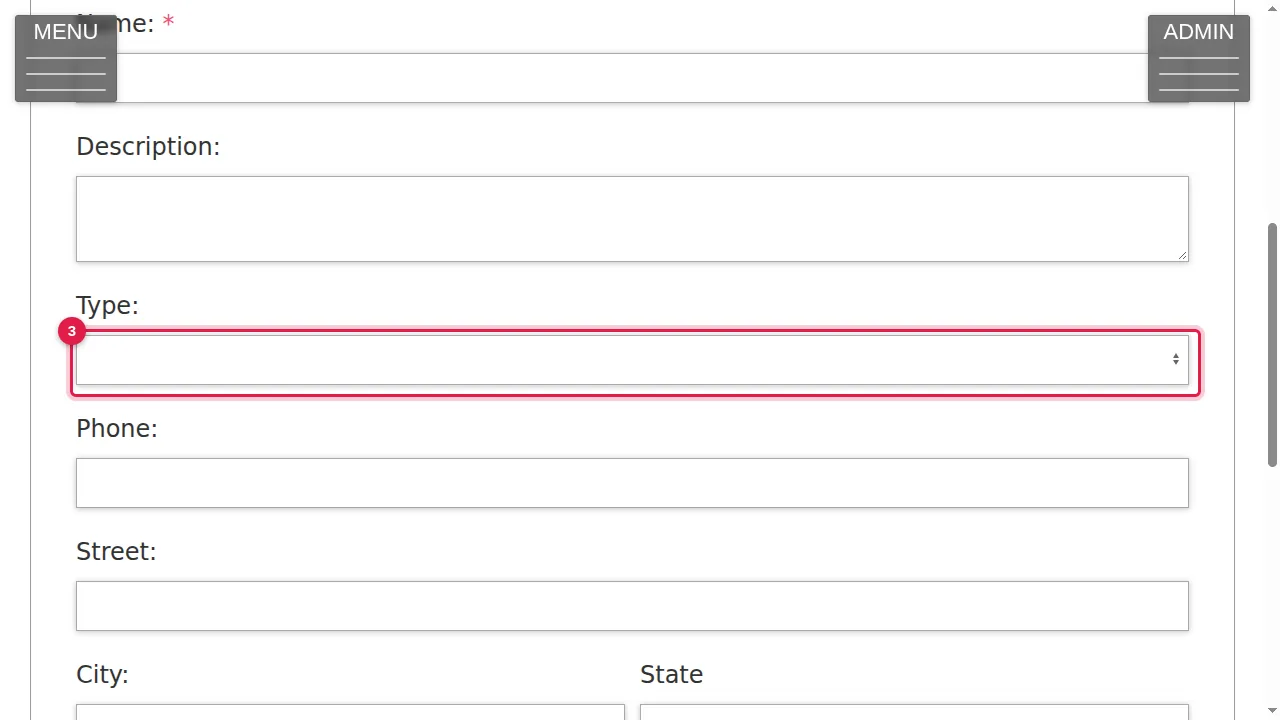
Step 3. Type: the kind of business, chosen from a list of about 30 (Store, Dentist, Travel Agency, Other…).
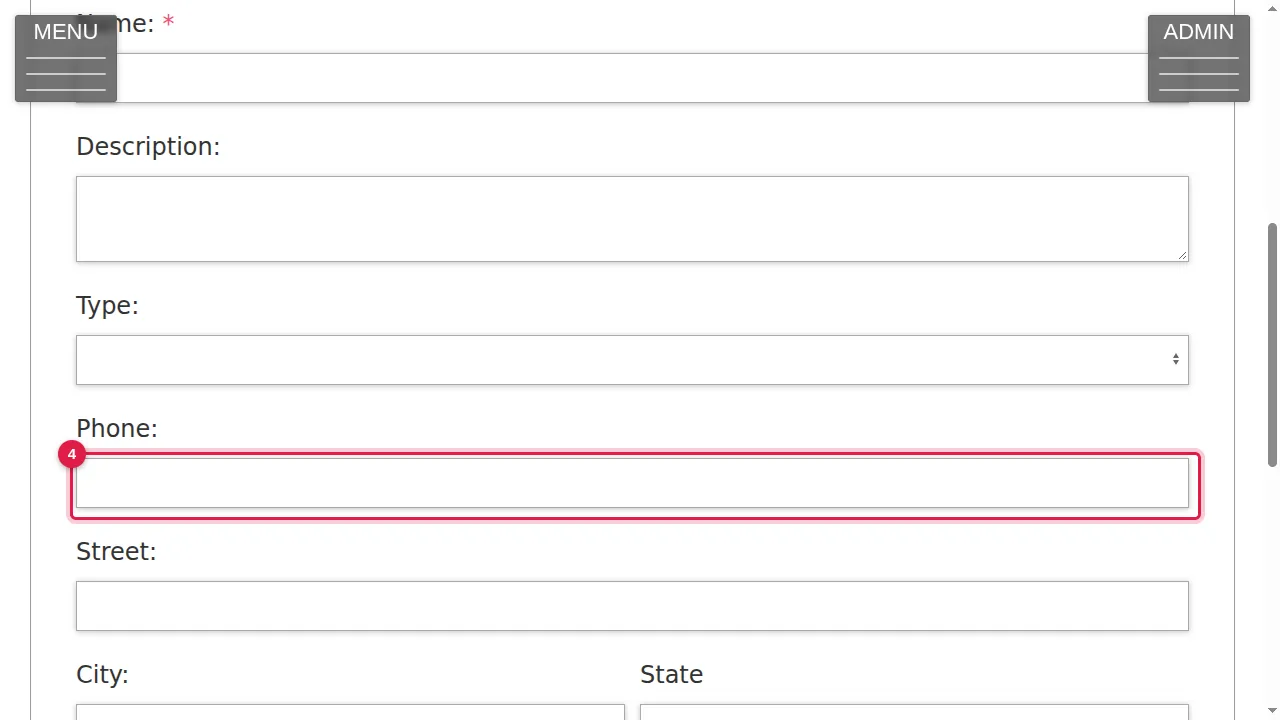
Step 4. Phone, Street, City, State, Zip and Country: how to reach and find you.
Pictures and saving
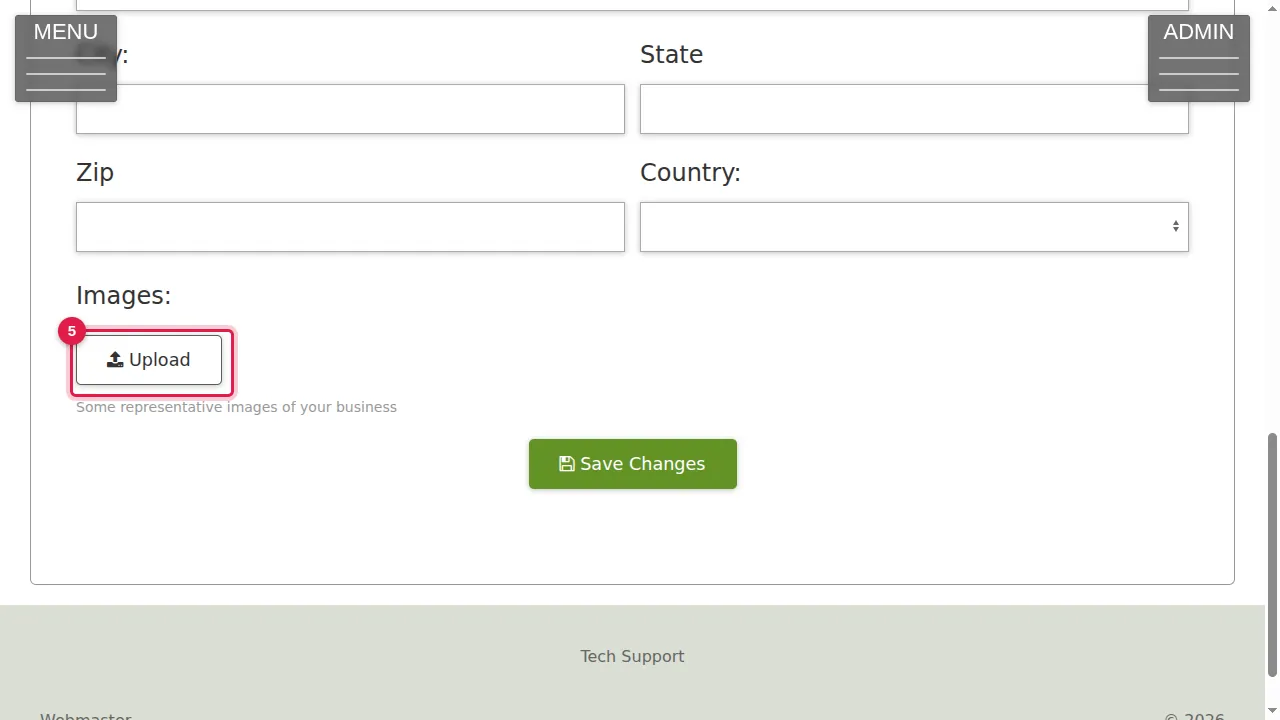
Step 5. Images: Upload some representative pictures of your business.
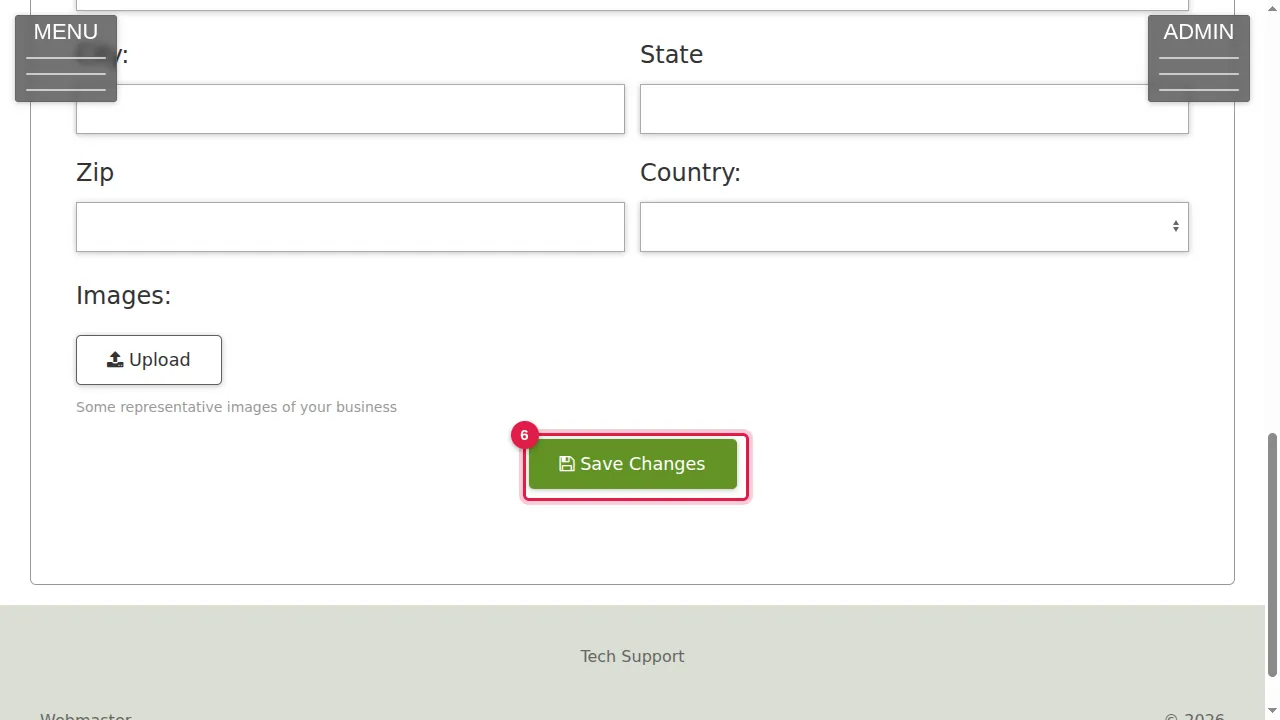
Step 6. Click Save Changes to keep it. (In this demonstration nothing was changed.)
Check it worked
After saving, open the Local Business tab again: your details are kept.
Good to know
- Use exactly the same name, address and phone number as on your other listings.
Related help
Shown on the 2026 version of the SoNET Web Engine. Last checked 22 October 2026. Something different on your screen? Tell us through the Contact page.