Help Center SEO & Search
Keyword density: which words your page uses most
Check which words and phrases a page uses most, the way a search engine reads it, so you can make sure your important words are there.
Watch it done: a short silent video with captions · 1:03. The steps below show the same thing picture by picture.
Before you start
- Log in as the site owner.
- Open ADMIN › SEO.
Choose a page
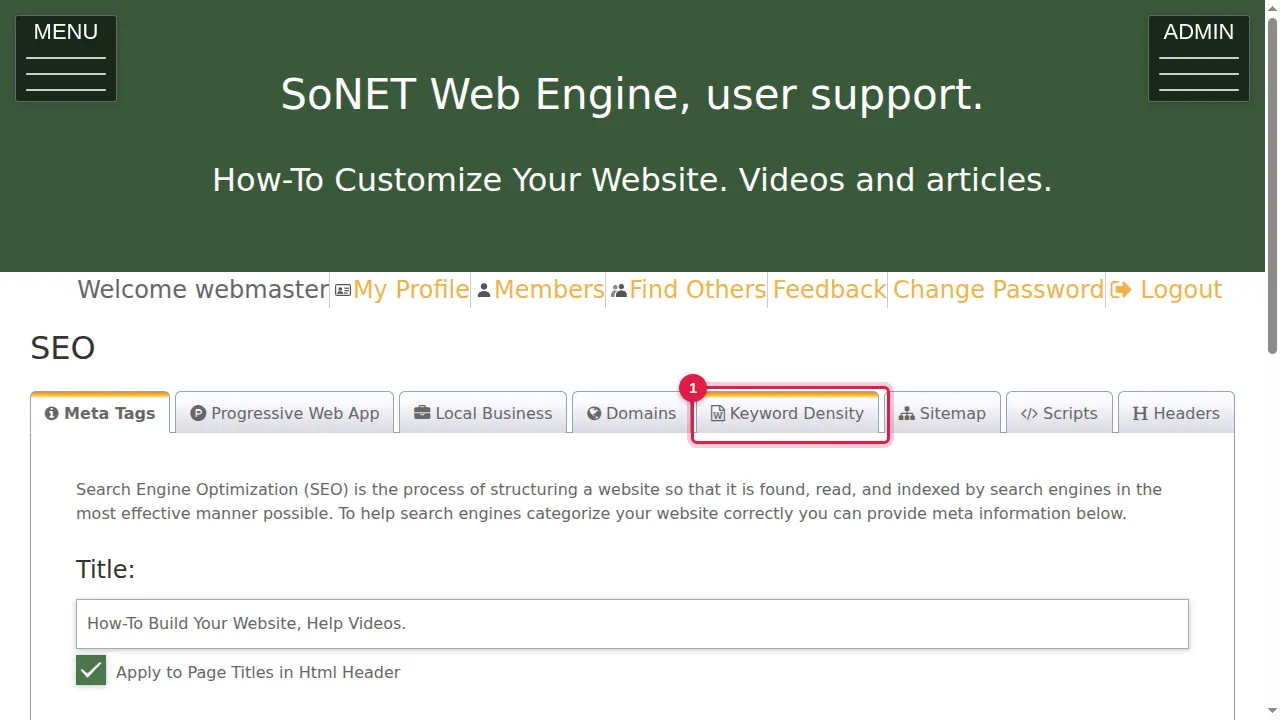
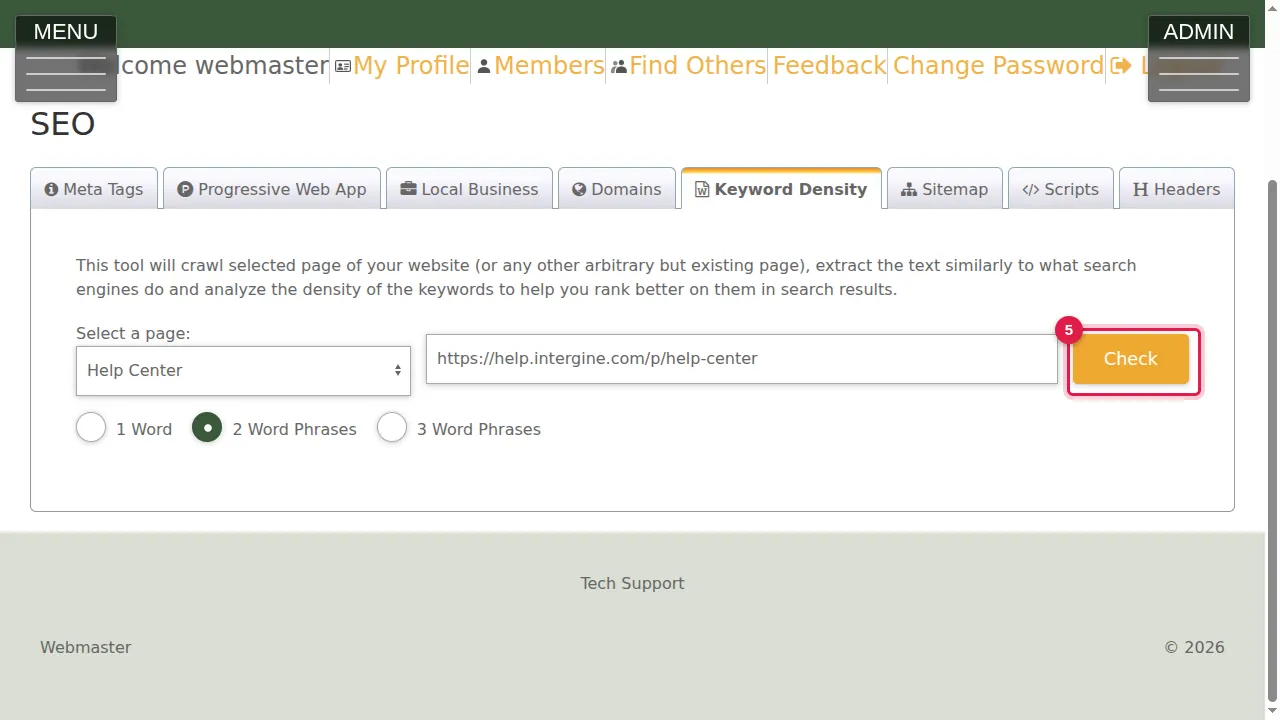
Step 1. Click the Keyword Density tab. The tool reads a page of your site (or any other existing page) the way search engines do and counts its keywords.
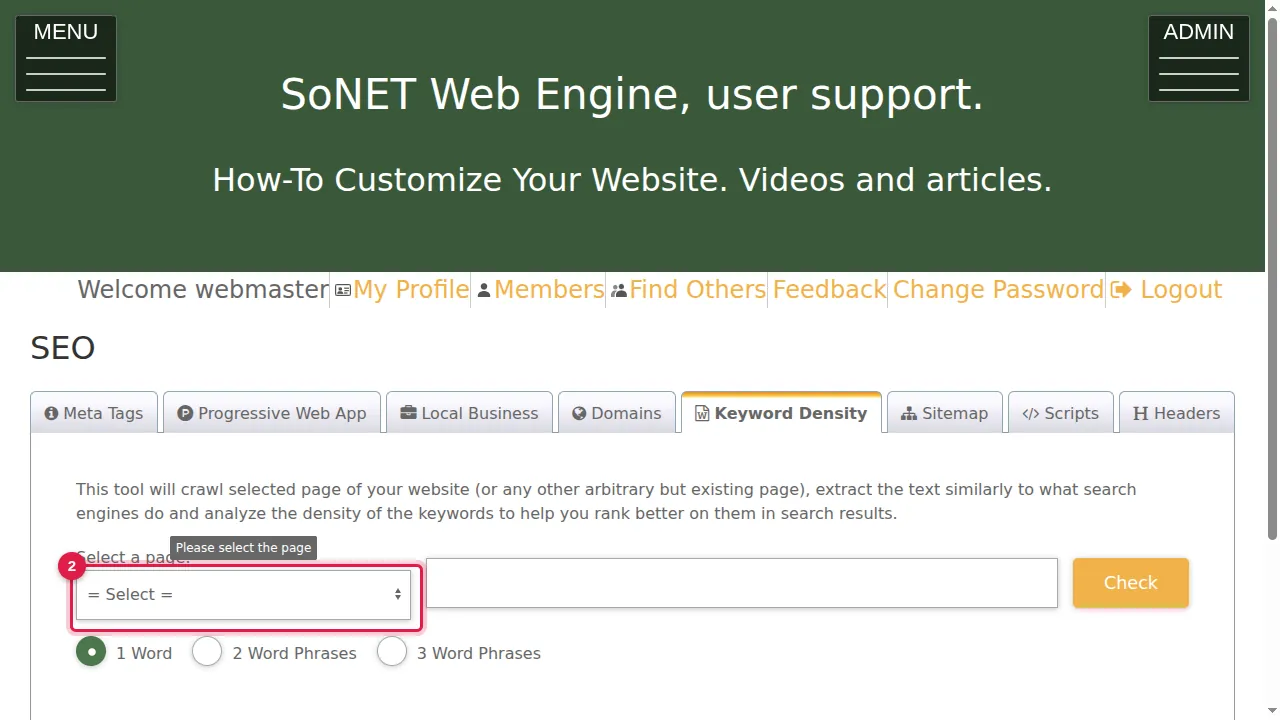
Step 2. Select a page of your site from the list…
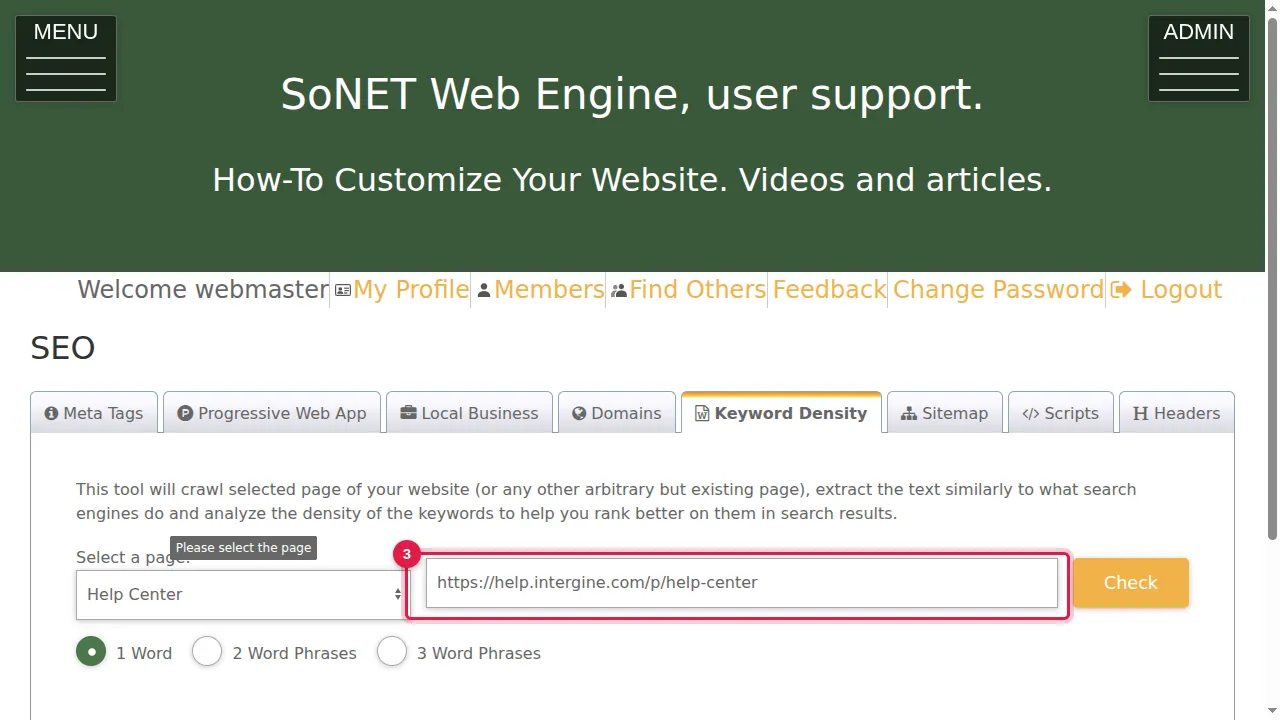
Step 3. …and its address is filled in. You can also type the address of any other page.
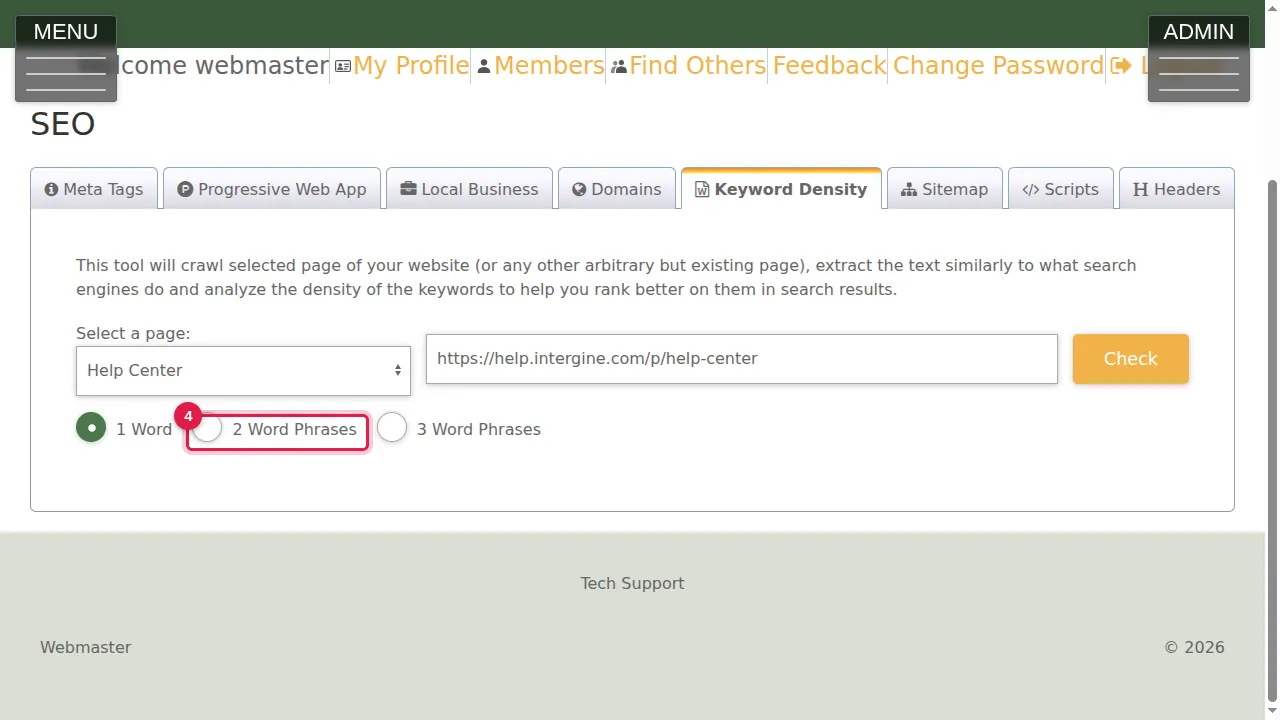
Step 4. Choose what to count: 1 Word, 2 Word Phrases or 3 Word Phrases.
Check it
Step 5. Click Check.
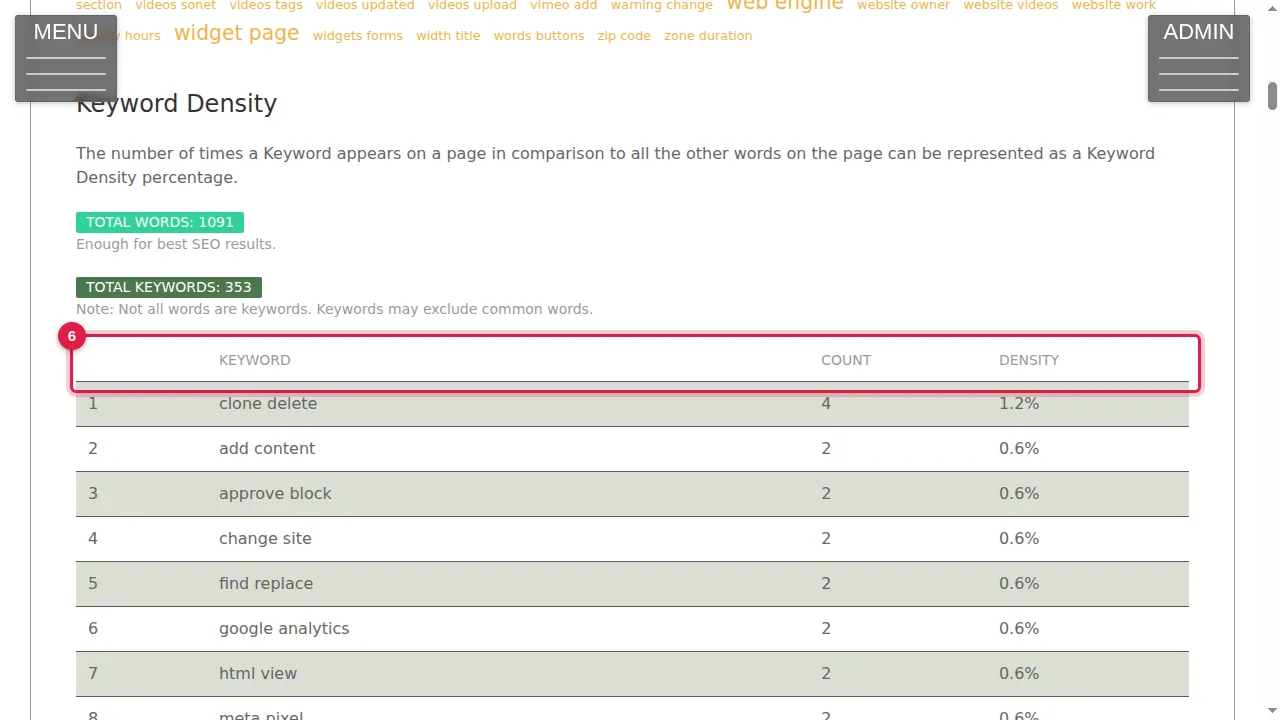
Step 6. The result shows a cloud of the keywords, the TOTAL WORDS on the page (with a note on whether it is enough), the TOTAL KEYWORDS, and a table of every keyword with its COUNT and DENSITY, most frequent first.
Check it worked
Are the words your visitors search for near the top of the list? If not, use them more in the page's text.
Good to know
- Write for people first: repeat your important words naturally, not over and over.
Related help
Shown on the 2026 version of the SoNET Web Engine. Last checked 22 October 2026. Something different on your screen? Tell us through the Contact page.