Help Center SEO & Search
Domains: use your own domain name
Serve your site on your own domain name: point the domain's A-record to the server that hosts your site, then add the domain in ADMIN › SEO › Domains.
Watch it done: a short silent video with captions · 0:57. The steps below show the same thing picture by picture.
Before you start
- Log in as the site owner.
- Own a domain name and have access to its DNS settings.
- Open ADMIN › SEO.
Before you add a domain
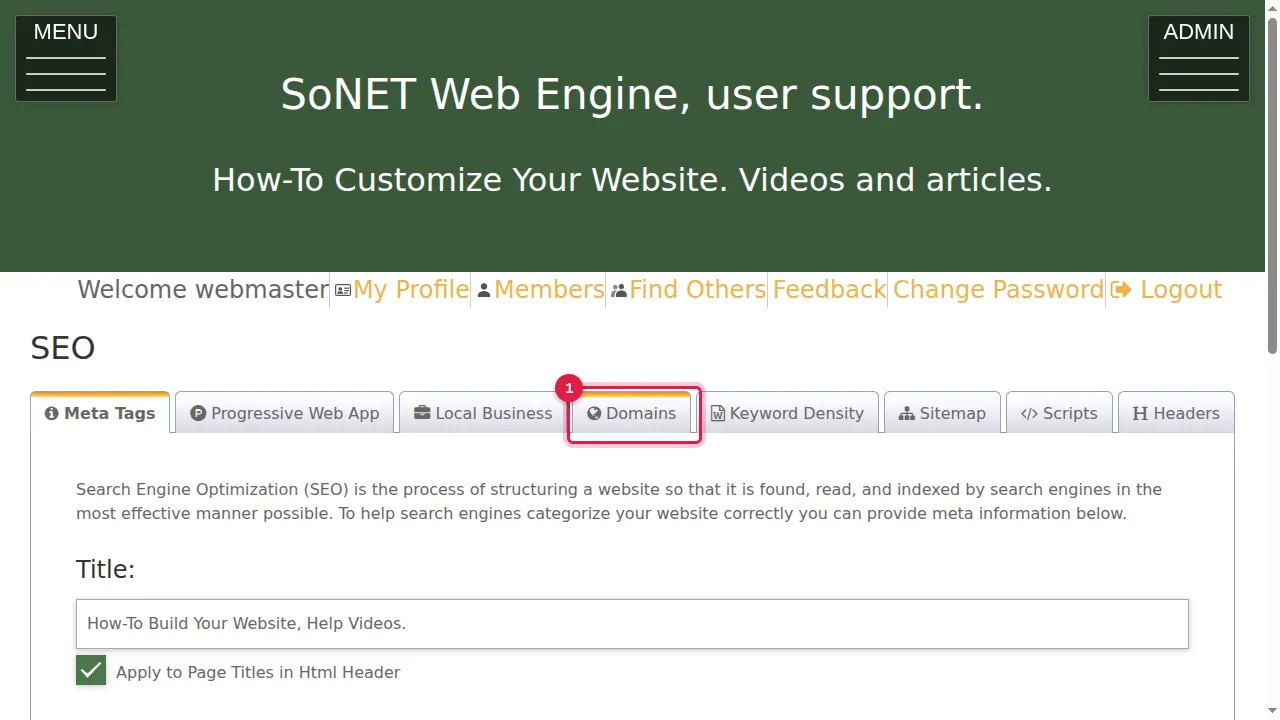
Step 1. Click the Domains tab.
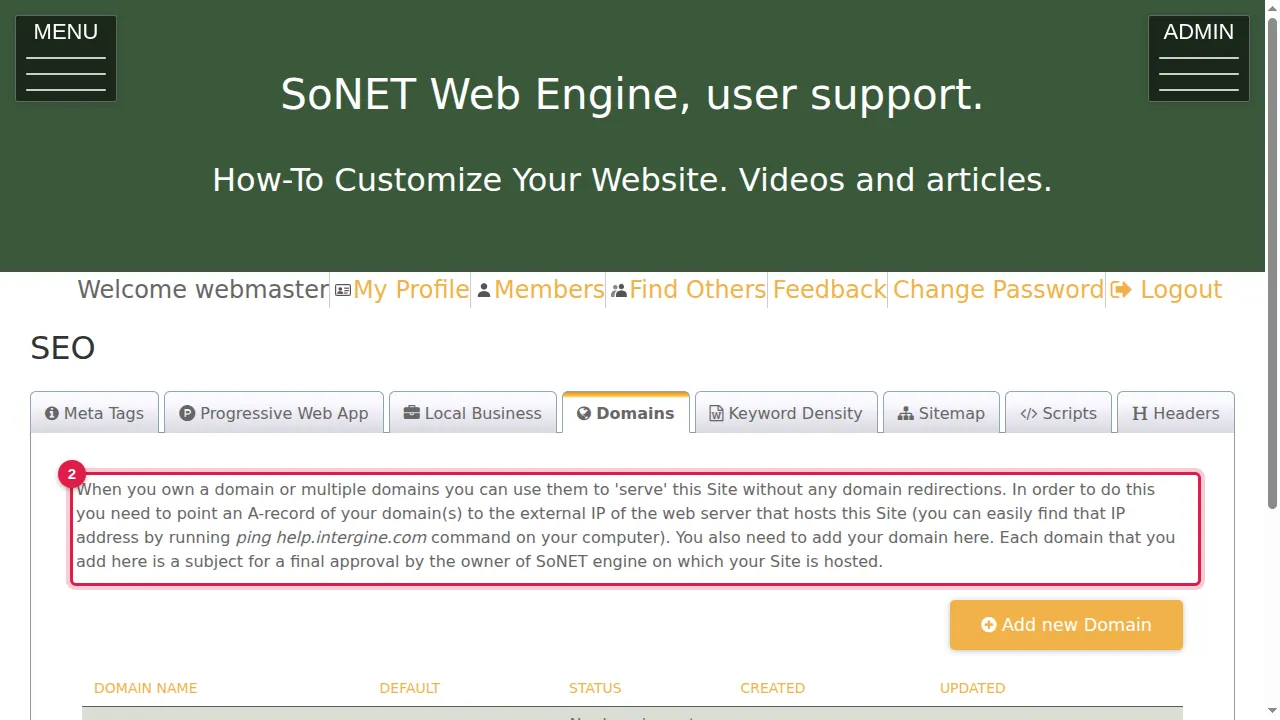
Step 2. When you own one or more domains, you can use them to serve this site without redirections. First point an A-record of your domain to the external IP address of the server that hosts your site. (To find that address, run ping with your site's address, for example ping help.intergine.com, on your computer.)
Add the domain
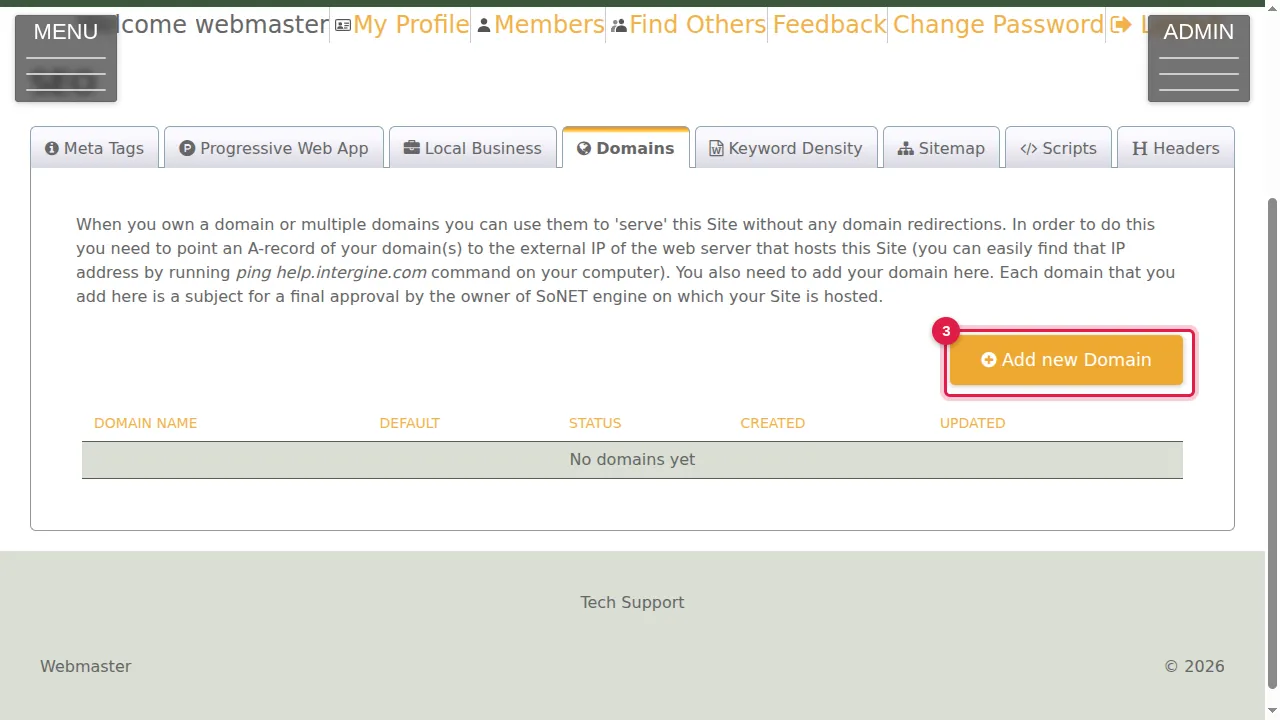
Step 3. Then click Add new Domain.
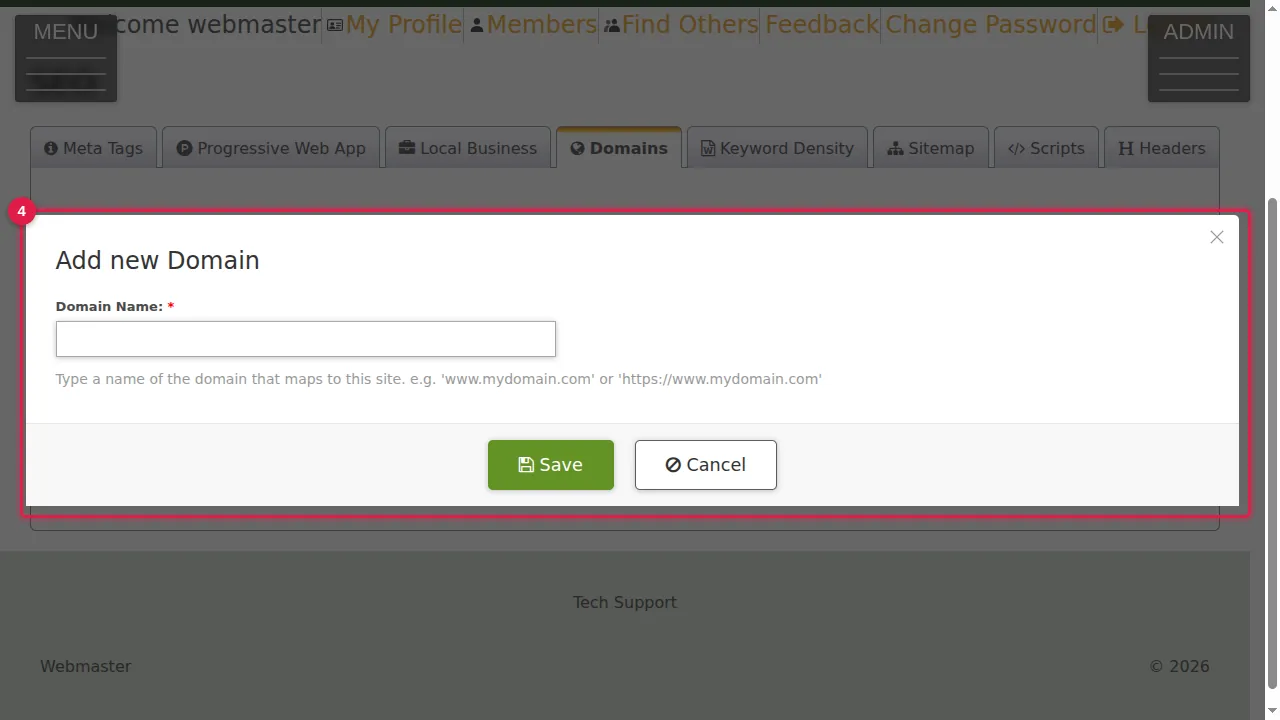
Step 4. Type the Domain Name (required): the domain that points to this site, for example www.mydomain.com or https://www.mydomain.com. Click Save. (Cancelled in this demonstration.)
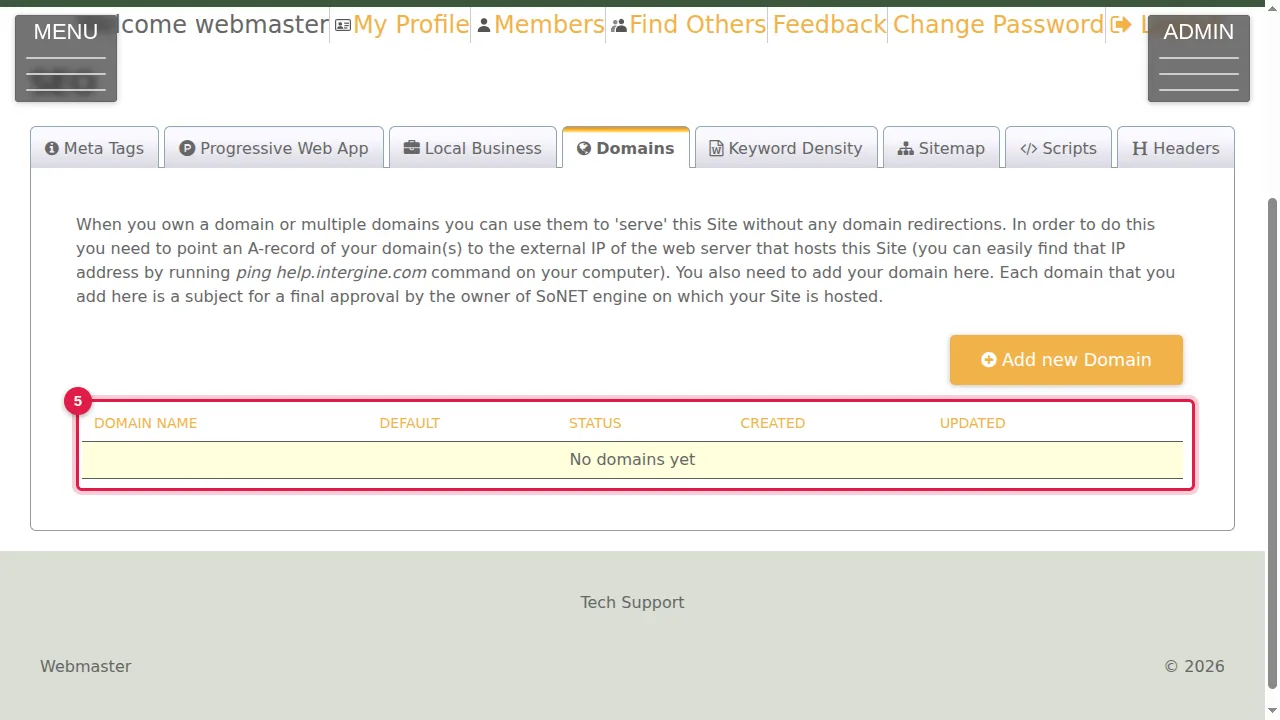
Step 5. Your domains are listed here with DEFAULT, STATUS, CREATED and UPDATED. Each domain you add has to be approved by the owner of the SoNET engine that hosts your site.
Check it worked
Once the domain is approved, open it in your browser: your site should appear.
Good to know
- DNS changes can take a while to reach everyone. If the domain does not work at once, wait and try again later.
Related help
Shown on the 2026 version of the SoNET Web Engine. Last checked 22 October 2026. Something different on your screen? Tell us through the Contact page.