Help Center Popups & Announcements
Announcements: tell the world
Post a short public announcement (up to 256 characters). Announcements are shown on the front page of Intergine, so they are a way to get your website noticed.
Watch it done: a short silent video with captions · 0:36. The steps below show the same thing picture by picture.
Before you start
- Log in as the site owner.
- Open ADMIN › Advertising.
Post an announcement
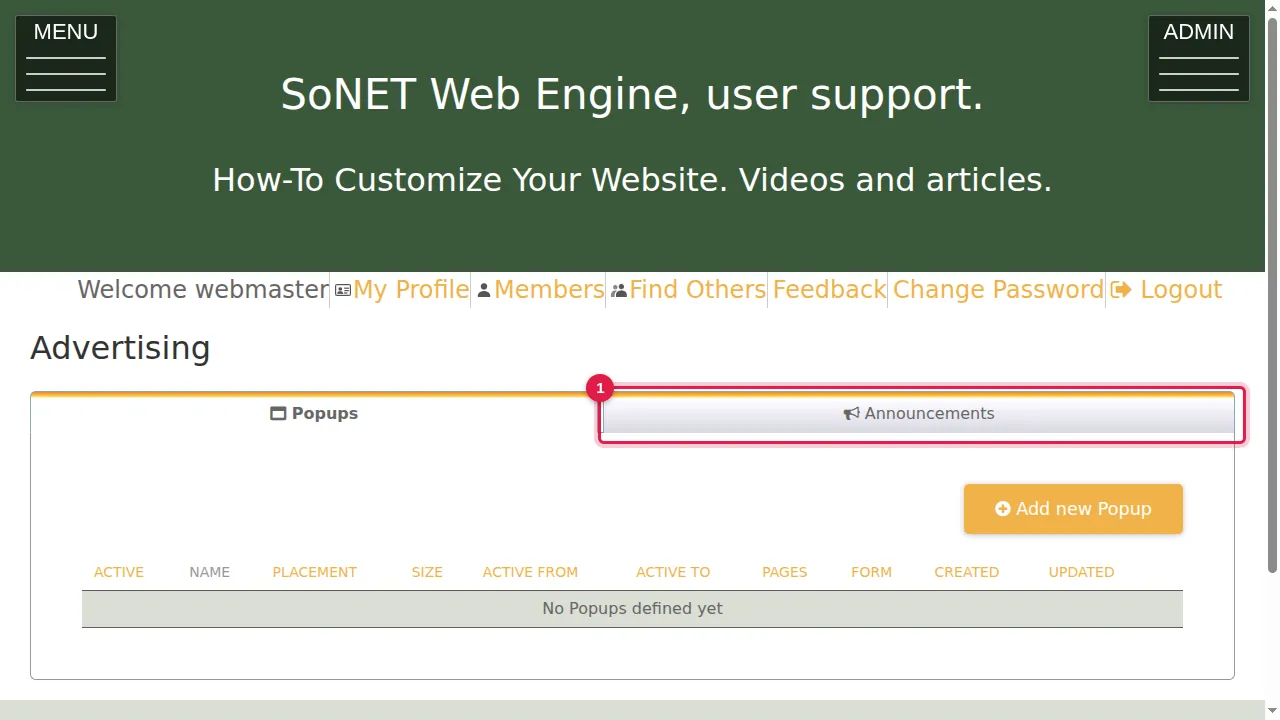
Step 1. Click the Announcements tab.
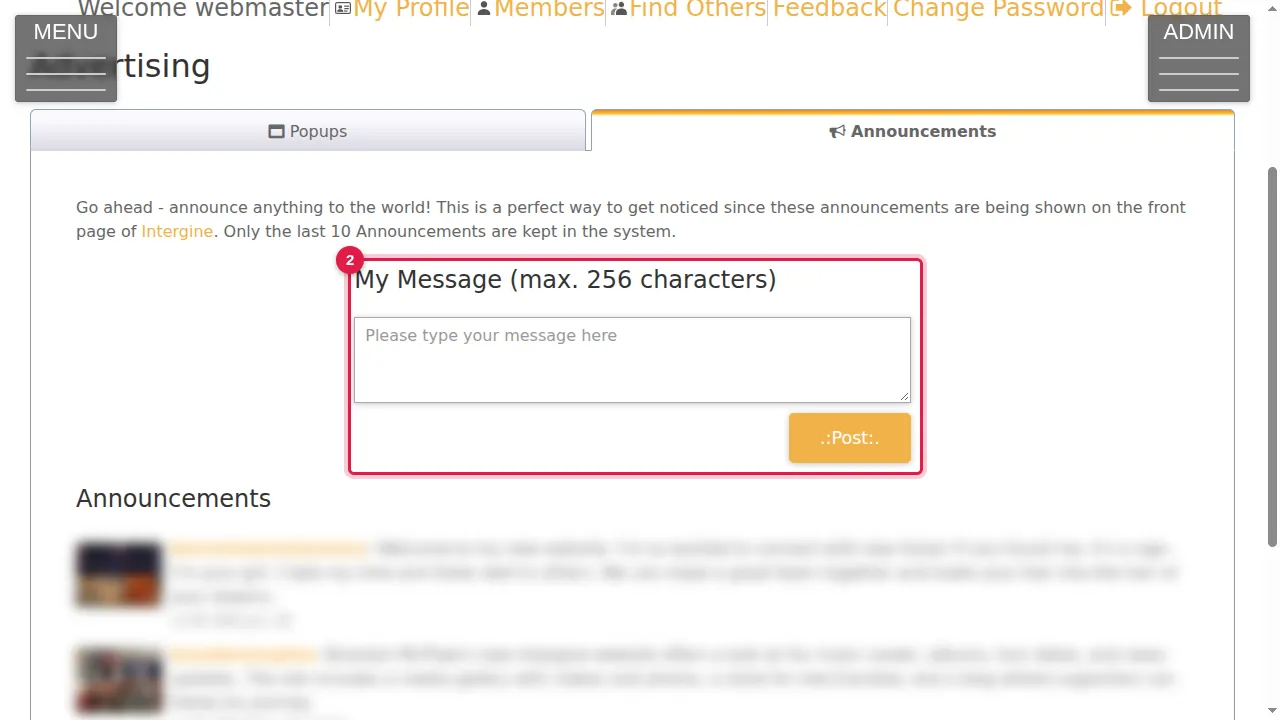
Step 2. As the page says: announce anything to the world. Announcements are shown on the front page of Intergine, and only the last 10 are kept. Type your message under My Message (max. 256 characters).
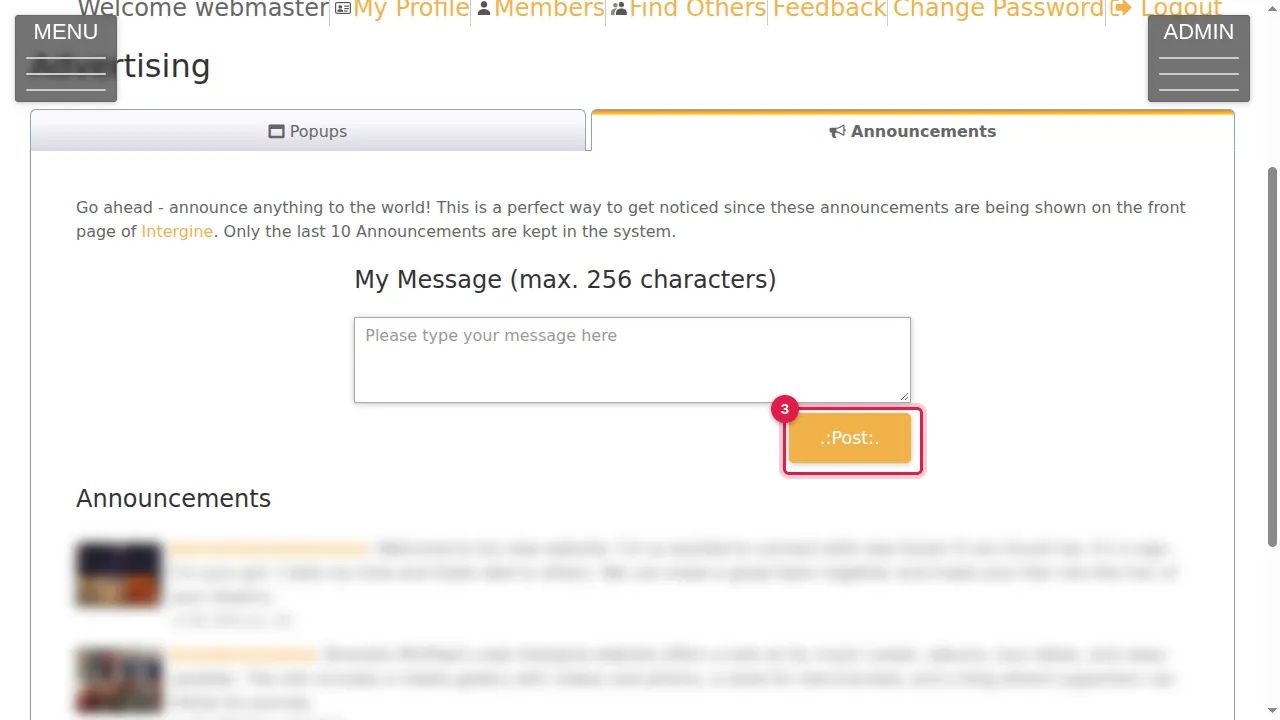
Step 3. Click Post to publish it. (Not pressed in this demonstration.)
The latest announcements
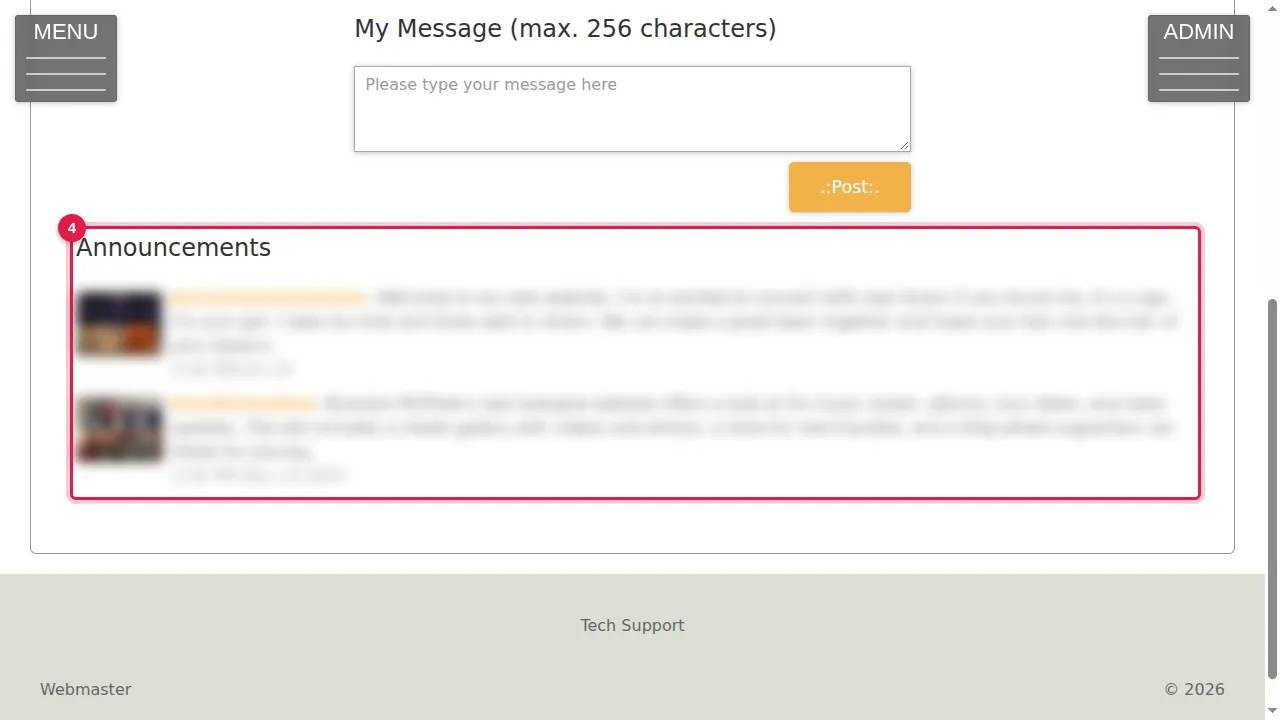
Step 4. Announcements lists the latest announcements, with the website that posted each one and when. (Blurred in these pictures.)
Check it worked
After posting, your announcement appears at the top of the Announcements list.
Good to know
- Write it for strangers: say what your website offers and why they should visit. It is public as soon as you click Post.
Related help
Shown on the 2026 version of the SoNET Web Engine. Last checked 21 October 2026. Something different on your screen? Tell us through the Contact page.